The Benefits of Sharing Product Updates With a Changelog
Updated 2026-05-18. A changelog is often treated like a release-notes drawer: useful when someone asks what shipped, ignored the rest of the time. That undersells it. For a SaaS team, agency tool, plugin, course platform, or marketplace, a changelog is a lightweight customer communication system. It explains what changed, why it matters, who should care, and where users can respond before the next cycle begins.
FeaturAsk’s angle is simple: a changelog works best when it is connected to feedback. Updates are not the end of the conversation. They are a proof point that customers were heard, a cue for silent users to try a feature, and a fresh chance to collect sharper requests.
Release notes work better when they are connected to strategy and customer education, so this guide checks the advice against two practical references: Atlassian’s roadmap material on connecting goals, work, and stakeholders https://www.atlassian.com/agile/product-management/product-roadmaps, plus Intercom’s product education archive on announcements that teach instead of merely broadcast https://www.intercom.com/blog/.
If you want that loop without a heavy product suite, start FeaturAsk with one month free, no credit card required and turn scattered feedback into visible votes, comments, and roadmap evidence. The simple annual price is $29.95/year.
Quick answer
A changelog is more than a dated list of shipped items. For a small product team, it is the public memory of what changed, why it mattered, and what customers should try next. The best entries translate engineering output into customer outcomes, then point readers back toward the feedback loop that shaped the release.
For related FeaturAsk reading, see our guide to announcing product updates, our breakdown of public roadmap strategy, and the data-oriented notes in SaaS growth benchmarks.
What a changelog should do now
-
Show users that the product is alive without forcing them to read a long release note.
-
Translate engineering work into user benefit: faster setup, clearer reports, fewer support tickets, or a workflow that now takes two clicks.
-
Create a permanent public record that sales, success, and support can link to when questions repeat.
-
Invite feedback on what shipped so the team learns whether the update solved the real problem.
Keep the takeaway visible as a short status note, so later debates start from evidence instead of memory.
Why changelogs build trust
-
Trust comes from visible follow-through. When customers vote on a request and later see it marked as shipped, the product feels responsive rather than mysterious.
-
A public update trail lowers churn risk because inactive users can see momentum even when they have not logged in recently.
-
Changelogs also protect the team from “nothing ever changes” complaints by making small improvements visible.
Pair the checklist with one saved customer quote or screenshot; that proof keeps the work anchored to a real situation.
A practical update format
-
Start with the customer problem, not the internal ticket number.
-
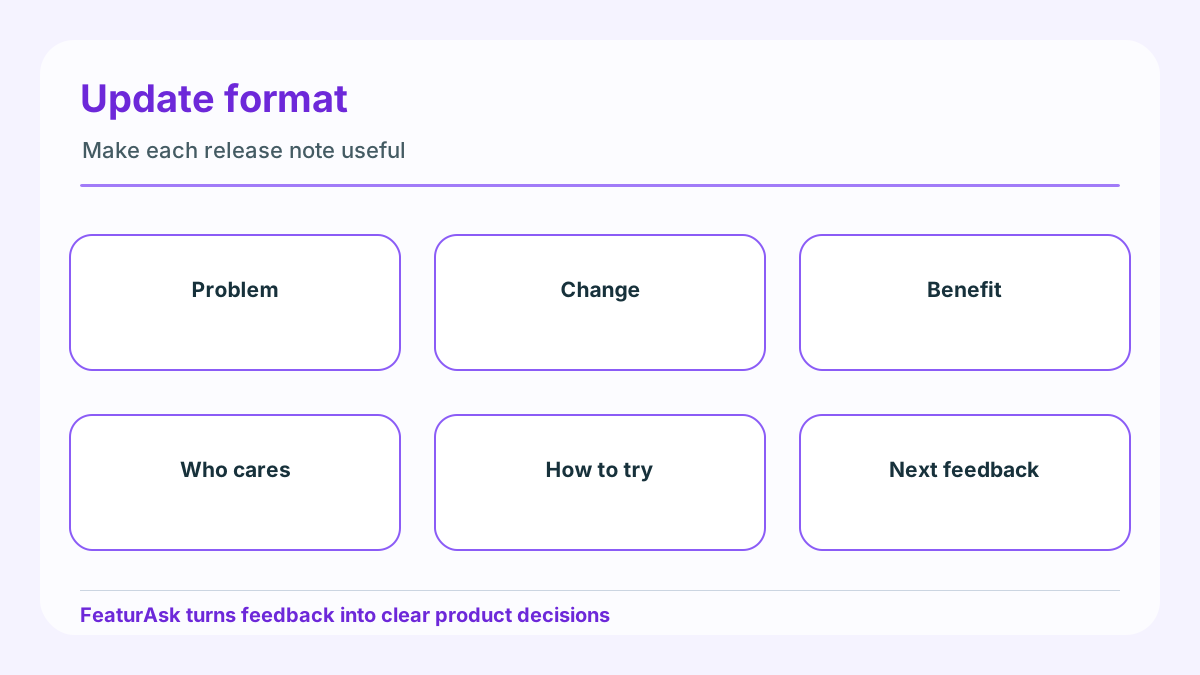
Use a short “what changed” paragraph, then a “why it matters” paragraph, then a “try it now” instruction.
-
Add one screenshot, GIF, or diagram only when it clarifies the change.
-
Tag the update by audience or module so people can find relevant changes later.
Record the decision rule next to the item, especially when the team chooses not to build a popular request immediately.
For small teams, FeaturAsk keeps feedback intake, voting, moderation, and prioritization lightweight at $29.95/year after the first month free with no credit card.
Where teams go wrong
-
They publish every merge as if users care about implementation detail.
-
They write vague update titles like “improvements” instead of naming the workflow that improved.
-
They announce features without linking back to feedback, votes, or next steps.
-
They batch too many changes into one wall of text and make the useful part hard to find.
Add an owner and review date so useful ideas do not become permanent maybe-later clutter.
You can also connect this habit to B2B SaaS sales signals when revenue teams need a cleaner way to explain demand, or to the SaaS product management reading list when the product team wants deeper frameworks without turning every request into a theory exercise.
How FeaturAsk keeps updates tied to demand
-
Collect requests in a widget, let users vote, and use the dashboard to see which requests have evidence behind them.
-
When you ship, reference the original request theme and ask users to confirm whether the fix is complete.
-
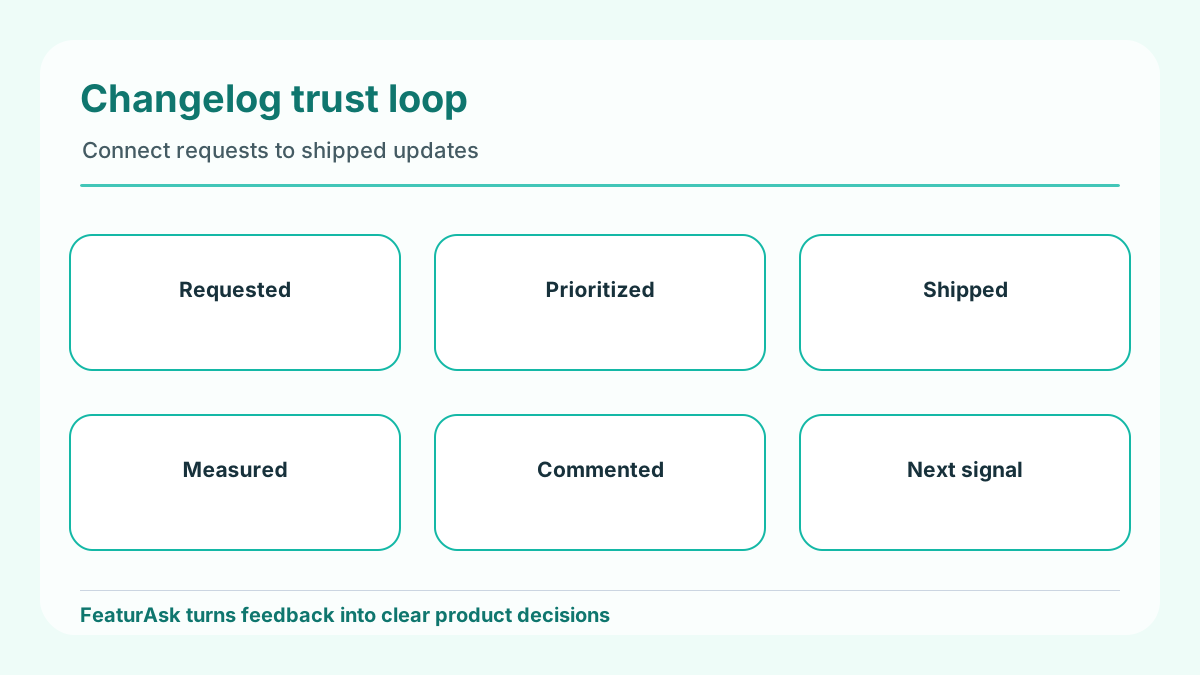
Use the changelog as a compact trust loop: requested, prioritized, shipped, measured.
Close the loop publicly when the item ships, changes direction, or gets archived.
Changelog quality checklist
Before publishing an update, check whether the title names the changed workflow, the first paragraph explains user value, the body says who is affected, and the ending asks for the next useful response. If the update cannot pass that checklist, it is probably an internal release note rather than a customer-facing changelog entry.
A simple workflow you can reuse
-
Capture every request in one visible place instead of letting email, support chat, calls, and internal notes compete.
-
Merge duplicates quickly so popularity reflects the problem, not the number of channels where it was mentioned.
-
Tag the request by product area, customer type, and urgency before debating priority.
-
Compare impact with effort and risk, then write the reason for the decision in one paragraph.
-
Publish status changes when work moves, ships, or gets declined so customers see the loop closing.
Keep the release loop deliberately lightweight: one intake source, one decision note, one published update, and one follow-up review. That is enough to show how customer requests became shipped work without forcing the team to maintain a separate communications machine.
Product-update playbook for the next release
A strong changelog entry starts before the release is finished. During planning, keep the customer request, vote count, and problem statement attached to the work. During build, collect one screenshot or short explanation that shows the change in customer language. During release, publish a short update that says what changed, who benefits, and what users should try next. After release, watch comments and support tickets for confusion. If people still ask how to use the feature, the changelog did not finish the job.
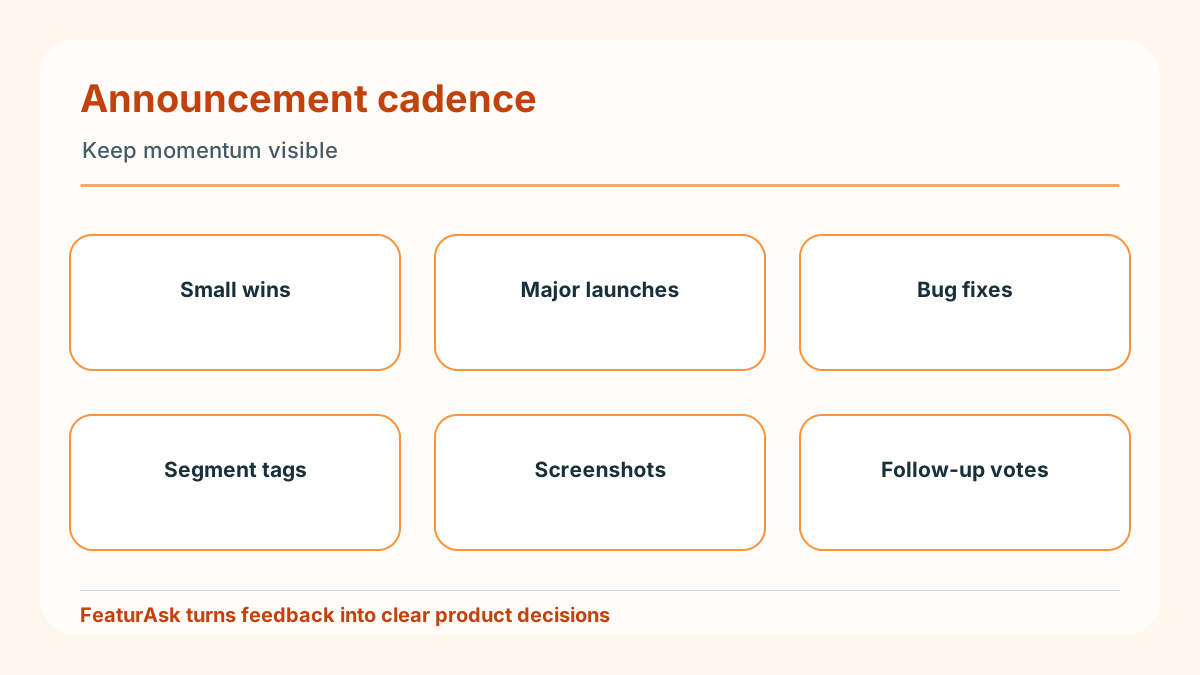
Segment updates when the audience differs. A security fix, admin workflow, mobile improvement, and reporting enhancement should not all be squeezed into the same generic paragraph. Give each group enough context to understand whether the change matters to them. If the update came from user feedback, say so without exposing private customer details. That visible loop is what turns a changelog from a broadcast channel into a trust asset.
The cadence should match actual momentum. Weekly updates are useful only if there is meaningful work to share. Monthly updates can work if they are specific and easy to scan. The worst cadence is irregular silence followed by a giant summary that nobody reads. Smaller, clearer entries help users see progress and help your own team remember why work was prioritized.
Turn one release into a feedback loop
A changelog is strongest when every entry has a job after publication. Do not stop at “we shipped X.” Add a small prompt that helps users respond with better evidence: try the new export and tell us whether it saves a reporting step, test the mobile layout and report where it still feels cramped, or vote on the next integration if this release solved the first part of the workflow. The prompt should be narrow enough that customers know what useful feedback looks like.
For a small SaaS team, this turns the changelog into a low-cost research surface. Support can link customers to the exact update instead of rewriting the same explanation. Sales can show prospects that requested improvements are not disappearing. Product can compare post-launch comments with the original request to learn whether the team solved the core problem or merely shipped a visible artifact.
The best update entries also preserve context. If a feature came from a cluster of requests, say that the team heard repeated demand for faster reporting or clearer admin controls. Avoid naming private customers unless you have permission. The point is to show a pattern, not to expose anyone. A simple FeaturAsk board can hold the original requests, votes, and comments; the changelog can then summarize the decision in public language.
What to measure after publishing
Measure three things after a changelog entry goes live. First, watch behavior: feature adoption, repeated visits to the updated screen, task completion, or fewer setup questions. Second, watch conversation: comments, new votes, support replies, or sales objections that mention the update. Third, watch confidence: trial conversion, renewal conversations, or fewer “is this product active?” questions from buyers.
Those measures do not need an enterprise analytics stack. A lightweight dashboard, support tags, and a short weekly review are enough for many teams. The important part is connecting the update to a decision. If adoption is strong, promote the workflow in onboarding. If comments reveal confusion, add documentation or improve the interface. If the update gets no attention, inspect whether the problem was low priority, poorly communicated, or hidden from the right users.
Changelog metrics should not punish every quiet release. Some infrastructure work matters because it prevents future pain. Still, customer-facing updates deserve a learning step. When you publish a post about a voted request, invite the voters back into the loop and ask whether the release changed their day-to-day work. That is how a changelog becomes product discovery instead of a museum of shipped tickets.
Editorial rules for clearer entries
Use a repeatable entry format, but not a repeatable article ending. A good changelog entry can follow this pattern: customer problem, visible change, who benefits, how to try it, what happens next. Keep engineering labels out of the headline unless users already know the term. “Faster invoice export for finance teams” is clearer than “CSV pipeline improvements.”
Write in release-sized chunks. If ten small fixes all support the same workflow, group them under that workflow and explain the combined benefit. If three updates affect different audiences, split them so each reader can scan only the relevant item. Use images sparingly; one annotated screenshot often beats a gallery of interface fragments.
Before publishing, ask whether the entry can be understood by someone who missed the planning conversation. If not, add the missing context. Changelogs are often read by people outside the build team: new users, returning customers, buyers, support agents, and stakeholders checking whether the product is moving. Plain language makes the update reusable across all of those situations.
Questions teams ask about changelogs
Should a changelog include requests that were declined?
Not as normal release entries, but declined items should still receive clear status updates where the request was collected. A short explanation builds trust when it names the trade-off: the team chose reliability work first, the request served too few users, or the problem will be handled another way.
How can a tiny team maintain the habit?
Batch the editorial work. During the week, save notes beside the request or ticket. On release day, turn those notes into a customer-facing paragraph. A 20-minute routine is more sustainable than a quarterly catch-up that tries to reconstruct every decision from memory.
Where should feedback after an update go?
Send it to the same place where requests are reviewed, not to a private inbox that only one person reads. FeaturAsk gives small teams a simple widget, voting, moderation, and analytics for $29.95/year after a one month free trial with no credit card required, so the response to a changelog entry can become prioritization evidence instead of another scattered comment.
Conclusion
A useful changelog is not a trophy case for releases. It is a compact trust system: customers see progress, teams explain trade-offs, and new feedback arrives while the problem is still fresh. Keep entries specific, connect them to demand, measure whether the change helped, and close the loop in language customers can repeat. That rhythm gives small teams a credible product story without buying a heavy announcement suite.