Free Website Feedback Widget: What Free Should Include
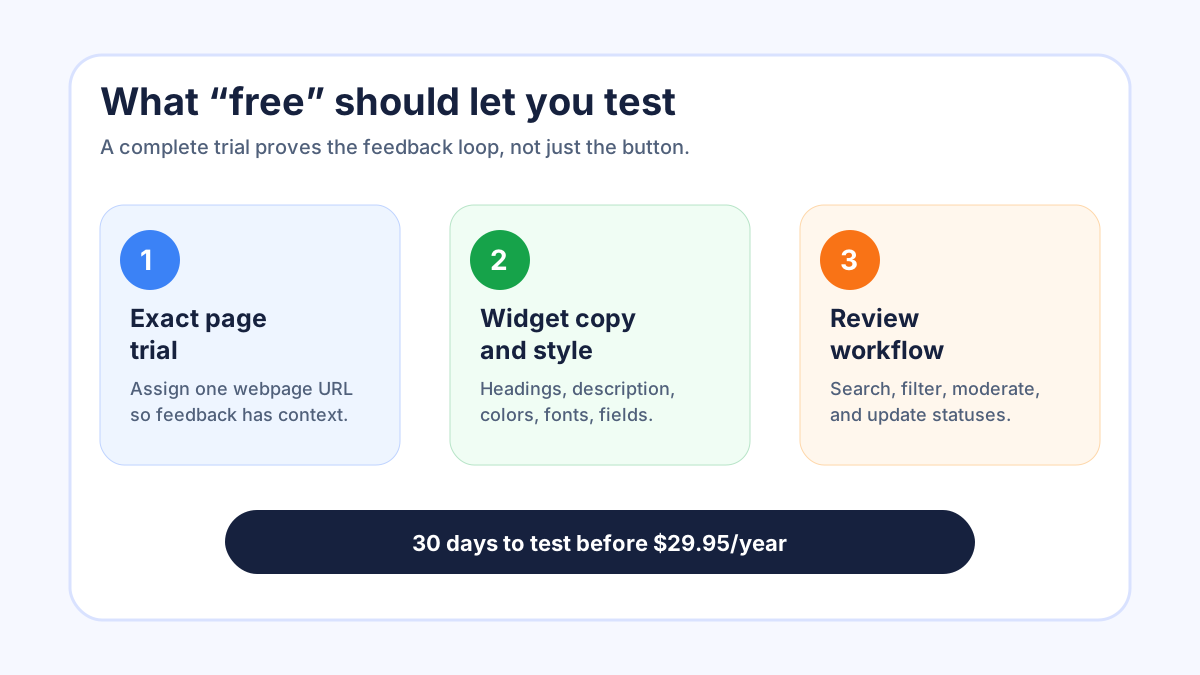
A free website feedback widget should do more than collect a few random comments. It should let you test the whole loop: where the widget appears, what visitors can submit, how cleanly you review requests, and whether public statuses make people feel heard. If the free period only shows a form but hides the operating work, it is not a useful trial. You need enough time to learn whether the widget fits your site and your team.
At FeaturAsk, we built our trial around that idea. You can start with a 30-day no-credit-card trial, set up a widget for one exact webpage URL, paste the generated code into that page body, and see how the board behaves with real feedback before deciding whether to continue at $29.95/year. If that simple setup sounds like the kind of free test you want, you can start at FeaturAsk and evaluate the full loop instead of guessing from screenshots.
Why a free feedback widget should test behavior, not just design
The most common mistake with a free feedback widget is treating it like a visual accessory. A button looks nice, a modal opens, and the owner says the site now has feedback. But the useful question is not whether the widget appears. The useful question is whether visitors understand what to send, whether the owner can review it quickly, and whether the public board becomes clearer over time.
A real trial should help you answer practical questions. Does the heading make visitors write product ideas, website issues, or general complaints? Does the description explain what belongs in the form? Are optional fields helping, or are they making people hesitate? When a request comes in, can you search it, filter by status, open the details, read comments, and decide what to do next without creating a spreadsheet?
Free should mean you can test the habit. If you only install the widget for an afternoon, you may learn that it loads. If you leave it in place for a few weeks, you learn whether visitors click it when they actually have something to say. That is why a 30-day trial matters: it gives enough time for a normal traffic pattern, a few real submissions, and one or two review cycles.
Start with one exact page, not the whole website
A free website feedback widget works best when the first test is specific. Put it on one exact webpage URL where feedback would naturally be useful. That might be a pricing page, a docs page, a product landing page, or a customer portal page. The point is to keep the context tight enough that the feedback has a clear meaning.
FeaturAsk subscriptions are tied to the exact assigned webpage URL. That means the generated widget code and the page URL need to match. After you set up the website subscription, you paste the generated widget code into the body of that specific page. This is not busywork. It protects the trial from becoming vague. If the widget is installed on a docs page, visitors are likely reacting to the docs. If it is installed on a pricing page, the feedback is probably about packaging, clarity, or missing comparison details.
This exact-page model also helps a small team keep ownership clear. Instead of asking “who owns website feedback?” you can ask “who owns feedback from this page?” That makes it easier to review requests, update statuses, and decide what copy to adjust.
What the free setup should let you customize
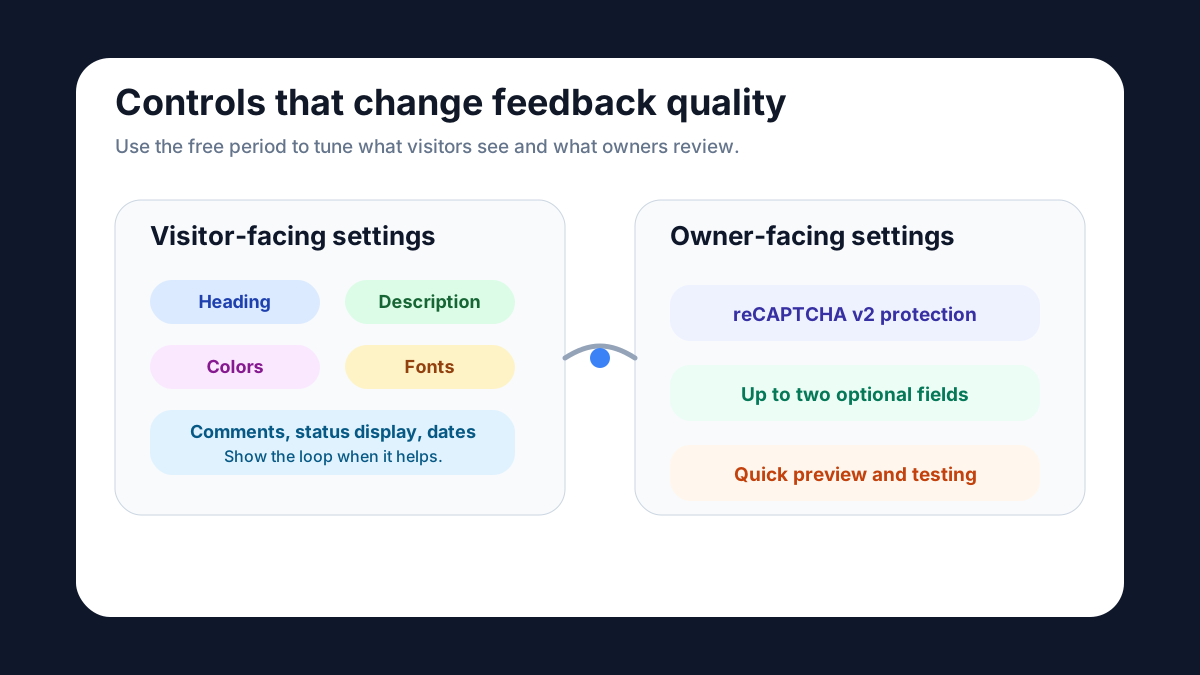
A trial is only useful if you can make the widget feel like it belongs on your site. The basics matter: headings, description, colors, fonts, comments, reCAPTCHA v2, status display, request date display, and up to two optional fields. These controls are not decoration. They shape the quality of the feedback you receive.
The heading tells visitors what kind of input you want. A broad heading such as “Share feedback” can work on a general page, but a more specific heading such as “Suggest a docs improvement” usually produces clearer requests. The description sets expectations. It can explain that visitors should send product ideas, page confusion, missing information, or improvement suggestions.
Colors and fonts help the widget fit the page without pretending the widget is the main content. Comments are useful when you want visitors to discuss an idea or when you may ask clarifying questions. Status and date display help people see whether the board is alive. reCAPTCHA v2 helps keep the form protected from low-quality automated submissions. Optional fields are best used sparingly. If one extra question will change how you respond, add it. If not, keep the form short.
The feedback loop you should expect to test
A free widget is not complete until you can manage what comes in. At FeaturAsk, the request management flow supports the everyday decisions a small owner needs: Pending for new items, Under Consideration for ideas being reviewed, In Progress for work that has started, Completed for shipped changes, and Declined for requests that are not a fit.
Those labels are simple on purpose. They let you avoid a confusing public promise. “Pending” means the request has arrived. “Under Consideration” means you are looking at it. “In Progress” means work is active. “Completed” means the change is done. “Declined” means you have decided not to pursue it. Visitors do not need a complicated roadmap taxonomy to understand those states.
Inside the dashboard, the trial should also let you do the cleanup work: delete or moderate submissions that do not belong, filter requests by status, search for a specific item, open details, read comments, and view optional-field data. That is the real operating layer. A free trial that collects feedback but makes review painful will not help after the first week.
How to judge whether free is actually enough
The best way to judge a free website feedback widget is to run a short experiment. Pick one page, write one clear prompt, enable only the fields you need, and check the board on a schedule. Do not measure success only by submission count. Measure whether the submissions are understandable and whether you can make decisions from them.
Useful signs include clear titles, comments that add context, visitors voting or reacting to existing ideas, and requests that fit the page where the widget appears. Warning signs include repeated support questions, vague one-word requests, or feedback that belongs to a different page. Those problems do not always mean the widget is wrong. They may mean the heading, description, or placement needs adjustment.
For more setup thinking, compare the specific use cases in our customer feedback widget, product feedback widget, and user feedback widget guides. Each one looks at a different kind of input, and those differences help you write a better prompt for a free test.
A practical 30-day test plan
Use the first week to install and shape the widget. Create the website subscription for the exact URL, adjust the heading and description, choose colors and fonts, decide whether comments should be available, and use the quick preview before publishing. Then open the Test Widget page and submit a few realistic examples: a helpful idea, a vague complaint, and an item you would decline. This shows whether the form and dashboard feel clear before visitors use it.
Use the second week to observe. Leave the widget in place and avoid changing everything after one submission. If feedback arrives, review it, search for related items, and set a status. If nothing arrives, look at placement and copy before assuming the audience has no feedback.
Use the third week to refine. Maybe the heading is too broad. Maybe an optional field would help. Maybe displaying request dates makes the board feel more active. Maybe comments should be enabled only after the board has a few useful requests. The trial should be flexible enough to support these adjustments.
Use the fourth week to decide. If the widget created clear feedback and the dashboard helped you manage it, continuing at $29.95/year is an easy decision. If the board stayed empty, you have still learned something: either the page does not need a feedback entry point, the prompt is weak, or your visitors need a different moment to speak up.
What not to expect from a simple free website feedback widget
A simple website feedback widget should not pretend to be every tool in your stack. We do not position FeaturAsk as an enterprise automation layer or a replacement for your support process. The job is narrower and more useful: give visitors a clear place to submit ideas, let other people interact with them when appropriate, and give the owner a practical dashboard for statuses, comments, moderation, search, and details.
That narrower scope is a strength for small teams. You do not need weeks of configuration to learn whether customers have useful suggestions. You need a visible entry point, a clear prompt, and a review routine. When the widget is tied to one exact URL, the feedback is easier to interpret. When the statuses are simple, visitors can understand what happened. When the price is low after the trial, you do not have to justify a large software budget for a lightweight feedback channel.
When a paid plan is worth it after the free trial
The paid plan is worth it when the widget becomes part of how you listen. If a few requests helped you improve copy, prioritize a product idea, spot confusion, or explain why a request was declined, the system has already done its job. The value is not only in the form. It is in the loop from submission to review to visible status.
If you want that loop without a credit-card commitment up front, FeaturAsk gives you 30 days to test it on a real page. After that, the plan is $29.95/year, which keeps the decision small for site owners, solo founders, and small SaaS teams.
Free website feedback widget checklist
Before you choose a free website feedback widget, ask these questions:
- Can I test the widget on a real page for long enough to see normal visitor behavior?
- Can I customize the heading, description, colors, fonts, and useful display options?
- Can I use comments, reCAPTCHA v2, and up to two optional fields when they are needed?
- Can I preview the widget and test it before visitors see it?
- Can I manage requests with clear statuses, deletion or moderation, filtering, search, comments, details, and optional-field data?
- Is the paid plan affordable enough that I can keep the feedback loop open if the trial works?
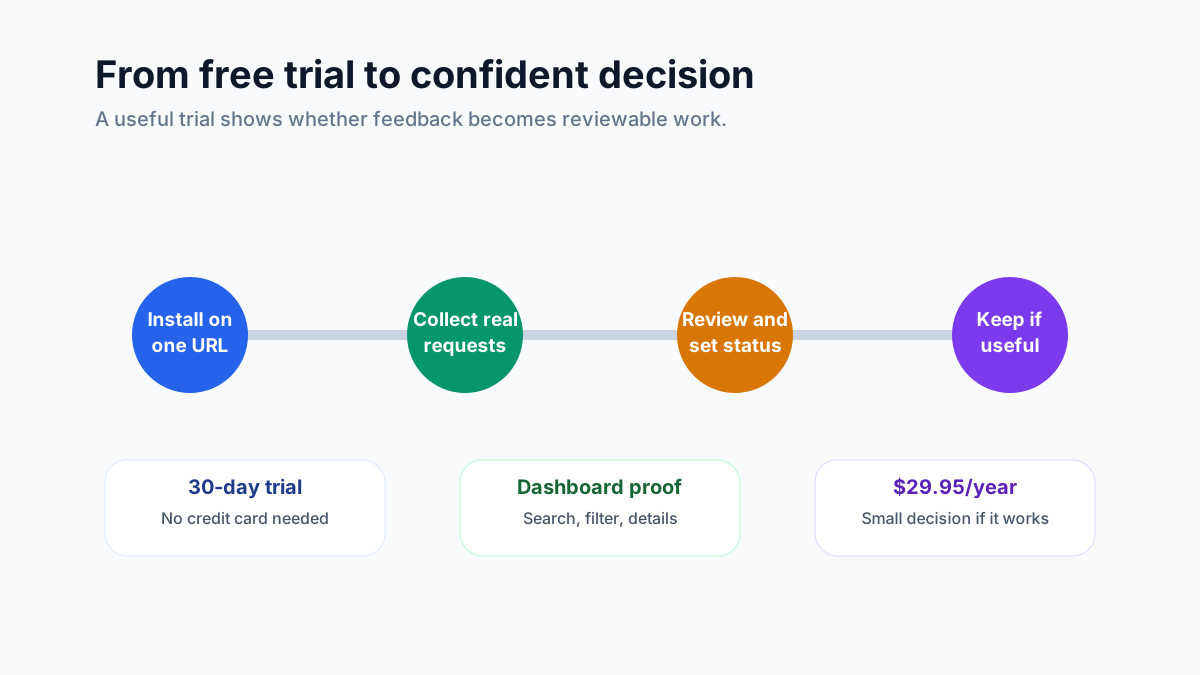
A free trial should reduce uncertainty. It should not hide the important parts until after you pay. At FeaturAsk, we let you test the widget, dashboard, status loop, quick preview, and Test Widget page before you decide. If your page needs a lightweight way to hear from visitors, try FeaturAsk for 30 days with no credit card required; if it earns its place, keeping it costs $29.95/year.
For adjacent planning, you may also want the feature request widget guide if your feedback is mostly product ideas, or the customer suggestion box for website guide if you want a broader public suggestion channel.
One final test is worth doing before you judge the trial: read the public board as if you were a visitor, not the owner. Are the labels understandable? Does the first request make it obvious what kind of feedback belongs there? Do the visible statuses feel current? If the answer is yes, the free trial has proved more than installation. It has proved that the page can support an ongoing feedback habit.