Product Updates: Top Formats for Sharing Updates [With Examples]
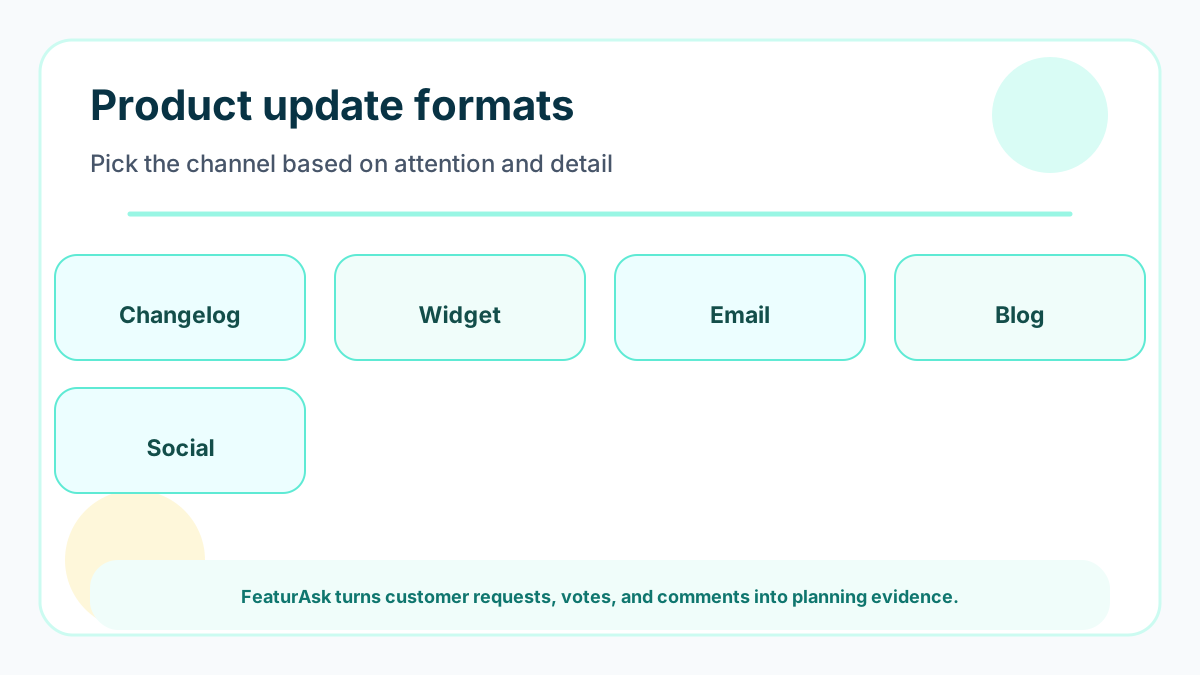
Product updates work best when they close the loop with users. Compare changelogs, widgets, emails, in-app notes, and feedback-linked update workflows.
This guide uses current public references such as Atlassian product roadmap guidance, ProductPlan roadmap guide and vendor pricing pages where relevant. Validate vendor packaging before you buy because pricing and limits can change.
What product updates are
Product updates are messages that explain what changed, why it matters, who benefits, and what users should do next. They can announce new features, improvements, fixes, experiments, deprecations, or roadmap movement. The best updates are not self-congratulatory release notes; they are customer communication.
A useful update respects the reader’s time. It starts with the benefit, includes only necessary detail, and gives a clear action. If the update came from customer feedback, say so. That context turns an ordinary changelog into proof that the team listens.
Why updates matter
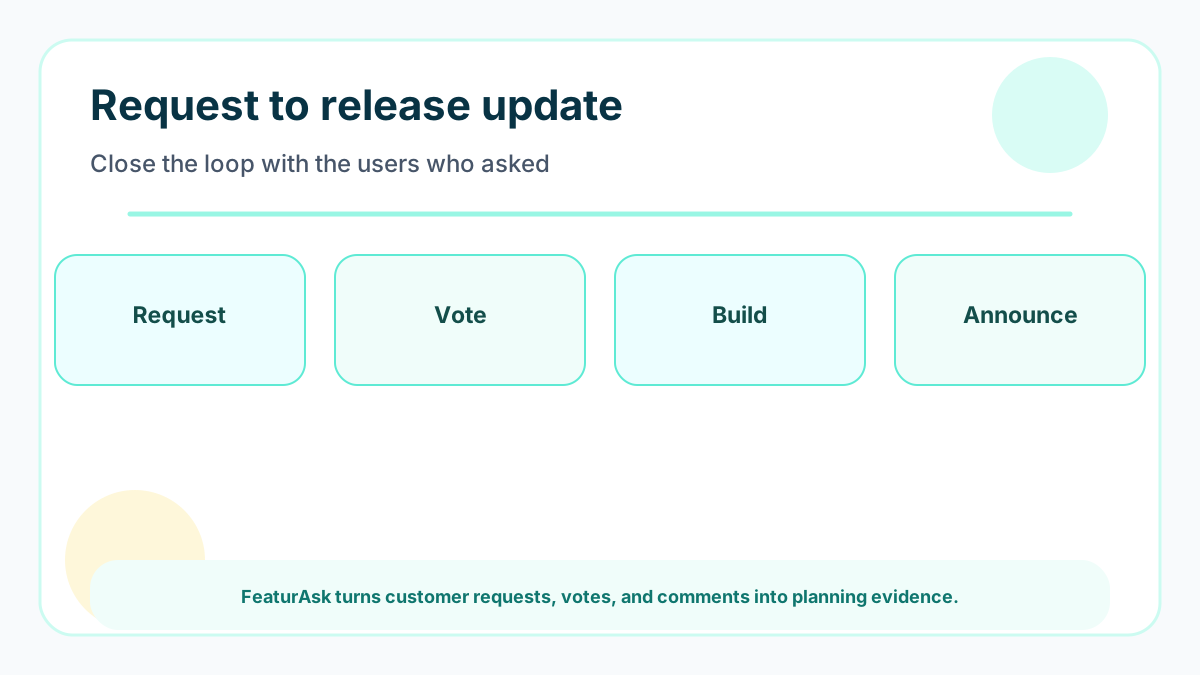
Updates reduce support tickets, increase adoption, improve retention, and build trust. They also reinforce the product’s direction. Customers are more patient with evolving products when they can see a steady loop from request to decision to release.
For small teams, updates are also a marketing asset. A clear stream of improvements shows momentum without requiring a large launch campaign.
6 types of product updates
The six useful types are new feature releases, improvement notes, bug-fix summaries, roadmap status changes, deprecation notices, and customer-request follow-ups. Separating these types helps users decide how much attention to give each message. A deprecation notice needs more context than a small bug fix. A customer-request follow-up should clearly say what changed because users asked.
8 product update examples
Use eight practical examples as a swipe file: a benefit-led changelog headline, a widget note tied to a request, a short email with one screenshot, a help article for a workflow change, a social teaser that links to the full note, a direct reply to voters, a roadmap status change, and a monthly digest for small improvements. These examples cover the source intent while giving teams more usable options.
Format 1 of 8: Changelog post
A changelog is best for users who want a durable record of releases. Keep each entry short: headline, benefit, affected audience, screenshot or link, and next step. Group small fixes so the stream does not become noisy.
Tie changelog entries to customer requests when possible. “Based on requests from teams managing multi-location menus” is more useful than “minor UI improvement.”
Format 2 of 8: In-app or website widget
Widgets reach users where the product lives. They are ideal for feature requests, status changes, and short announcements. The key is restraint. Do not interrupt every session with a modal when a small badge or widget entry would work.
FeaturAsk can support this customer-loop style: collect requests, watch votes, then communicate progress through your site. Try FeaturAsk for one month free with no credit card; it costs $29.95/year after the trial.
Format 3 of 8: Email update
Email works when the update has enough value to justify leaving the product. Use segmentation so admins, creators, buyers, and inactive users do not all receive the same message. Keep the subject focused on the user benefit.
A strong email update includes one main change, why it matters, a screenshot or short example, and a link to learn more. Avoid stacking five unrelated announcements into one message unless it is a monthly digest.
Format 4 of 8: Blog or knowledge-base article
Longer articles are best for launches that require context: a new workflow, a pricing change, a migration, or a strategic direction. They should teach, not merely announce.
Use internal links to help readers continue. For example, a roadmap update can point to product planning, while a launch metrics article can point to product marketing KPIs.
Format 5 of 8: Social post
Social updates are useful for public momentum, but they are rarely enough on their own. The audience is mixed, the shelf life is short, and many customers will miss it. Use social as a pointer to a more durable update.
The best social update has a plain-language benefit, one visual, and a link to the detailed note. Avoid inside jokes or feature names that only the team understands.
Format 6 of 8: Customer-specific reply
The most underrated product update is a direct reply to the people who asked for the change. A short message saying “you requested this, it is live, here is how to use it” can create more trust than a polished launch campaign.
This is especially important for small SaaS, ecommerce, restaurants, creators, and service businesses. The people who vote on ideas want to know that their input changed the product.
Format 7 of 8: Roadmap status update
Sometimes the update is not a shipped feature. It is a status change: under review, planned, in progress, delayed, launched, or closed. Status updates prevent silence from turning into frustration.
Pair this with a public or semi-public roadmap. Our product roadmap template guide explains formats that communicate uncertainty without overpromising.
Format 8 of 8: Monthly digest
Monthly digests work when you have several small changes that do not deserve separate campaigns. Group them by user benefit, keep each item short, and link to deeper help only where needed. A digest is also a good place to remind customers which requests moved to planned, shipped, or closed.
Examples of strong update copy
Use headlines that name the benefit: “Export filtered requests for faster prioritization,” “New moderation controls for public boards,” or “Mobile voting now loads faster.” Weak headlines name only the feature: “CSV export,” “Moderation update,” or “Performance improvements.”
A good update follows this structure: what changed, who it helps, why it was built, how to use it, and where to share feedback. If you need a request channel, start with FeaturAsk for a free 30-day trial, no credit card, and $29.95/year pricing.
6 tools for sharing product updates
Larger teams may use dedicated changelog, product engagement, or roadmap platforms. Compare them against your real need: Do you need in-app messaging, public changelogs, feedback collection, or all of it? Productboard’s pricing and ProductPlan’s pricing show how broad product platforms package these workflows.
A sixth lightweight option is a request-and-voting layer for teams that do not need a full engagement suite. Smaller teams often need the feedback loop first: collect ideas, prioritize them, and tell people what changed. FeaturAsk keeps that layer simple and affordable. You can launch FeaturAsk for one month free with no credit card, then continue for $29.95/year. For team responsibilities, see product owner vs product manager.
Update workflow notes for small teams
For product updates, the notes should start before release. Capture the customer problem, who asked for it, what changed, and the action users should take. This prevents the final message from becoming a list of internal tasks.
Keep a small queue of planned updates beside the roadmap. When a feature moves to launched, the message should already have context, request links, and a clear benefit.
Product update metrics by channel
Different channels need different measures. Email needs opens, clicks, and replies. Widgets need views and interactions. Changelogs need return visits and search usefulness. Direct replies need customer response and adoption by requesters.
Do not judge every update by the same number. A low-volume direct reply can be more valuable than a high-view social post if it reaches the users who asked.
Product update timing
Share updates when the user can benefit from them, not simply when the sprint ends. A bug fix might belong in a weekly digest. A workflow change may need an in-app note at the moment of use. A major release may deserve a blog post, email, and follow-up message to requesters.
Timing also depends on user attention. Admins may appreciate monthly summaries. Daily users may notice small in-app nudges. Inactive users may need a clear reason to return. Segmenting updates prevents fatigue.
How to connect updates to feedback
When a feature comes from customer requests, include that story. You do not need to name individual customers. A simple sentence such as “many teams asked for a faster way to review open requests” explains why the work mattered. It also motivates more users to share feedback next time.
Close the loop privately as well as publicly. The people who voted or commented should receive the most relevant notification. That is how feedback systems become trusted instead of performative.
Product update metrics
Measure whether the update changed behavior. Useful signals include click-through, feature adoption, return visits, support deflection, trial activation, expansion conversations, and replies from affected users. Vanity views are not enough if nobody uses the feature afterward.
Pair metrics with qualitative responses. A small number of detailed replies can reveal confusion that analytics misses. Treat every update as a learning opportunity about how customers understand your product.
Common update mistakes
The most common mistake is announcing internal effort instead of user value. “We refactored the dashboard” is less useful than “large boards now load faster.” Another mistake is overusing urgent tones for small changes. If every update is big news, customers stop trusting the channel.
Avoid burying the action. If the user should try a feature, say where. If no action is needed, say that too. A calm, useful update beats a loud one.
Example update workflow
A simple update workflow can run in five steps. First, mark which request or customer problem the release addresses. Second, write the update in plain language before the feature ships, because this exposes unclear value. Third, choose the channel based on importance: direct reply, widget, email, blog, or changelog. Fourth, send the update to the people most likely to care. Fifth, measure whether they tried it and whether follow-up questions decreased. This turns updates into part of the product loop rather than a final marketing chore.
Make updates a release habit
Updates stick when the release checklist includes communication. Before closing a release, confirm the audience, message, channel, help link, and feedback path. This keeps communication from being forgotten after engineering finishes.
Assign ownership clearly. A product manager, founder, or support lead can publish small notes, but bigger workflow changes need a second accuracy check.
Explain update tradeoffs
Not every change deserves every channel. A small bug fix may belong in a changelog. A major workflow change may need email, widget, docs, and a direct reply to requesters. Explain this internally so the team does not over-message users.
The tradeoff is attention. Customers grant limited attention, and the update system should spend it carefully.
Signs updates are working
Updates are working when customers try new features faster, support receives fewer “what changed” questions, and requesters respond positively when their ideas ship. Another signal is better feedback quality after updates, because users see that comments lead to action.
If updates receive no engagement, rewrite for benefit and segment the audience more carefully.
Next update improvement
After a month, review which update formats performed best. Keep the channels that produced adoption or useful replies. Retire noisy announcements that did not change behavior.
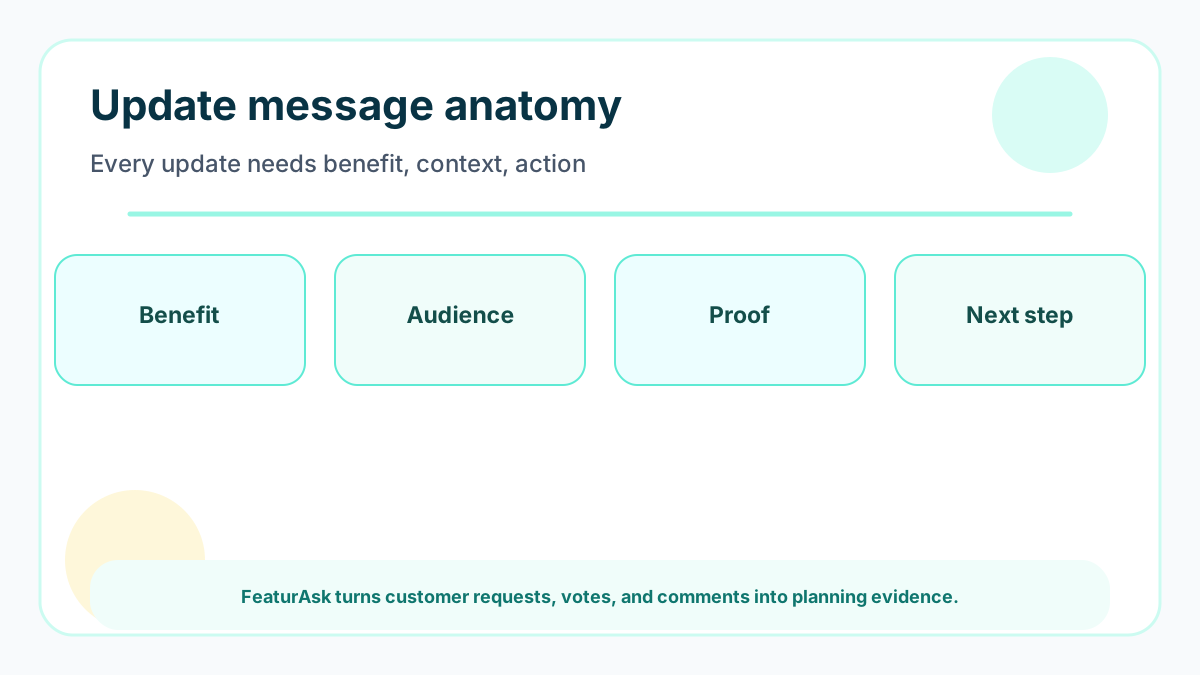
Then build one reusable message structure: benefit, audience, context, action, and feedback path. Consistency helps customers scan updates quickly.
How to write updates for different audiences
Admins usually want control, timing, and setup details. End users want the benefit and the shortest path to try it. Executives want business impact and confidence that the product is improving. Do not force one message to serve all of them. Keep the core announcement consistent, then adapt the emphasis by channel. A changelog can be concise, an email can explain value, and a help article can carry the detailed steps.
Update governance
Decide who can publish updates, who checks accuracy, and who owns replies. A lightweight approval flow prevents wrong promises without slowing every small note. For minor fixes, one owner may be enough. For pricing, security, workflow changes, or sunset notices, involve support and leadership before the message goes live. Customers remember update mistakes, so accuracy matters as much as enthusiasm.
Accessibility and clarity
Make updates readable for everyone. Use descriptive links, plain headings, useful alt text for screenshots, and enough context for people who missed earlier announcements. Avoid relying only on color, icons, or insider labels. Clear update writing improves adoption because users understand what changed without asking support to translate it. It also makes future updates easier to scan and trust over time.