The Top 11 Templates for Creating Your Product Roadmap
Roadmap templates only work when they fit the decision. Here are 11 practical templates, when to use them, and how to keep customer feedback connected.
This guide uses current public references such as Atlassian product roadmap guidance, ProductPlan roadmap guide and vendor pricing pages where relevant. Validate vendor packaging before you buy because pricing and limits can change.
Why roadmap templates help
A roadmap template is not a strategy. It is a format that helps people understand priorities, timing, confidence, and tradeoffs. The right template reduces confusion because every stakeholder can see whether a roadmap is about outcomes, releases, capacity, customer requests, or executive direction.
Templates also protect small teams from overbuilding their process. Instead of buying a complex platform on day one, you can choose a simple view, attach customer evidence, and upgrade only when the workflow proves valuable.
How to choose the right roadmap template
Pick the template based on the conversation you need to have. Executives often need outcome themes and risk. Developers need scope and sequencing. Customers need what is planned, what is under review, and what shipped. Sales needs realistic promises. A single roadmap rarely serves every audience well.
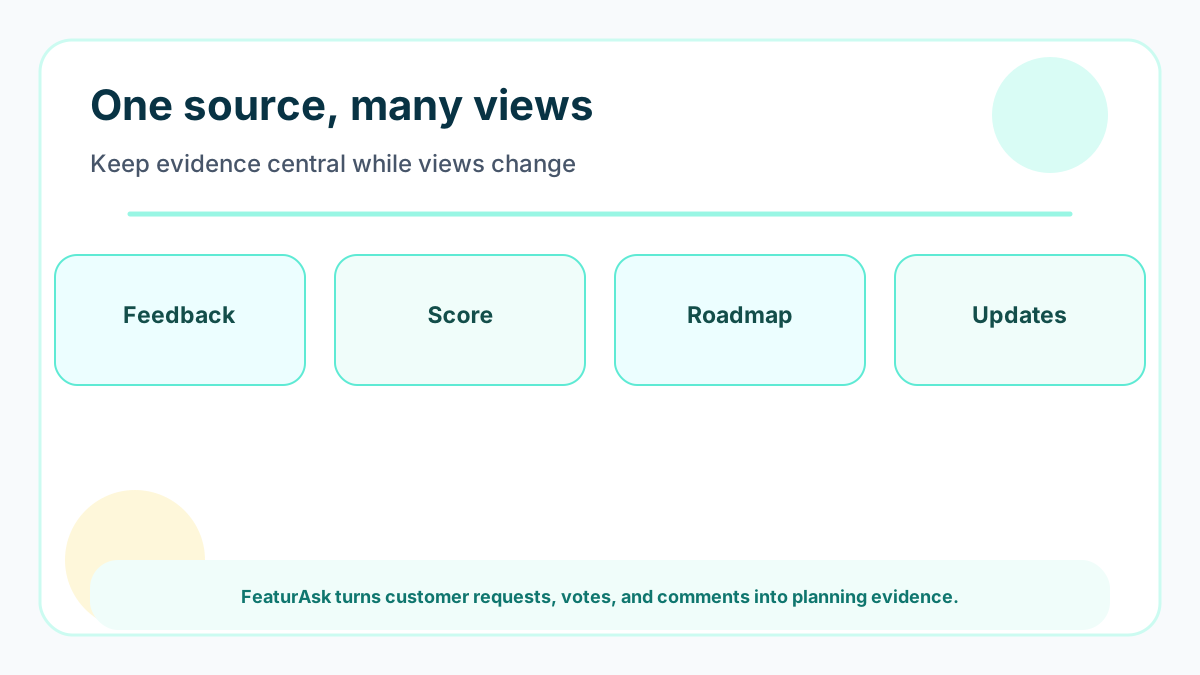
The best operating rule is simple: one source of truth, multiple views. Keep the underlying items connected to customer feedback, score, owner, status, and evidence, then display that data differently for each audience.
1. Now-next-later roadmap
Now-next-later is the best default for uncertain product work. It communicates direction without pretending every idea has a fixed date. “Now” is committed work, “Next” is validated but still flexible, and “Later” is promising but lower confidence.
Use this template when discovery is active, the team is small, or customer input changes priorities quickly. It pairs well with a public feedback board because users can see movement without expecting a date for every request.
2. Theme-based roadmap
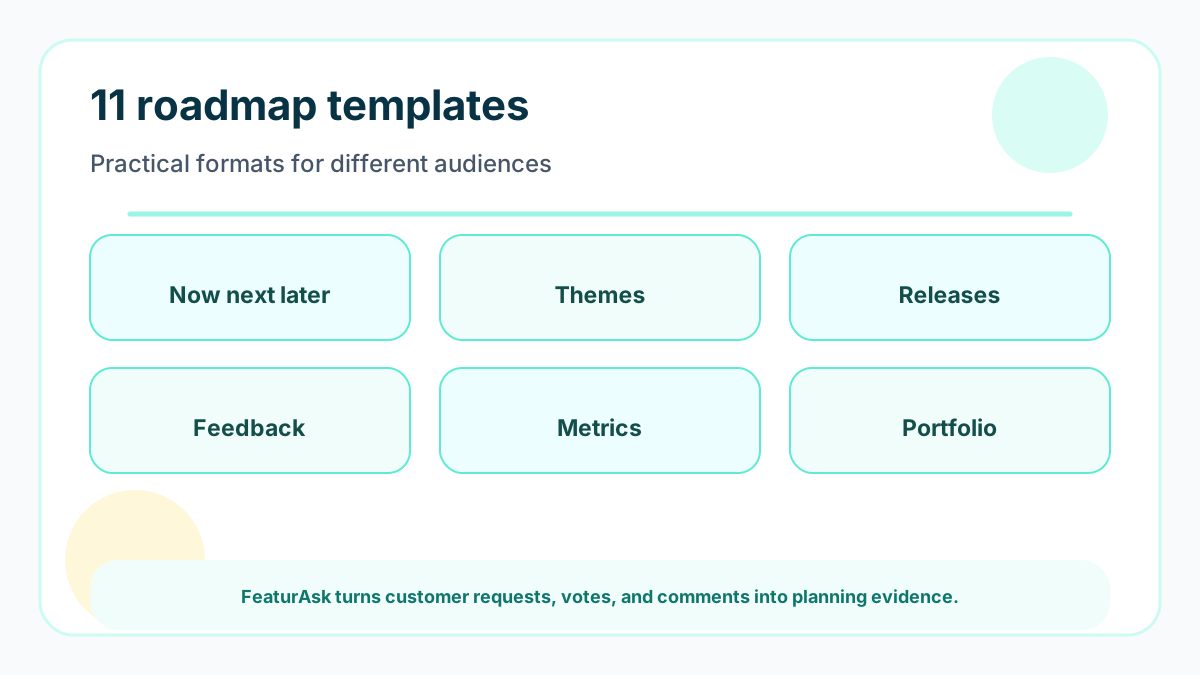
Theme-based roadmaps organize work by outcomes such as activation, retention, admin efficiency, or reporting. This helps teams avoid feature bingo. A theme can contain several experiments, improvements, and launches, all connected to one strategic goal.
Use themes when leadership wants to understand why work matters. Instead of listing “CSV export” and “bulk edit,” group them under “reduce admin cleanup time.”
3. Release roadmap
A release roadmap shows what will be included in upcoming launches. It is useful when engineering, support, marketing, and customer success must coordinate. The risk is that it can become a promise list too early.
Keep release templates limited to work that has already passed discovery. For less certain ideas, use now-next-later or opportunity views first.
4. Customer-feedback roadmap
This template connects planned work directly to requests, votes, and comments. It is powerful because the team can show why a feature rose above alternatives. It also helps close the loop after launch.
FeaturAsk is built for this workflow. Add a widget to your site, collect votes and comments, and turn demand into planning evidence. You can try FeaturAsk for one month free with no credit card; ongoing pricing is $29.95/year.
5. Opportunity-solution tree roadmap
An opportunity-solution tree starts with an outcome, branches into customer opportunities, then branches again into solution ideas and experiments. It is better for discovery than delivery tracking.
Use it when the team is tempted to jump directly to features. It forces people to separate the customer need from the implementation.
6. Kanban roadmap
A roadmap Kanban uses statuses such as under consideration, planned, in progress, launched, and closed. It is easy for customers and internal teams to understand, especially when roadmap items originate from public requests.
If your team already works in boards, this template has low training cost. Just be careful not to overload it with every small task. Roadmaps should show meaningful product changes, not every ticket.
7. Timeline roadmap
Timeline roadmaps help when timing matters: events, seasonal launches, migrations, compliance deadlines, or cross-team dependencies. They are risky for discovery-heavy work because dates can look more certain than they are.
Use time horizons instead of exact dates when confidence is low. Label items by quarter or half-year, and disclose that priorities may change as evidence changes.
8. Portfolio roadmap
A portfolio roadmap shows multiple products, squads, or strategic bets in one view. It is useful for executives and agencies managing several properties. The goal is alignment, not task management.
Keep the detail light. Show themes, investment level, dependencies, and decision points. Link to more detailed team roadmaps only when someone needs the execution layer.
9. Metric-driven roadmap
A metric-driven roadmap starts with targets such as activation rate, churn reduction, support deflection, or expansion revenue. Items are included because they plausibly move a metric, not because they are popular.
This template is especially useful when teams have many good ideas but need focus. Pair each item with a leading indicator and a review date. For measurement ideas, see our guide to product marketing KPIs.
10. Stakeholder roadmap
Stakeholder roadmaps translate product work into the language each group cares about. Leadership sees goals and risk. Support sees customer impact. Sales sees positioning and realistic timing. Engineering sees sequencing.
This is not four separate plans. It is one plan presented with different emphasis. The data should still come from one source of truth.
11. One-page lean roadmap
The one-page roadmap is the best template for founders, creators, and tiny SaaS teams. It contains the goal, current customer evidence, top bets, next release, open risks, and feedback channel. It is intentionally compact.
If you want to keep this lightweight, connect the one-page plan to product planning and a request board. FeaturAsk gives you the feedback layer without enterprise complexity: start with FeaturAsk for a 30-day free trial, no credit card, and $29.95/year.
Useful template sources
Atlassian’s product roadmap guide is useful for communication principles, and ProductPlan’s roadmap learning center explains several planning views. Use them for education, then adapt the format to your team’s decision style.
The template matters less than the discipline around it. Every roadmap item should connect to a customer problem, business goal, evidence level, and next learning step. For role clarity, read product owner vs product manager. For roadmap horror stories to avoid, see avoiding product planning mistakes. If your missing piece is feedback intake, launch FeaturAsk for one month free with no credit card and keep it for $29.95/year.
Template setup rules for small teams
A roadmap template should begin with the audience. Customer-facing templates need simple statuses and benefits. Internal templates need owner, confidence, effort, and evidence. Executive templates need strategic themes and risk. Mixing all of those in one view creates clutter.
Create one underlying list and tailor the view. That way the same roadmap item can support a public update, a planning meeting, and a leadership review without copy-paste drift.
Roadmap template metrics
Measure whether the template improves understanding. Track fewer stakeholder questions about priority, fewer mismatched launch promises, and more customer engagement with status changes. For internal teams, watch whether roadmap cleanup actually happens each week.
A template that looks polished but is never updated is worse than a plain board that stays current. Freshness is part of roadmap quality.
How to customize any template
Start by deleting fields that nobody will maintain. A template with ten columns looks complete but decays quickly if the team only updates three of them. Keep audience, problem, status, evidence, owner, and expected outcome. Add dates only where timing is genuinely part of the promise.
Next, rename columns in the language your stakeholders use. “Outcome” may be clearer than “initiative” for founders. “Customer evidence” may be clearer than “insight source” for a small business. A roadmap template works best when people understand it without a training session.
Public versus private roadmap views
A public roadmap should communicate direction and invite trust. It should not expose every internal debate, risky dependency, or speculative date. A private roadmap can include effort estimates, revenue influence, owner notes, and sequencing risk. Keep the data connected while controlling the view.
Small teams often benefit from a public request or status board and a private planning view. Customers see that their ideas are heard; the team keeps enough room to make tradeoffs.
Roadmap template mistakes
The first mistake is choosing a timeline template when confidence is low. Dates create expectations even when you add disclaimers. The second mistake is mixing strategic themes, tiny tasks, bugs, and customer requests in one view. The third mistake is forgetting to update shipped work, which makes the roadmap look abandoned.
Fix these by limiting the roadmap to meaningful product changes, using confidence labels, and scheduling a weekly cleanup. A roadmap is a communication asset only if people trust that it reflects reality.
A simple rollout process
Pilot one template with one audience for two weeks. Ask what was clearer, what remained confusing, and what fields were ignored. Then adjust before introducing the template to customers or executives. This is better than debating the perfect format in a meeting.
Once the template works, connect it to customer feedback and launch updates. The template should not be a static artifact; it should be part of a loop from request to decision to update.
Example roadmap workflow for a tiny team
A tiny team can run its roadmap with three views. The public view shows under consideration, planned, in progress, and launched. The private view adds score, effort, owner, and evidence. The leadership view shows themes, risks, and expected outcomes. All three views pull from the same underlying decisions, so nobody maintains three separate plans. Once a week, the owner reviews new feedback, moves stale items, and writes one short status note for anything that changed. This workflow is simple enough to survive busy weeks while still giving customers and stakeholders a clear picture of direction.
Make roadmap upkeep easy
The best template has a maintenance path. Add new requests to the inbox, promote only validated items to the roadmap, and close shipped items with a short update. If a field does not affect a decision, remove it.
One owner should review the template on a schedule. Without ownership, roadmap templates slowly turn into historical artifacts.
Explain roadmap tradeoffs
Roadmap tradeoffs should connect to evidence. If a requested feature stays in later, explain whether the issue is effort, low confidence, weak strategic fit, or competing demand. This turns the roadmap into a transparent decision record rather than a vague promise board.
For public views, keep the wording plain and brief. Customers do not need internal debate, but they do need to know the request was considered.
Signs the template is working
The template is working when people stop asking for separate status spreadsheets. Customers can see what happened to their ideas. Sales can avoid overpromising. Engineering can understand why priorities moved. Leadership can see themes instead of disconnected tickets.
If every audience still asks for a different manual report, the template is missing the real decision data.
Next roadmap improvement
After the first month, audit the roadmap for stale items, vague labels, and missing evidence. Archive anything nobody can defend. Rename statuses that confuse users. Add a review date to uncertain ideas.
Then improve one view at a time. A useful roadmap grows from repeated use, not from a perfect template chosen upfront.
Template governance
Decide who can change statuses, who can publish a public view, and how often the roadmap is cleaned. Governance sounds heavy, but for a small team it can be one sentence: the roadmap owner reviews changes every Friday and publishes only customer-safe statuses. That rule protects trust without adding bureaucracy.
This also keeps customer-facing promises consistent across support, sales, and product conversations.