Crafting Agile User Stories - A Step-by-Step Guide
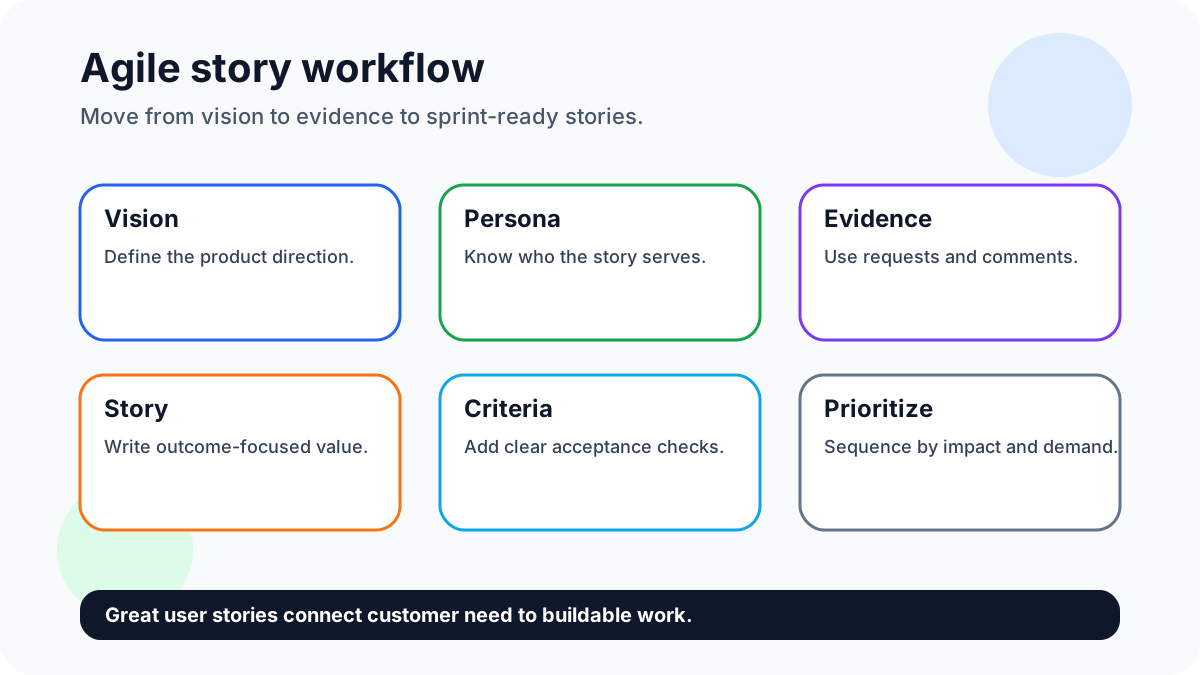
Crafting agile user stories is the practical work of translating customer needs into small, valuable, testable slices of product improvement. A good story does not start with a button, screen, or database field. It starts with a user, a situation, and a desired outcome. When that outcome is clear, the team can discuss scope, design, engineering tradeoffs, and acceptance criteria without losing sight of why the work matters.
The classic format is simple: “As a [type of user], I want [capability], so that [benefit].” Atlassian’s guide to user stories describes them as short, informal explanations of software features from the perspective of the person who wants the capability. The Scrum Guide does not require a single story template, but it does emphasize a Product Backlog that is ordered, refined, and focused on value. That is the real goal: a backlog that helps the team make better product decisions.
For small SaaS teams, creators, ecommerce shops, and niche websites, user stories are especially useful because they keep product work grounded. Instead of copying competitor checklists, you can connect your roadmap to real requests, votes, and comments. If you already collect ideas through a lightweight board, you can use those submissions as raw material for stories. If you do not, this guide will show you how to start with product vision, define personas, gather insight, write stories, and prioritize them.
Quick answer: write agile user stories by choosing a clear outcome, naming the persona, gathering customer evidence, writing in user-centered language, adding acceptance criteria, then prioritizing by value, effort, risk, and demand. Sign up for FeaturAsk to collect user story ideas from your website visitors — one month free, no credit card required, then only $29.95/year.
Getting Started With User Stories
User stories work best when they are treated as conversation starters, not miniature specifications. A story should be clear enough for planning, small enough for delivery, and open enough for the team to discuss the best solution. If a story already dictates every implementation detail, it may hide a better approach. If it is too vague, the team will burn time guessing what success looks like.
Before writing a backlog full of stories, prepare the inputs. You need a product direction, a user segment, and enough customer evidence to avoid inventing priorities in a meeting. This preparation does not have to be slow. A founder, product manager, designer, or developer can move through the steps below in a focused session, then improve the stories as new feedback arrives.
Define Product Vision and Strategy
Start with the product vision because it tells you which stories belong in the backlog. A user story can be well written and still be wrong for the product. For example, a community course platform may receive a request for enterprise single sign-on. That could be useful, but if the strategy is to serve solo educators and small creator teams, the story might not deserve near-term priority.
A good product vision states the audience, problem, promised outcome, and strategic boundary. If your team needs help tightening that direction, review FeaturAsk’s guide on crafting a clear product vision. Once the vision is clear, turn it into a filter. Ask: does this story serve the target user? Does it solve a problem we have chosen to own? Does it improve the product promise? Does it create learning that helps our next decision?
Strategy also clarifies story size. A strategic bet might be “make it easier for ecommerce customers to suggest new products.” That is too large for one story. Break it into smaller stories: shoppers can submit ideas from a widget, visitors can vote on requests, the store owner can see top ideas in a dashboard, and the team can mark requests as planned or shipped. Each slice can create value while supporting the same strategy.
Know User Personas
The “as a user” part of the template is often where weak stories begin. “User” is too broad for useful planning. A first-time visitor, paying customer, account admin, support agent, and store owner may all want different outcomes. A story becomes stronger when it names a role and context.
For example, “As a store owner, I want customers to vote on product ideas so that I can see demand before buying inventory” gives the team more direction than “As a user, I want voting.” The first version identifies a business decision and a user group. The second only names a feature. Persona clarity helps designers choose the right flow, engineers understand edge cases, and product leads decide whether the story fits the roadmap.
Keep personas lightweight. You do not need a 12-page document before writing stories. Capture the user’s role, situation, goal, frustration, and decision trigger. For a small SaaS product, that might be “solo founder who checks feedback weekly and needs a faster way to choose the next improvement.” For a creator, it might be “newsletter owner who wants readers to suggest topics without sending scattered replies.” These details make the story practical.
Gather Requirements and Insights
Requirements should come from evidence, not only from internal opinions. Useful sources include feature request boards, support tickets, sales calls, churn notes, analytics, user interviews, surveys, community comments, and competitor gaps. The goal is not to obey every request. The goal is to understand the problem behind the request.
FeaturAsk is built for this stage. A simple feature request widget lets website visitors submit ideas without a heavy enterprise feedback suite. Voting helps reveal which requests resonate with more than one person. The dashboard gives small teams a place to review requests, spot patterns, and move promising ideas into planning. If you are new to collecting structured input, start with feature request templates and a simple board before you attempt a complex prioritization process.
When reading feedback, separate the user’s proposed solution from the underlying need. A customer might ask for “CSV export,” but the deeper need could be reporting, backup, offline analysis, or sharing updates with a client. Each need could lead to a different story. Ask follow-up questions when the stakes are high: What are you trying to do? How do you solve it today? What happens if this stays painful? How often does it come up?
Writing User Stories
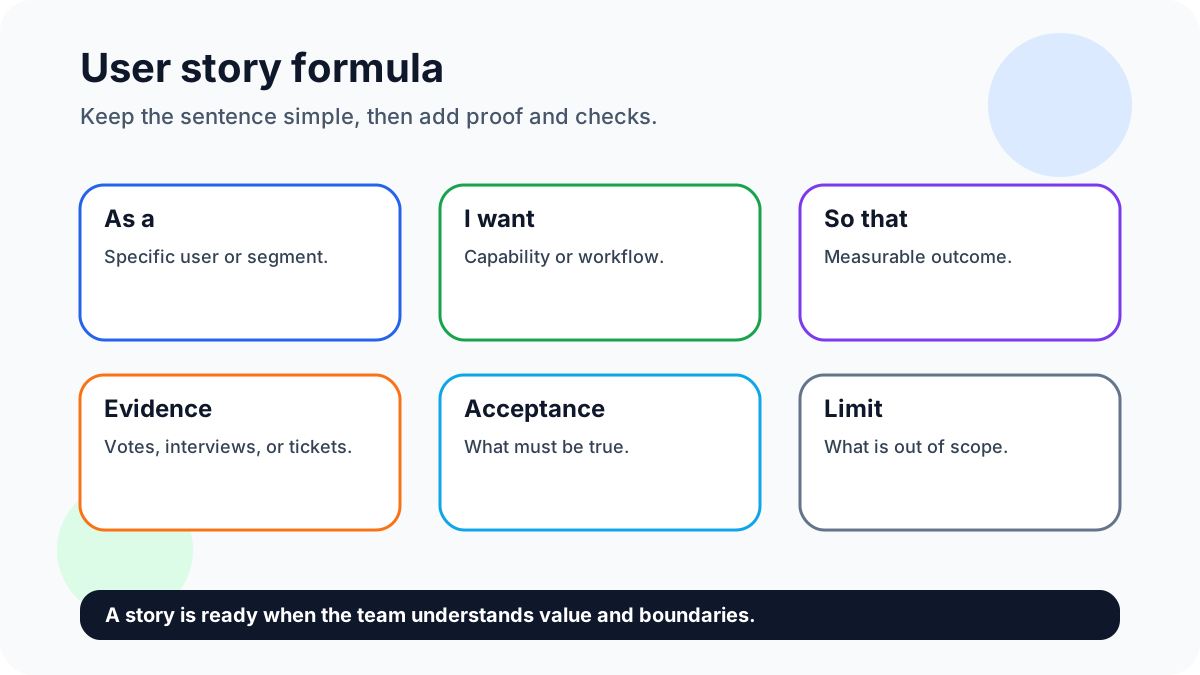
Once the input is clear, write the story in plain language. Use the template as a starting point, not a cage: “As a [persona], I want [capability], so that [outcome].” The strongest part is the “so that” clause. If the outcome is weak, the team may build a feature that looks complete but does not change user behavior.
Here are examples for a small feedback product:
- As a visitor, I want to submit a feature idea from the website so that I can share feedback without looking for an email address.
- As a customer, I want to vote on existing requests so that I can show which improvements matter to me most.
- As a founder, I want to review top-voted ideas in a dashboard so that I can choose roadmap items with more confidence.
- As a store owner, I want to mark a request as shipped so that customers know their feedback led to a real improvement.
After the story sentence, add acceptance criteria. These are the conditions that must be true for the story to be done. Use clear checks, such as “Given a visitor is on the feedback widget, when they submit a title and description, then the request appears in the dashboard as pending review.” Acceptance criteria reduce misunderstanding and make testing easier.
A useful story also includes evidence. Link to the original requests, vote count, customer quote, support ticket theme, or interview note. This evidence prevents the backlog from becoming a list of detached ideas. It also helps future teammates understand why the story was created.
Avoid these common writing mistakes: putting multiple outcomes into one story, writing from the company’s perspective instead of the user’s perspective, skipping acceptance criteria, and using vague benefits like “so that it is better.” If a story cannot be explained in one short conversation, split it.
Prioritize User Stories
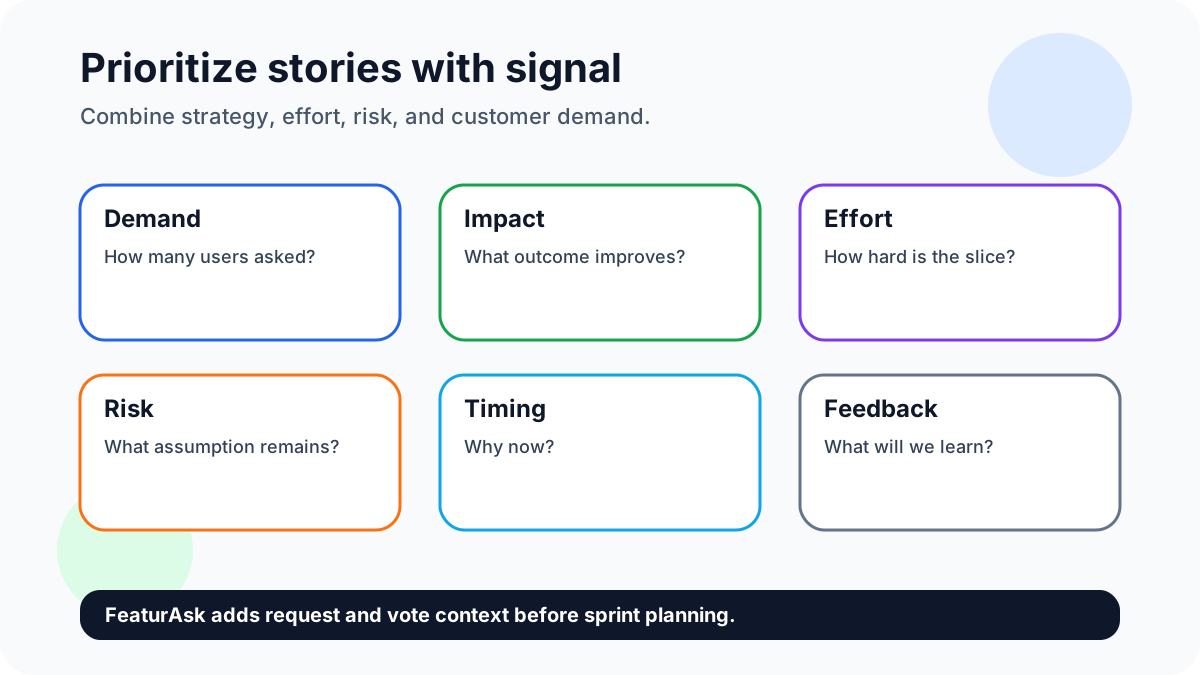
Prioritization turns a pile of reasonable stories into a sequence. A useful sequence balances user demand, product strategy, business value, effort, and risk. Votes alone should not control the roadmap, but they are valuable signal. The best request by vote count may be too expensive, off-strategy, or useful only to free users. The smallest story may be easy but not meaningful. The right story usually sits at the intersection of demand and strategic value.
You can use a lightweight scoring model. Give each story a simple 1-5 score for user demand, strategic fit, business impact, confidence, and effort. Then discuss the top candidates. Do not pretend the numbers are scientific; use them to structure the conversation. If you collect votes with FeaturAsk, combine those votes with qualitative comments. Ten detailed requests from paying customers may matter more than 100 casual clicks from visitors who never return.
For a deeper look at demand signals, see FeaturAsk’s guide to feature voting. Voting is most useful when paired with moderation, labels, and product judgment. It shows where interest is clustering, but the team still decides how to convert that interest into stories, experiments, and releases.
Try FeaturAsk free for one month to turn feature votes into prioritized user stories — no credit card required, and it is $29.95/year after the trial.
Embracing Technological Changes
Agile user stories have not disappeared as product tools have changed. They have become more important because teams now receive input from more channels than ever: website widgets, chat tools, app stores, social media, customer success notes, analytics, AI summaries, and sales calls. Without a clear story format, those signals can become noise.
Technology can help with collection and organization, but it should not replace product thinking. AI can summarize feedback, group similar requests, and suggest draft stories. Analytics can show usage patterns. A request board can capture ideas and votes. Yet the team still needs to ask: which user are we serving, what problem are we solving, and what outcome will prove that the story worked?
For small teams, the advantage is speed. A simple widget can collect ideas, a dashboard can organize them, and a weekly review can convert the best signals into stories. That is enough for many small websites, SaaS products, creators, and ecommerce businesses.
Keep human language at the center. If a tool produces a story that says, “As a platform, I want to optimize engagement,” rewrite it. Platforms do not want things; people do. A better version might be, “As a creator, I want to see which content ideas receive the most votes so that I can plan next month’s posts with less guessing.”
Additional Tips
Keep stories independent when possible. If five stories must ship together before any user sees value, you may be describing a project rather than a story. Split by workflow step, persona, rule, channel, or risk. For example, “submit a request,” “vote on a request,” and “review requests in the dashboard” are separate slices that can be planned and tested more easily.
Use acceptance criteria as a shared contract. They should be specific enough for testing, but not so detailed that they freeze the design too early. A good pattern is “Given, when, then.” Given a logged-in admin is reviewing requests, when they change a status to shipped, then the public request shows the shipped status and the dashboard records the update.
Review old stories regularly. Markets shift, customer segments change, and some ideas lose relevance. Use backlog refinement to delete, merge, split, or rewrite stories. A smaller backlog is easier to reason about than a giant archive of stale ideas.
Connect stories to feedback loops after release. When a story ships, tell the people who asked for it. This builds trust and encourages more useful feedback. FeaturAsk can support that habit by keeping requests visible as they move from submitted to planned to shipped. If you want a broader feedback practice, read building better products with user feedback.
Write stories in customer language. If customers say “I need to know which idea is most popular,” do not turn that into “implement weighted prioritization object model” in the backlog title. Technical detail belongs in engineering notes.
Limit work in progress. Choose fewer stories, finish them cleanly, and measure the result. If a story came from a strong request pattern, check whether usage, retention, or customer replies improved after release.
Do not let the template become theater. A sentence can look like a user story while hiding a weak idea. “As an admin, I want a settings panel so that I can have settings” is not useful. Ask why the settings matter before the team builds.
Create a lightweight definition of ready. Before a story enters a sprint or active build cycle, it should have a persona, outcome, evidence, acceptance criteria, effort estimate, and connection to a product goal.
Start a FeaturAsk board and collect the requests behind your next user stories — one month free, no credit card, and the annual plan is $29.95/year.
Wrap Up
Crafting agile user stories is not about filling a backlog with tidy sentences. It is about creating a repeatable bridge between customer need and product delivery. Start with product vision so you know what belongs. Define personas so the story has a real point of view. Gather requests, votes, interviews, and support themes so the backlog reflects evidence. Write the story in plain language, add acceptance criteria, and prioritize by demand, value, effort, and risk.
For small teams, this process can stay simple. A website widget can capture requests. Voting can highlight patterns. A dashboard can help you review and prioritize. A short weekly habit can turn the best signals into stories that support the roadmap. You do not need heavyweight tooling or a complicated framework to get started; you need a steady feedback loop and the discipline to convert feedback into user-centered work.
The best user stories are small but meaningful. They help a team say no to distractions, yes to clear outcomes, and “not yet” to ideas that need more evidence. When you write stories this way, your backlog becomes more than a task list. It becomes a living record of who you serve, what they need, and how your product is improving one valuable slice at a time.