Top 31 Customer Feedback Tools Across Every Category
Quick answer
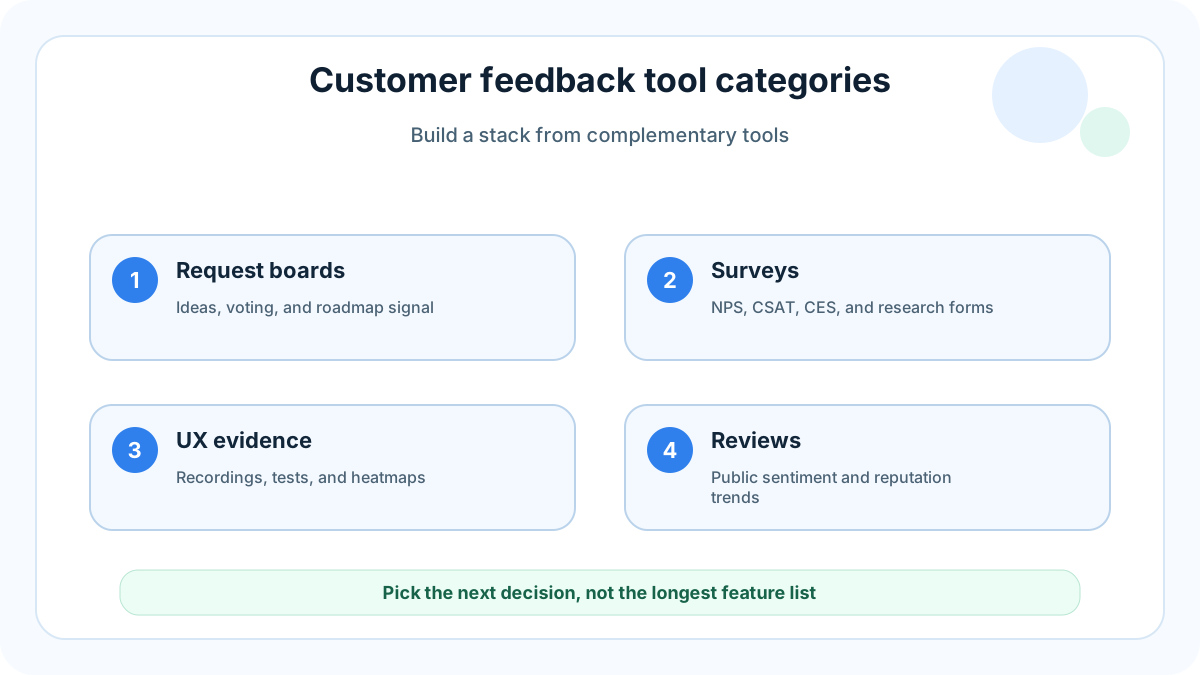
The best customer feedback stack is not one giant platform. It is a small set of tools that captures different kinds of signal: direct feature requests, surveys, usability evidence, public reviews, support trends, and behavior data. For a small website, SaaS app, ecommerce store, creator business, or service company, the smartest starting point is usually a visible request board plus one survey tool and one analytics source. FeaturAsk covers the request-board layer with a copy-paste widget, voting, request management, moderation, analytics, custom branding, and mobile-friendly collection for $29.95/year. FeaturAsk fits that request-board layer with one month free, no credit card required.
This guide uses 31 categories and tools because a list of 30 leaves out an important small-team reality: you need both qualitative comments and prioritization evidence. A customer saying “I need this” is useful. Ten customers voting for the same request is stronger. A support trend or session replay that confirms the friction turns that request into a decision.
The 31-tool shortlist
1. FeaturAsk
A lightweight request board for small sites that need public idea submission, voting, moderation, and simple admin review without enterprise pricing.
2. Hotjar
Useful for heatmaps, recordings, and on-page surveys when you need to see where visitors hesitate before they submit feedback.
3. UserTesting
Best for moderated or unmoderated usability sessions when you need people to narrate a task instead of only completing a form.
4. Typeform
Strong for polished surveys, quizzes, and lead-friendly research forms where the answering experience matters.
5. Google Forms
A free baseline for internal research or simple customer questionnaires, though it lacks public voting and roadmap visibility.
6. Tally
A fast no-code form builder for lightweight research, waitlists, and structured feedback capture.
7. SurveyMonkey
Useful for broader survey programs, benchmarks, and structured response analysis across larger audiences.
8. Delighted
Focused on NPS, CSAT, and customer sentiment pulses that help teams watch satisfaction trends over time.
9. AskNicely
A customer-experience platform for service teams that want feedback tied to frontline follow-up.
10. Qualtrics
Enterprise-grade research and experience management; powerful, but usually more than a small team needs at the start.
11. Sprig
Good for in-product surveys and concept testing when SaaS teams need contextual feedback from active users.
12. Maze
Helpful for prototype testing, usability studies, and validating flows before design or development work is finalized.
13. Dovetail
A research repository for interview notes, tagging, synthesis, and sharing qualitative insight across a team.
14. Productboard
A product-management suite for larger teams that need feedback linked to roadmap planning and feature prioritization.
15. Aha! Ideas
A mature idea-management option for organizations that already run formal roadmap and product-planning processes.
16. Canny
A popular feature voting board for SaaS companies, especially teams that want public boards and changelog-style follow-up.
17. UserVoice
A long-running feedback and product-discovery platform used by teams with more complex customer segmentation needs.
18. Nolt
A simple voting board for teams that want a public place for requests without building one themselves.
19. FeatureOS
Combines feedback boards, roadmaps, and changelogs for teams that want a bundled product-feedback portal.
20. Usersnap
Useful when visual bug reports, screenshots, and QA feedback are part of the customer feedback flow.
21. Marker.io
Best for website bug reports with screenshots, browser metadata, and issue-tracker integrations.
22. Intercom
Captures conversational feedback through support chat, bots, and customer messaging during real interactions.
23. Zendesk
Centralizes support tickets, which can reveal repeated complaints that deserve product or website fixes.
24. Help Scout
A simpler support desk where small teams can mine conversations for recurring customer questions.
25. G2 reviews
Public software reviews reveal buying objections, competitor comparisons, and satisfaction themes.
26. Capterra reviews
Useful for category-level research and understanding what customers praise or criticize in similar tools.
27. Trustpilot
A review platform for consumer-facing brands that need to monitor reputation and recurring service issues.
28. Mention
Tracks brand mentions across the web so teams can catch public feedback that never enters support.
29. Brand24
Social listening and mention monitoring for businesses that need sentiment and topic trends from public channels.
30. FullStory
Session replay and digital experience analytics for diagnosing complex product or conversion friction.
31. Microsoft Clarity
A free behavior analytics option with heatmaps and recordings, useful as a starting point for website friction research.
How to choose by category
Feedback boards and widgets are best when customers have ideas, feature requests, product suggestions, or website improvements. Survey tools are best when you need structured answers from a specific segment. Session replay and analytics tools reveal where people struggle, but they do not always explain why. Review and social listening tools show public sentiment. Support platforms reveal repeated pain points that may never become formal product requests.
A small team should avoid buying overlapping software before the workflow is clear. Start with FeaturAsk for visible requests, then add a survey tool only when you need structured research. Add analytics or session replay when behavior needs to be confirmed. This keeps the stack affordable and reduces the chance that feedback gets scattered across five dashboards. For deeper setup advice, read our guides to customer feedback software, feature request tools, and customer feedback strategy.
Current evidence to factor in
The research base supports a mixed feedback approach. Nielsen Norman Group usability articles repeatedly show that direct observation and task clarity reveal issues users may not describe accurately. Baymard Institute ecommerce UX research shows how seemingly small ecommerce friction points can affect conversion. McKinsey experience-led growth argues that experience improvements create value when companies connect customer insight to action.
Small-team buying rules
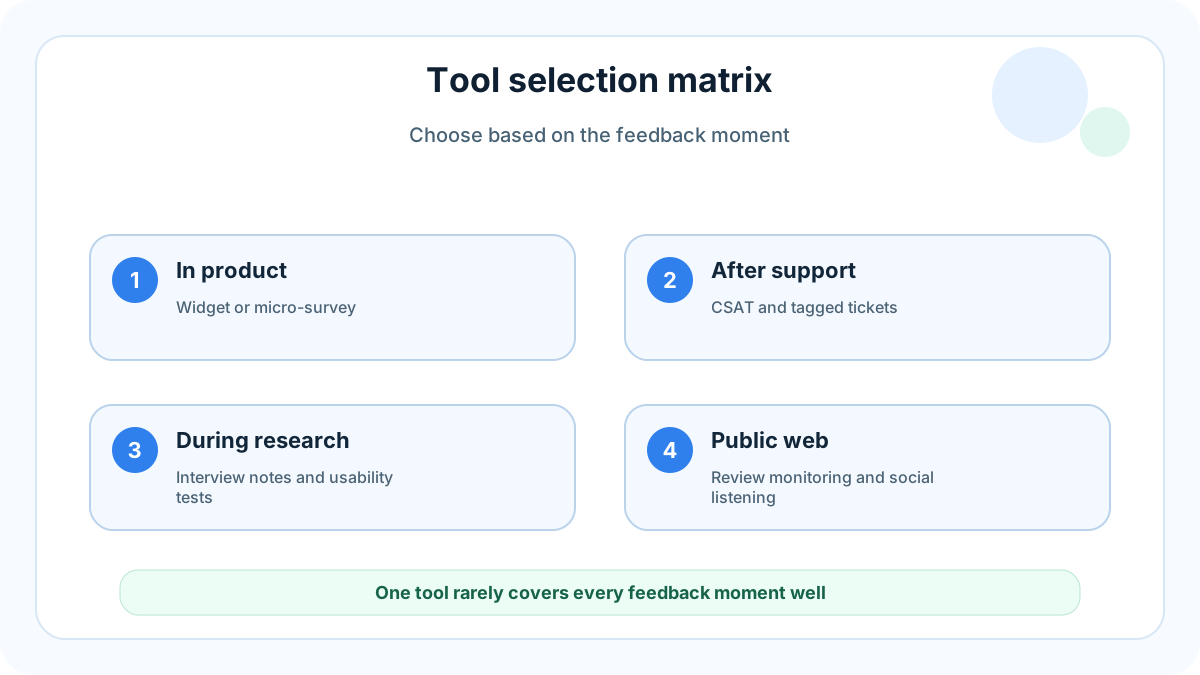
Choose the tool that gives you the next decision, not the longest feature list. If visitors keep asking for missing features, use a board. If you need a benchmark, use a survey. If checkout fails, use UX research and behavior tools. If public reputation matters, monitor reviews. FeaturAsk is intentionally narrow in the best way: it gives users a place to submit, vote, and discuss requests while you manage the signal from a simple dashboard. FeaturAsk is a fit when you want a feedback board that costs $29.95/year instead of another monthly enterprise subscription.
Workflow
- Put FeaturAsk on the page where requests happen.
- Capture requests in customer language.
- Merge duplicates without hiding nuance.
- Review votes and comments weekly.
- Validate high-demand ideas with analytics, interviews, or support history.
- Publish statuses so users know what changed.
Mistakes to avoid
Do not treat every feedback tool as interchangeable. A survey is not a roadmap. A heatmap is not a customer interview. A review site is not a private research repository. Each source answers a different question, and the best teams combine them carefully. Do not overbuy, either. Many small businesses need one visible board and a consistent review habit before they need enterprise feedback management.
Category-by-category recommendations
Best first tool for feature requests
If the main problem is that customers keep asking for improvements through email, chat, and calls, start with FeaturAsk. A public request board gives every visitor the same place to submit ideas, vote on existing requests, and add context. This is the layer most small teams should install before they buy a larger product management suite, because it creates visible demand without changing the whole operating model.
Best first tool for surveys
Use a form or survey platform when the questions are known in advance. Typeform, Tally, Google Forms, SurveyMonkey, and Qualtrics all fit different budgets and complexity levels. The key is to keep surveys short and tied to a decision. If an answer becomes a recurring feature request, move it into FeaturAsk so other users can validate it.
Best first tool for usability evidence
Hotjar, Microsoft Clarity, FullStory, Maze, and UserTesting help you understand behavior. Use these tools when visitors abandon a page, miss a button, misunderstand a flow, or struggle with onboarding. Behavior tools are especially useful when customers cannot clearly explain the problem. Pair the finding with a request board so users can describe the desired improvement.
Best first tool for support trends
Intercom, Zendesk, and Help Scout are not only support inboxes. They are feedback sources. Tag repeated questions, export common complaints, and convert product gaps into visible requests. This prevents support knowledge from staying trapped with one teammate.
Best first tool for public reputation
G2, Capterra, Trustpilot, Mention, and Brand24 show what customers say when they are not inside your product. Reviews and mentions often reveal pricing objections, competitor comparisons, missing features, trust concerns, and language you can reuse in positioning.
Recommended small-business stack
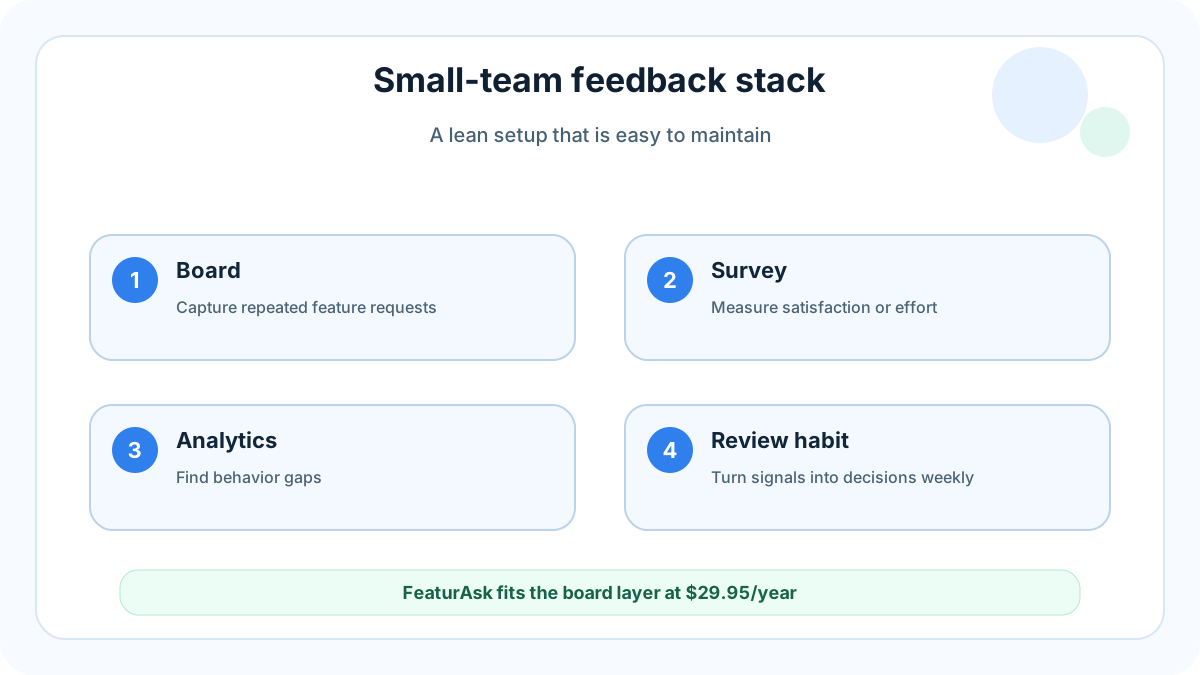
A small business does not need all 31 tools. Start with one request board, one analytics or behavior source, one support inbox, and one survey tool. That gives you enough coverage to answer the most important questions: what users want, where they struggle, how often it happens, and whether the issue affects purchase or retention.
For many FeaturAsk users, the stack can be simple: FeaturAsk for requests and voting, Microsoft Clarity or analytics for behavior, a help desk for support conversations, and a lightweight survey form for structured research. This keeps costs low and makes ownership clear. The owner reviews the board weekly, support tags repeated complaints, and analytics confirms whether fixes change behavior.
Decision matrix
Choose FeaturAsk when you need visible ideas, votes, and roadmap confidence. Choose a survey tool when you need answers to a fixed set of questions. Choose a usability testing tool when you need to watch a task. Choose review monitoring when reputation affects buying decisions. Choose enterprise feedback management only when you have enough volume, segmentation, and governance needs to justify the cost.
The mistake is assuming that a more expensive platform creates a better listening culture. It does not. Listening improves when customers know where to speak, when the team reviews the signal consistently, and when decisions are published. That operating habit matters more than the size of the software contract.
Practical rollout plan
Week one: install the request widget and seed it with the five most common customer requests you already know. Week two: ask recent customers to vote or add missing ideas. Week three: review the highest-signal requests and choose one quick win. Week four: publish the status and explain the decision. This simple cycle proves the value of customer feedback before you expand the stack.
As the business grows, add specialized tools only when they answer a missing question. If you cannot explain what decision a tool will improve, wait. Your customers will benefit more from a maintained FeaturAsk board than from a shelf full of dashboards nobody reviews.
One final filter is ownership. If nobody owns a feedback source, it will decay. Assign one person to triage requests, one review cadence, and one place where decisions are recorded. Even a solo founder can do this in thirty minutes a week when the system is simple. That is why an affordable request board is often the highest-leverage first purchase.
For ecommerce teams, this ownership rule can prevent expensive inventory guesses. For SaaS teams, it can prevent roadmap debates from depending on the loudest account. For creators, it can turn scattered audience comments into a ranked content backlog. The tool matters because it makes the habit visible, but the habit is what creates compounding value.
Bottom line
Use this 31-tool list as a menu, not a mandate. Start with the feedback channel closest to revenue or retention, keep the workflow visible, and upgrade only when a specific decision requires more data. FeaturAsk can cover the request-voting layer while the rest of your stack stays focused.