YouTube Video Idea Request Form: Turn Viewer Requests Into Better Content Decisions
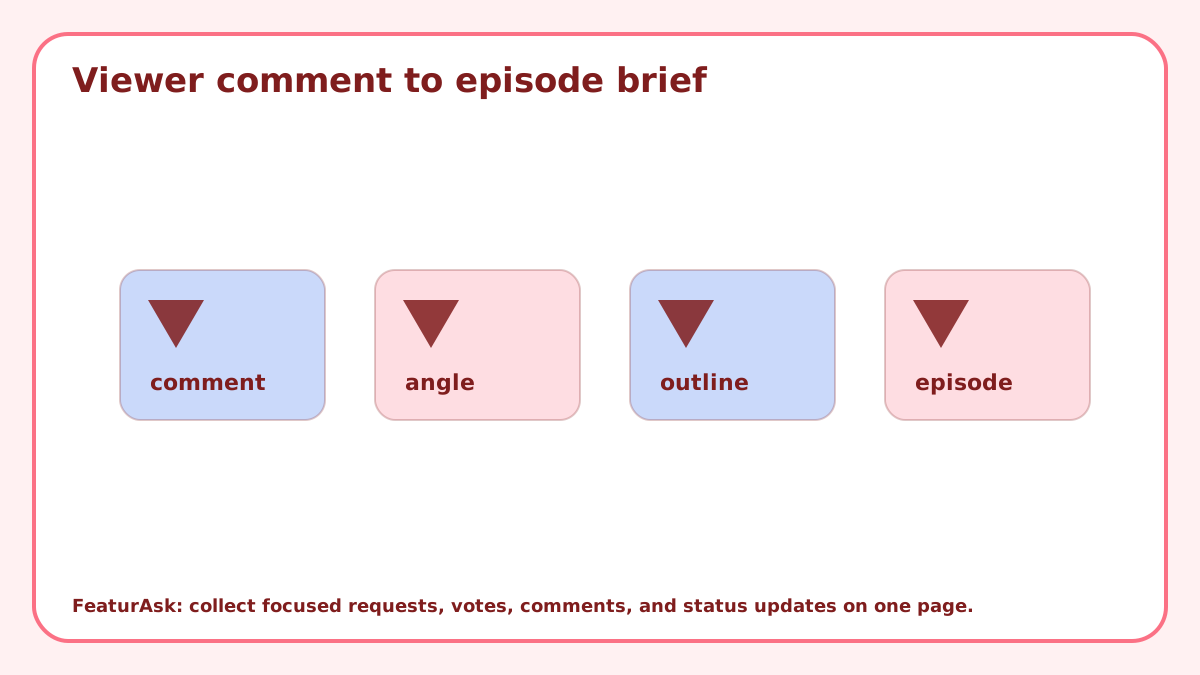
A YouTube video idea request form should help a creator decide what to film next. It should not become a second comment section full of one-line requests that are impossible to compare.
Viewers know what confused them, what they searched for, what they wish you had covered, and which follow-up would help them next. The creator still has to weigh audience fit, production effort, channel positioning, sponsorship obligations, and whether the idea can become a strong video.
A focused request form gives viewers a better way to describe demand and gives the creator a cleaner review process than scrolling through comments forever.
Ask for the viewer problem, not only the video title
“Make a video about cameras” is too broad. Ask what the viewer wants to learn, what they tried already, and what type of video would help: tutorial, review, comparison, setup walkthrough, reaction, Q&A, or case study.
That extra context changes planning. A request for a camera video could become a beginner buying guide, a lighting tutorial, a lens comparison, or a troubleshooting episode.
Place the form where viewers already have intent
Put the request form near your channel page, resource hub, course page, newsletter archive, or video description link. The more context viewers have, the better the request will be.
A generic form can still work, but page-specific prompts are stronger. A tutorial page can ask what step needs a deeper walkthrough. A product review page can ask which comparison viewers want next.
Use votes to identify recurring demand
Votes help you see which ideas resonate beyond one commenter. They are useful for follow-up episodes, series planning, community polls, and deciding whether a topic has enough audience pull.
Votes should not replace channel judgment. A popular request may be wrong for the channel, too expensive to produce, or too similar to a recent video. Compare demand with retention data, search behavior, production effort, and sponsor conflicts. YouTube’s own Creator Academy resources are a good reminder that audience understanding and packaging both matter.
Separate quick videos from flagship projects
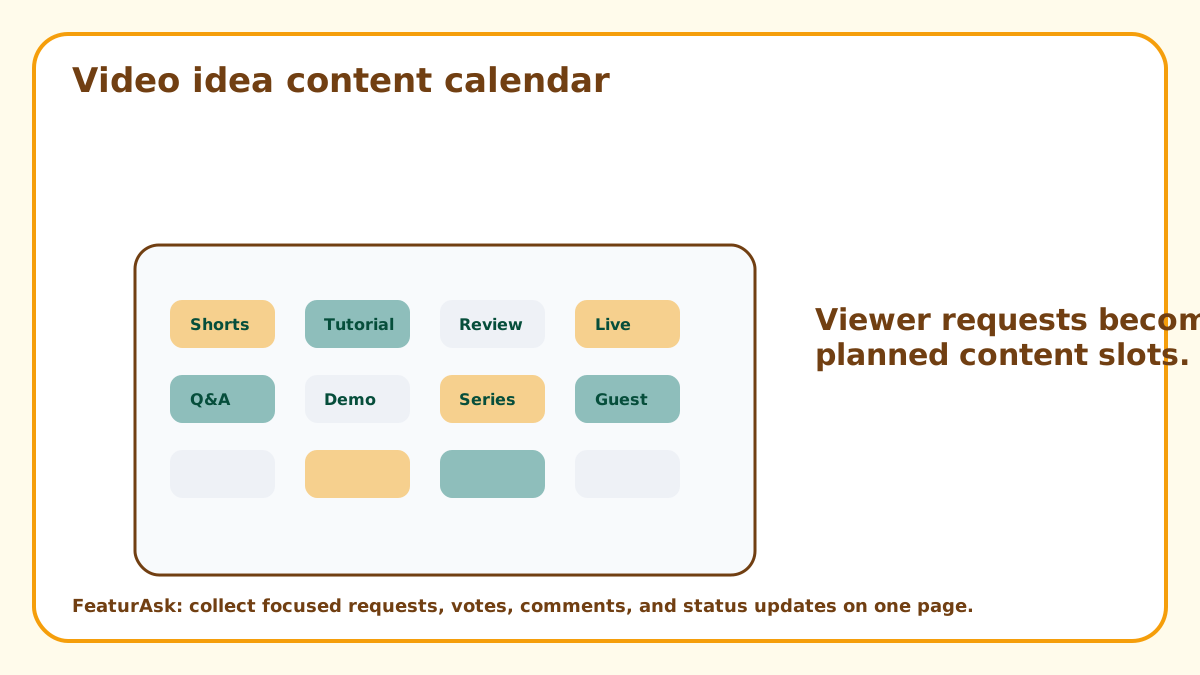
Some viewer requests can become Shorts, community posts, livestream answers, or quick tutorials. Others deserve a full scripted episode. Do not push every idea through the same pipeline.
During review, label ideas by format: short answer, evergreen tutorial, comparison, series candidate, collaboration, or not a fit. That sorting makes the request form useful even when you cannot film everything.
How FeaturAsk fits a creator request workflow
FeaturAsk can sit on the page where your audience already looks for resources or next steps. You paste the widget code into that exact page, customize the language and design, and let viewers submit and vote on ideas without forcing them into a long survey.
The dashboard lets you search requests, read comments, view optional field data, moderate spam, filter by status, and update ideas as Pending, Under Consideration, In Progress, Completed, or Declined. FeaturAsk includes a 30-day no-card trial and costs $29.95/year, which fits creators who want a simple request loop without another expensive stack.
Turn requests into an editorial calendar
Review requests in batches. Pick ideas that fit upcoming themes, seasonal timing, launch schedules, or series arcs. A viewer idea becomes stronger when it is placed into a content plan instead of treated as a random standalone task.
The request form should feed your calendar, not replace it. Use it to spot demand, clarify angles, and choose which video deserves scripting time.
Close the loop when a video ships
If a requested idea becomes a video, mark it completed and link to the finished piece. Viewers love seeing that their input mattered, and future contributors learn what kind of requests get used.
Related FeaturAsk examples include product idea submission form, customer idea board, and vote on product ideas.
Watch for repeated confusion
The best request may not be the most exciting title. Repeated “can you explain this part?” submissions often reveal where your existing content is unclear. Those ideas can become update videos, pinned comments, better chapter titles, or a new beginner playlist.
Treat confusion as content gold. It tells you where viewers are trying to move forward but need a bridge.
Ask for the question behind the request
Viewers often submit titles, but creators need questions. “Do a video about microphones” could mean buying advice, setup troubleshooting, room treatment, podcast workflow, budget gear, or editing settings. Ask what the viewer is trying to figure out.
A good prompt can be simple: “What are you trying to do, and what part is confusing?” That turns the form from a title jar into an editorial research tool.
Compare ideas with channel positioning
A popular idea can still be wrong for the channel. If your audience trusts you for beginner tutorials, a highly technical deep dive may need a different format. If your channel is built around reviews, a broad commentary request may not fit.
Use the request form to learn, then filter through the channel’s promise. That keeps the audience involved without letting random demand blur the reason people subscribed.
Reuse requests across multiple content formats
One viewer idea can become more than one asset. A common question might start as a Short, become a full tutorial later, and turn into a newsletter note or pinned resource. The form helps you identify the source material for that content ladder.
During review, label ideas by the smallest useful format first. If a quick answer would solve the problem, do not force it into a long video. If the comments reveal a deeper pattern, then plan the bigger episode.
Use requests to refresh older videos
Viewer requests often reveal that an older video still attracts attention but needs an update. If people keep asking for a 2026 version, a new tool comparison, or a clearer setup step, that may be a better opportunity than chasing a brand-new topic.
Review the form beside your analytics. High-traffic older videos with repeated requests can become strong update candidates because the audience has already shown interest.
Capture packaging clues, not only topics
A good request can reveal the title angle, thumbnail promise, or opening hook. If viewers say “I need the fastest way to set this up” or “I do not know which option to choose,” they are giving you packaging language as well as topic demand.
Save that wording. It can help you frame the final video in the viewer’s language instead of creator shorthand. The request form becomes a source of editorial positioning, not just a queue of topics.
Review requests with your publishing cadence
A creator who posts weekly needs a different request process from a creator who publishes monthly deep dives. During review, match ideas to the cadence you can actually sustain. Quick questions can become Shorts, community posts, or livestream segments. Bigger ideas should wait for planning time.
This keeps the form from becoming a pressure machine. Viewers can submit freely, but the creator still sorts ideas into the right production lane. A good request system supports consistency instead of constantly tempting you to abandon the schedule.
Use status updates to create audience participation
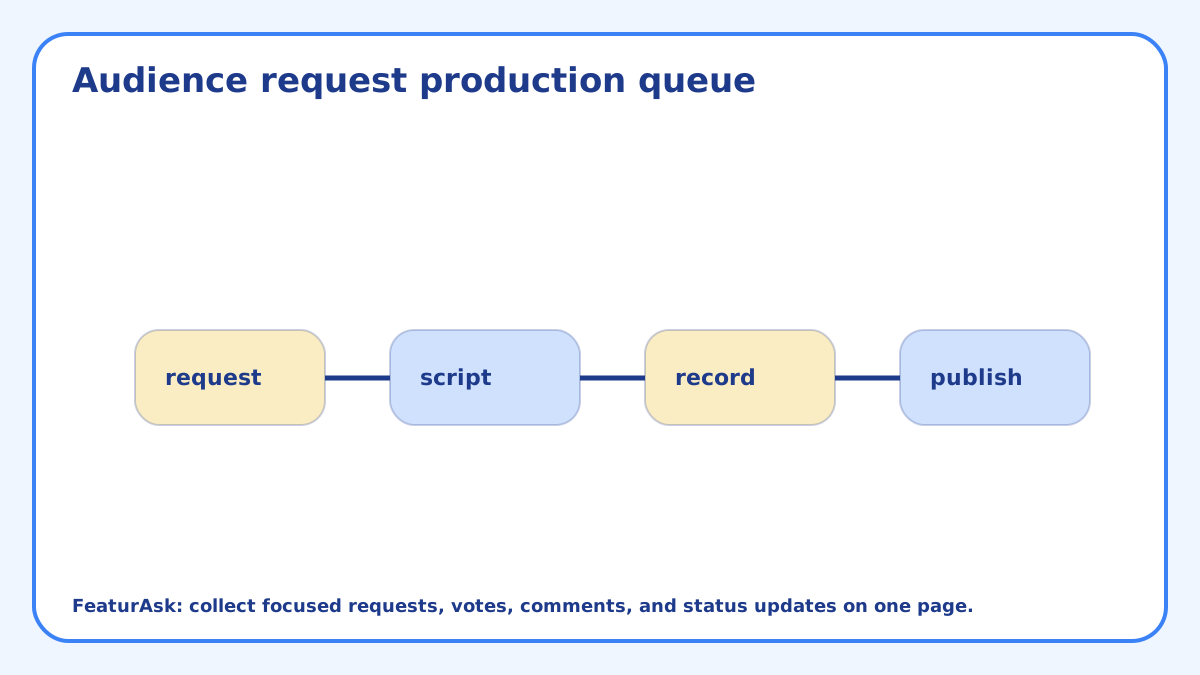
When an idea moves from request to script, mark it in progress. When the video publishes, mark it completed and link to it from the request. This creates a visible loop between audience input and finished content.
That loop can encourage better requests. Viewers see which ideas were specific enough to become videos, and they learn to submit clearer problems next time. Over time, the request form becomes a community editorial board without turning the channel over to the crowd.
Do one more pass before filming: is this request asking for information, confidence, comparison, entertainment, or accountability? The answer changes the script. A comparison video needs options and tradeoffs. A confidence video needs reassurance and examples. A tutorial needs steps and failure points.
Let viewer requests shape the queue
A YouTube video idea request form should turn scattered comments into usable planning evidence. Ask for the viewer problem, sort ideas by format, compare votes with channel strategy, and close the loop when videos ship. The audience can show demand. The creator still chooses the angle, timing, and production level. The strongest system respects both sides: viewers get a clearer way to ask for help, and the creator gets enough context to choose videos that fit the channel rather than chasing every comment.
Before you publish the form, decide how you will use the answers during planning. A short weekly review is enough: group similar viewer problems, choose the best format, and mark ideas that are not a fit. That small habit keeps audience input useful without letting the comment stream control the channel.
For creators, the request form can also reveal audience language. The words viewers use to describe confusion often make better titles, hooks, and opening lines than the creator’s internal shorthand. Save phrases that repeat across submissions. They can help frame a video around the problem the audience recognizes, not just the topic the creator planned.