User Feedback Analysis: Frameworks, Examples & Tools for 2026
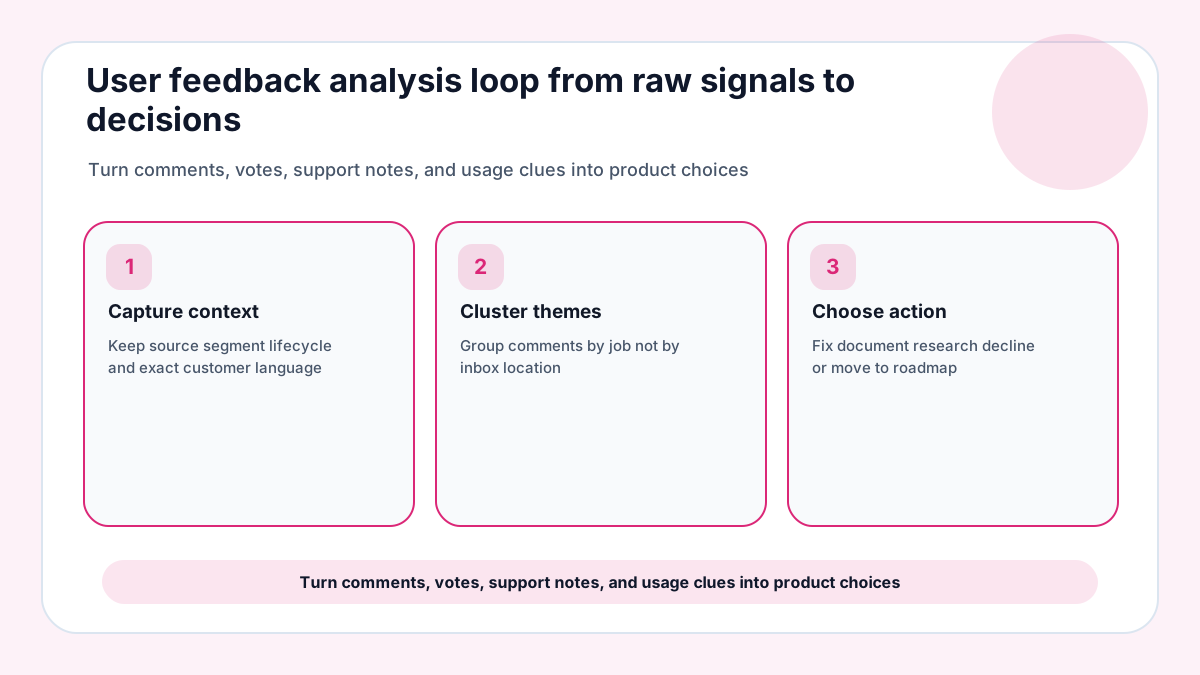
User feedback analysis is the practice of turning messy customer language into decisions a team can defend. The raw material may be feature requests, survey responses, support tickets, reviews, interviews, churn notes, sales objections, or product analytics. For 2026, the useful version is not a research textbook; it is a lightweight operating loop that helps a founder, PM, support lead, or creator turn comments into traceable choices.
The most common failure is treating analysis as a spreadsheet cleanup task. A spreadsheet can store comments, but it cannot decide which customer job is blocked, how urgent the theme is, whether the issue affects the right segment, or what kind of response the business should make. Analysis begins when the team preserves context and ends when somebody chooses an action.
If your team lacks a clean product-demand lane, FeaturAsk can collect requests, votes, and comments from your site for $29.95/year; the first month is free, and no credit card is required during setup.
Use FeaturAsk's guides to how to collect customer feedback, customer feedback tools, and roadmap prioritization as companion reading when you design the analysis flow. For outside grounding, see Nielsen Norman Group's survey best practices and Qualtrics guidance on customer feedback.
Define the decision before you tag anything
Start by naming the decision the analysis should improve. A churn review, pricing page redesign, onboarding fix, integration roadmap, and support reduction project each need different evidence. When the decision is vague, every tag looks equally useful and the board becomes a museum of comments.
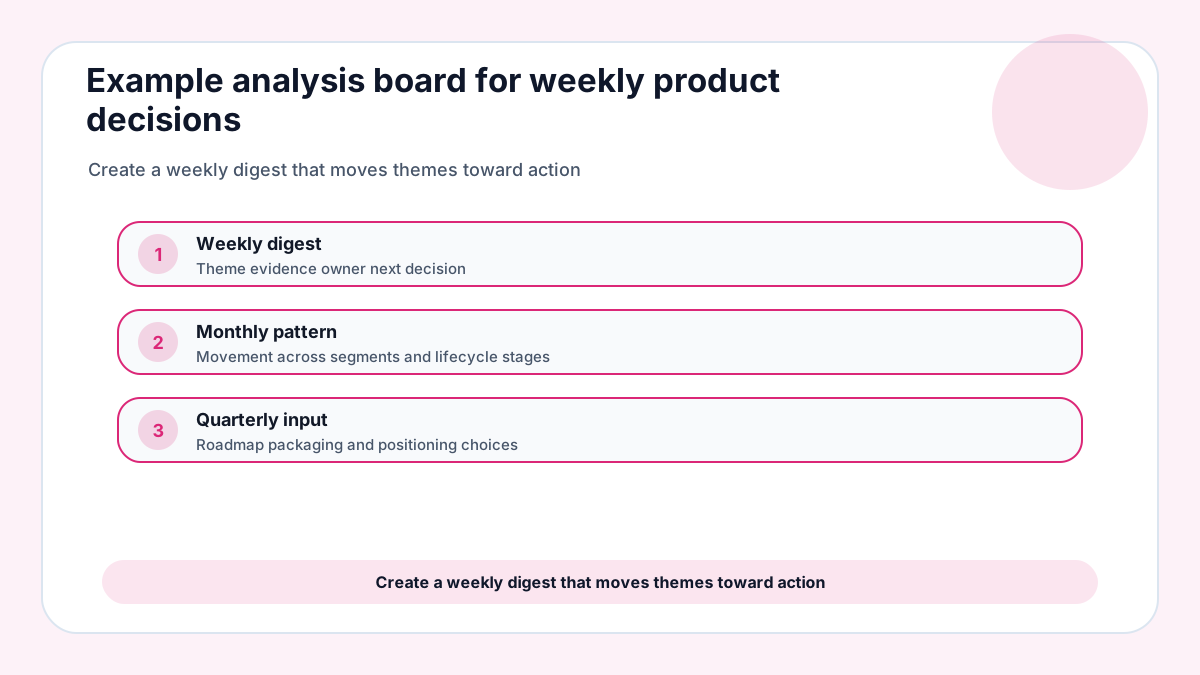
Choose a review horizon as well. Weekly analysis should identify immediate routing and obvious themes. Monthly analysis can compare movement across segments. Quarterly analysis can influence roadmap allocation, messaging, and packaging.
Do not mix all sources into one score without context. A feature vote from a paying admin, a complaint from a free trial, and a support ticket from a blocked account can all matter, but they answer different questions.
Use qualitative and quantitative evidence together
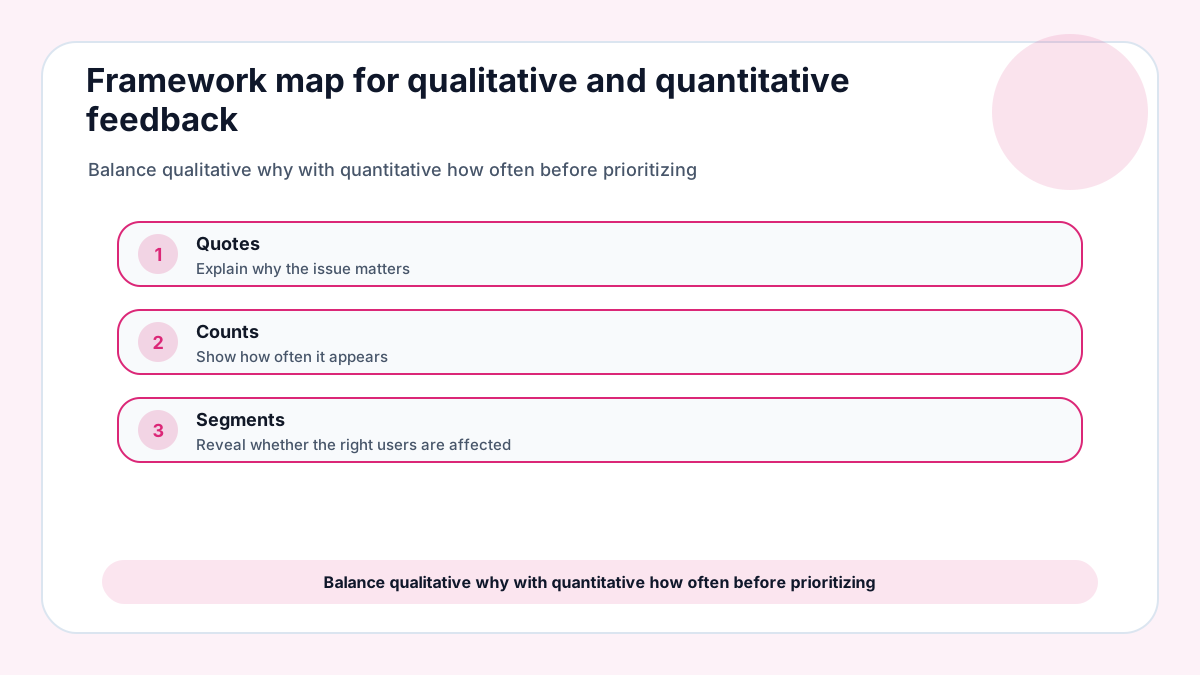
Qualitative feedback explains the why. It carries the customer’s words, emotional language, workaround, and desired outcome. Quantitative signals explain how often something may be happening. They include votes, event counts, survey ratings, ticket frequency, revenue exposure, and usage trends.
Neither type is safe alone. Ten emotional comments can exaggerate a small niche, while a chart can hide why users abandon a workflow. The strongest analysis pairs a theme with both a story and a scale estimate.
For a lean team, the rule can be simple: no roadmap candidate enters planning without at least one direct quote, one frequency signal, and one segment note.
Build a tagging framework that survives real use
A useful tag set is small enough for support and founders to apply consistently. Start with source, customer segment, lifecycle stage, product area, job-to-be-done, sentiment, urgency, and requested action. Add niche tags only after repeated confusion proves they are needed.
Avoid tags that describe internal departments rather than customer outcomes. A label such as billing is useful; a label such as engineering may hide whether the problem is pricing clarity, invoice access, failed payment recovery, or permissions.
Review tags every month. Merge synonyms, retire labels that no one uses, and document examples for borderline cases. The system should become clearer with use, not more complicated.
For teams whose feedback already lives in too many places, FeaturAsk can become the focused request layer while surveys, support, and analytics keep their own jobs.
Analyze themes instead of individual comments
Individual comments are persuasive because they sound human, but decisions require patterns. Group comments by the customer job they reference: importing data, inviting teammates, comparing plans, producing a report, recovering a cart, or requesting an integration.
Inside each theme, keep the sharpest quotes and count the supporting evidence. A theme with eight similar comments from the wrong segment may rank below three comments from high-fit customers who are blocked from upgrading.
Themes should lead to different actions. Some become product fixes, some become documentation, some become request-board candidates, some become research questions, and some are intentionally declined.
Examples that show the analysis loop
If trial users repeatedly ask where to invite teammates, the analysis may identify onboarding clarity rather than a new collaboration feature. The action could be copy, UI placement, or a short guided prompt.
If ecommerce customers vote for bulk editing, the analysis should separate operational pain from speculative power-user requests. Count how many stores would use it weekly, then compare the effort with other retention levers.
If service clients request client-portal branding, the analysis should ask whether branding affects trust, upsell, or workflow completion. That framing is more useful than labeling every request as nice to have.
A small-team review habit that keeps analysis honest
Run one short calibration review after the first week of tagging. Pick five items that were hard to classify, compare the original customer wording with the chosen theme, and adjust the tag examples before the dataset grows. This tiny ritual prevents analysis drift and helps future reviewers understand why the team treats one comment as a product request, another as documentation, and a third as a research question.
A feedback analysis habit is easier to keep when collection stays simple, and FeaturAsk gives small businesses a lightweight place to keep product ideas visible after the initial review.
A 2026 feedback analysis framework small teams can repeat
A practical user feedback analysis framework starts with the decision, not the data source. For a roadmap decision, the team needs repeated demand, customer segment, urgency, and effort. For an onboarding decision, the team needs journey stage, failed action, confusion wording, and activation impact. For a pricing decision, the team needs plan context, willingness to pay, competitor comparison, and the moment where value felt unclear.
After the decision is named, create a compact evidence table. Use columns for source, customer segment, lifecycle moment, exact customer words, theme, confidence, and next action. This table does not need to be fancy. It needs to preserve enough context that a founder or product lead can understand why a theme is important three weeks later.
The analysis step should separate themes from solutions. Customers may ask for a mobile app when the underlying problem is approval speed. They may request an integration when the real need is reliable export. They may ask for advanced permissions when the real blocker is team trust. Good analysis captures the suggested solution, then asks which job or risk sits underneath it.
Examples of turning raw feedback into decisions
Imagine five trial users say reporting is confusing. One comment mentions export, another mentions filters, a third mentions a missing saved view, and two mention sharing. The theme is not simply reporting. The analysis should ask whether users are trying to present results to clients, reconcile internal numbers, or prove ROI to a manager. Each answer points to a different product response.
If support tickets repeatedly mention setup, pair the comments with activation events. Tickets alone show pain after it becomes visible. Behavior data shows where users hesitated before they asked for help. Together, they can reveal whether the team needs clearer copy, a template, a default setting, or a product change.
If feature requests pile up around integrations, classify them by workflow rather than vendor name. A request for Slack, Teams, and email alerts may really be a notification problem. A request for Shopify, WooCommerce, and Stripe may be an ecommerce operations problem. Grouping by job keeps the roadmap from becoming a logo collection.
How to keep analysis current without a research department
Set a weekly review limit. Review the newest items, merge obvious duplicates, and promote only the strongest themes to a decision list. Once a month, revisit the top themes and ask what changed: more votes, fewer tickets, new revenue risk, or enough evidence to decline. This rhythm keeps the feedback system alive without demanding a full-time analyst.
Common analysis mistakes and how to avoid them
The first mistake is counting every comment equally. A request from a customer who fits the product’s ideal segment and is blocked from expansion carries a different weight from a casual suggestion by a visitor who may never buy. Equality feels fair in a spreadsheet, but useful analysis must preserve context.
The second mistake is deleting the original customer wording too early. Teams often translate comments into internal labels before they understand the customer’s mental model. Keep at least one sharp quote for every theme. That quote helps designers, marketers, and support teammates understand the problem without reading the entire archive.
The third mistake is analyzing only negative feedback. Praise can reveal what customers value, which language resonates, and which outcomes should not be damaged by future changes. A theme map that contains only complaints can push the product toward defensive work and miss opportunities to strengthen what already works.
The fourth mistake is turning analysis into a one-time cleanup project. Feedback changes as the product, audience, pricing, and market change. A theme that mattered during onboarding last quarter may become less important after a template launch. A small monthly review keeps the analysis fresh enough for current planning.
The final mistake is failing to close the loop. If the analysis leads to a shipped improvement, a clarified help article, or a declined request, customers should hear the outcome where appropriate. Closing the loop improves future response quality because customers learn that thoughtful feedback receives a thoughtful answer.
A lightweight scoring layer after analysis
Once themes are clean, add a small scoring layer rather than a complicated model. Score customer value, frequency, confidence, effort, and strategic fit on a simple scale. Keep the evidence beside the score so the number does not become detached from reality. If two people score the same theme differently, discuss the evidence instead of averaging the disagreement away.
The scoring layer should also include a decision category. Fix now means the evidence is strong and the work is small or urgent. Watch means the pattern is interesting but not yet strong enough. Research means the team does not understand the job clearly. Decline means the theme does not fit the product. This category is often more useful than a precise numeric rank.
Make analysis a visible decision ledger
Treat user feedback analysis as a decision habit rather than a reporting artifact. Every theme should answer four questions: who is affected, what job is blocked, how strong the evidence is, and what response the team will choose. If a theme cannot answer those questions, it is not ready for roadmap debate. It may still be useful, but it belongs in research, observation, or documentation review until the evidence becomes clearer. This discipline keeps the team from confusing volume with priority.
A final review step can protect the team from overreacting to the newest theme. Before a theme enters planning, compare it with older evidence, current customer segments, and the product promise. If the pattern is new but important, mark it for research rather than immediate delivery. If the pattern is old and unresolved, decide whether the team has been avoiding a hard product choice. This pause keeps analysis grounded without slowing every small fix.
Use the same plain-language test for every theme: would a teammate who missed the original conversation understand the customer problem, the evidence strength, and the proposed response? If not, the analysis needs more context before it influences the roadmap. Clear feedback analysis should make decisions easier to review, not harder to question.
Field test for the next messy comment
Choose one recent customer example, classify it against the theme map, state the likely product response, and decide who should follow up. If the team argues about the category, update the analysis guide before adding more data.