Understanding Use Cases vs User Stories in Product Development
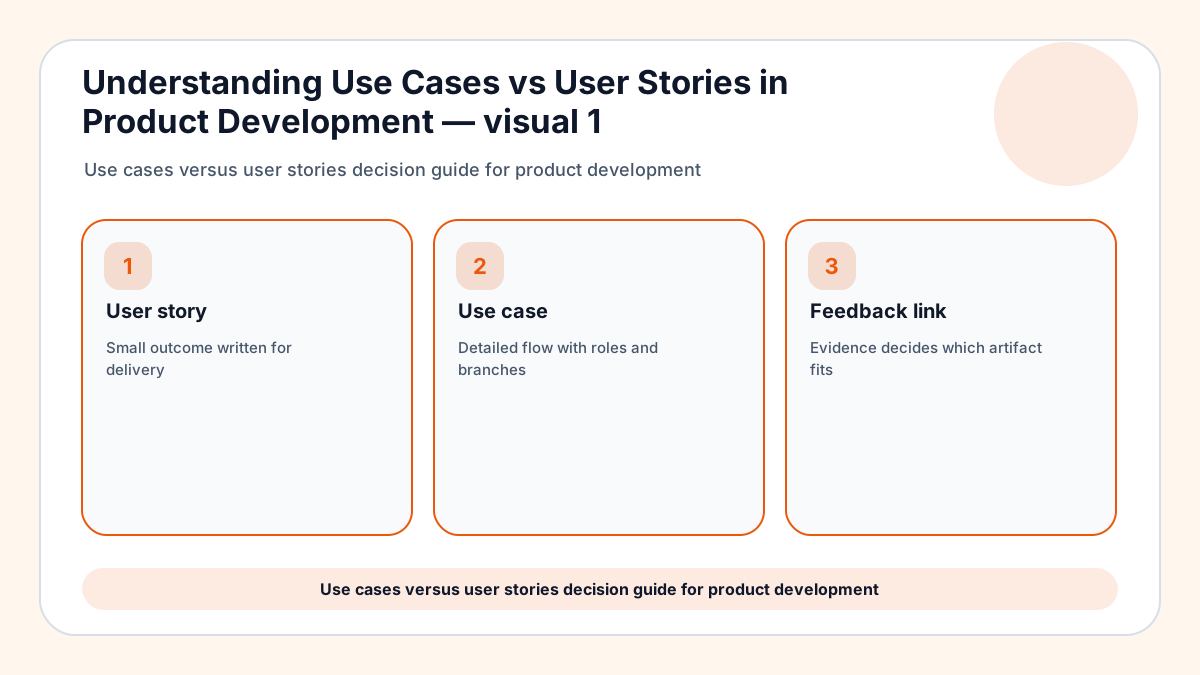
Use cases and user stories both describe what people need from a product, but they serve different levels of detail. A user story captures a user goal in a small backlog-friendly format, while a use case maps a fuller interaction with steps, actors, conditions, and exceptions. Frill’s source topic compares the two; this guide adds a practical decision model for teams turning customer feedback into better requirements.
The simplest mistake is treating one artifact as universally better. User stories are excellent for iterative delivery, but they can hide edge cases. Use cases reveal scenarios and failure paths, but they can become heavy if every tiny improvement gets a long document.
Use cases and user stories both improve when customer evidence is easy to collect; FeaturAsk gives small teams that request channel for $29.95/year, with one month free and no credit card required.
If your discovery system is still forming, FeaturAsk guides to feedback widgets, customer feedback form questions, and feature request templates help turn raw comments into useful artifacts. For outside grounding, see Atlassian user stories guide and Nielsen Norman Group journey mapping guide.
The difference that matters in real product work
A user story usually says who wants something, what they want, and why it matters. That framing keeps the backlog human and outcome-oriented, which is useful when a team is planning small increments.
A use case explains how the interaction unfolds. It names the main actor, preconditions, trigger, normal flow, alternate paths, exceptions, and success result, which is valuable when a workflow has multiple states or risks.
1. When a user story is enough
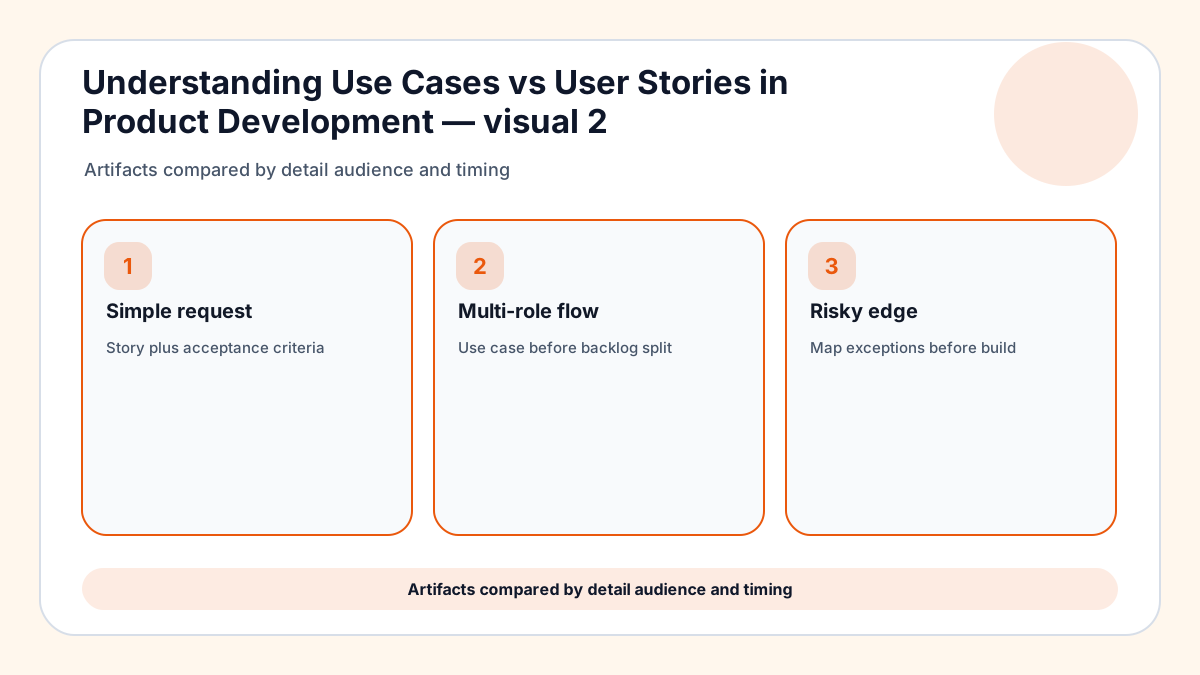
Use a user story when the request is small, the workflow is familiar, and the acceptance criteria can describe success without mapping every branch. Many UI improvements, preference settings, and small feature requests fit this level.
A good story still needs evidence. Link it back to the customer comments, votes, support examples, or analytics events that explain why the work matters.
2. When a use case is safer
Use a use case when the workflow crosses roles, permissions, payments, data imports, compliance steps, or failure states. The extra detail prevents a team from discovering hidden requirements during QA.
Use cases are especially helpful for service businesses and B2B SaaS products where one user starts a process and another approves, receives, audits, or pays for it.
3. How feedback becomes the right artifact
Raw feedback rarely arrives in perfect requirement language. A customer says “I need approvals,” but the team must determine whether that means a story for a button, a use case for a multi-role workflow, or a research question about process ownership.
Classify feedback by complexity before writing requirements. Simple demand can become a story; messy interaction should become a scenario map first.
4. How to keep both artifacts lightweight
Do not turn every story into a ceremony. Keep stories concise, add acceptance criteria only where they reduce ambiguity, and reserve full use cases for flows where missing a branch would be expensive.
Store the decision trail. Future teammates should be able to see why a request became a story, why a use case was needed, and which customer evidence shaped the artifact.
When a comment should become a story but needs more votes first, FeaturAsk keeps the request visible instead of burying it in a chat transcript.
A feedback-to-requirements workflow
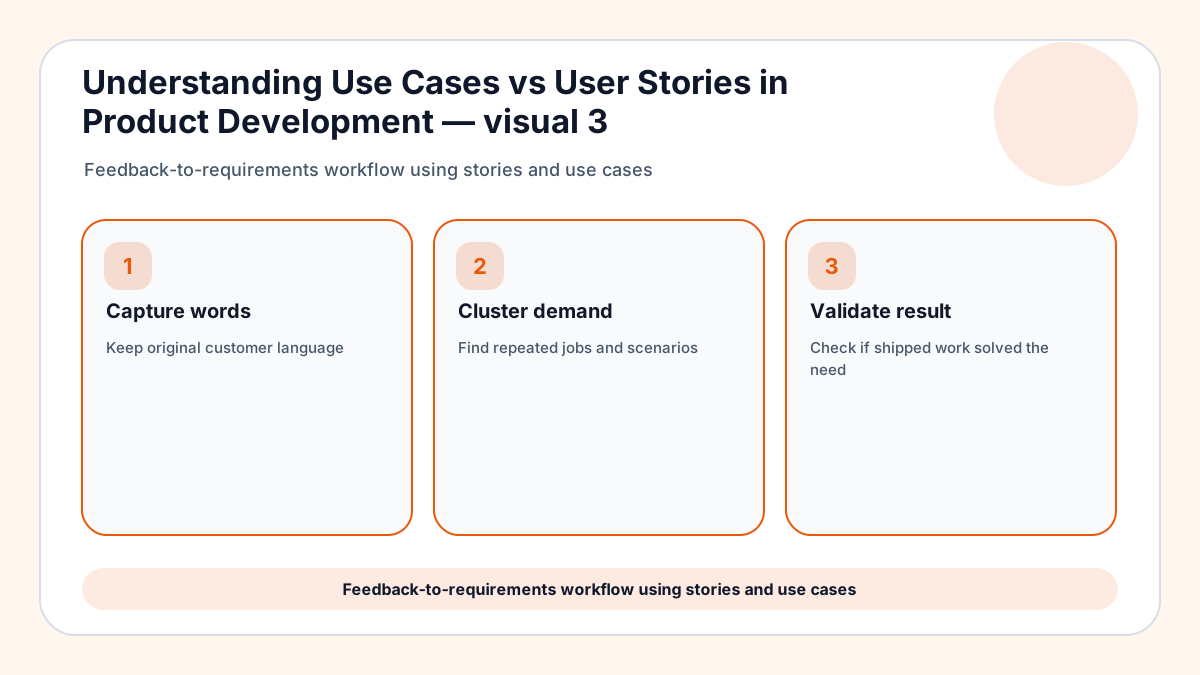
Capture the customer wording first. The original language often reveals urgency, mental model, and context that disappear when a team immediately rewrites everything into backlog format.
Cluster similar requests, then decide whether the pattern is a small enhancement or a broader scenario. This prevents five separate stories from masking one underlying use case.
Review shipped work against the original feedback. If customers still ask for the same outcome, the story may have delivered a screen change without solving the scenario.
Simple request artifact
When a customer asks for a small visible improvement, a user story plus acceptance criteria may be enough. The team should still attach the original quote so the story keeps the user’s language rather than becoming an internal task.
Complex workflow artifact
When the request crosses roles, billing states, approvals, or error handling, write a use case before slicing stories. The scenario map prevents delivery from covering the happy path while missing the branches that create support tickets.
Feedback translation artifact
A request such as “make approvals easier” is not yet a requirement. First identify the actor, trigger, current workaround, failed step, and desired outcome; then choose whether a story or use case communicates the work better.
Lightweight governance artifact
Keep both formats short enough to maintain. Stories should not hide risky exceptions, and use cases should not become documents that nobody updates after the first release.
Requirement-writing details for product teams
Start from the customer quote before rewriting it
The customer’s raw sentence contains clues about urgency, vocabulary, and mental model. If the team rewrites it immediately into internal backlog language, it may lose the problem that made the request important.
Keep a short evidence note beside the story or use case. The note should include the original phrase, where it appeared, and which outcome the customer was trying to reach.
Use acceptance criteria to bridge both formats
Acceptance criteria can make a lightweight story safer without requiring a full use-case document. They describe what must be true when the work is done, including states, permissions, empty cases, and user-visible confirmation.
For complex flows, acceptance criteria should come after the use case has mapped the branches. Otherwise the team may write neat criteria for only the happy path and miss the scenario that creates support tickets.
Review artifacts with support and customer-facing teams
Product teams often write stories from a roadmap perspective while support teams see the edge cases that customers actually hit. Bringing those perspectives together prevents requirements from looking clean while the real workflow remains messy.
A short review can uncover account roles, billing states, device constraints, or migration steps that never appeared in the initial request. Those discoveries determine whether a story is enough or a use case is needed.
Archive the decision trail
When a feature ships, future teammates should know why the team chose a story, a use case, or both. This history matters when customers ask for a related improvement six months later.
A decision trail also prevents repeated debates. The next planning cycle can reuse the evidence instead of rebuilding the reasoning from scattered comments and old tickets.
Examples that reveal the right artifact
Feature request board submission
A simple request such as “let visitors upvote ideas” can begin as a user story because the actor, action, and benefit are clear. If the same request later adds moderation, anonymous voting, spam handling, and status notifications, a use case may be needed before expanding the build.
Checkout exception
An ecommerce team may write a story for saving a shipping preference. The use case becomes important when international addresses, taxes, pickup options, failed payments, and guest checkout all influence the same flow. Detail prevents the story from hiding expensive branches.
Team permissions
A SaaS permission change usually involves owners, admins, members, invited users, and sometimes external collaborators. A user story can state the goal, but a use case should map who can grant access, revoke it, recover from mistakes, and audit the result.
Content creator workflow
A creator asking for topic suggestions might only need a story about collecting ideas from viewers. If the workflow includes voting, moderation, duplicate merging, and public status labels, the team should map the scenario before slicing the work.
Service business intake
A service provider may request a form that captures new service ideas. The story is useful for the first intake screen, while the use case explains how staff review, categorize, follow up, and decide whether to add the service to the website.
Choosing the artifact in messy product work
Narrow delivery slice
A user story works when the actor, goal, and success condition fit a small release. Keep the wording close to the customer’s need and add acceptance criteria only where they reduce ambiguity.
Branching workflow
A use case is safer when the work crosses permissions, billing states, approvals, handoffs, imports, or failure paths. The value is discovering hidden branches before QA or customers discover them.
Discovery-to-delivery split
A team can map the full use case during discovery, then split the first usable release into user stories. That approach keeps the larger scenario visible while giving engineering manageable increments.
Evidence attachment
Every artifact should link back to the feedback that created it. Original quotes, request counts, support examples, and usage context help future teammates understand why the requirement exists.
Review partnership
Support, sales, and customer success often know the edge cases that product documents miss. A short review with those teams can reveal account roles, migration details, or wording problems before implementation begins.
Archive discipline
When a workflow stabilizes, summarize the durable rule and archive old exploration notes. Future planning needs the decision trail, not every draft that led to the final artifact.
Backlog grooming example
During refinement, ask whether each item still has the right artifact size. A story that keeps adding exception notes may need a use case, while a use case that has become obvious can be sliced into smaller stories.
Acceptance criteria example
Acceptance criteria should describe observable success rather than internal activity. “User receives a confirmation message after the invite is accepted” is clearer than “system updates invite status,” because the first version protects the customer experience.
Research note example
When feedback is unclear, keep a research note instead of forcing it into a story. The note can capture the customer quote, unknowns, candidate scenarios, and the next question to ask before requirements are written.
Release review example
After shipping, compare the result with the original feedback. If customers still ask for the same outcome, the team may have delivered the requested screen but missed the real use case.
Artifact planning checklist
Before choosing between a story and a use case, ask how many actors are involved, how many failure paths matter, whether money or permission changes hands, and whether the workflow will be tested by someone who did not join discovery. If the answers are simple, write the story and move forward. If the answers expose branching behavior, map the use case first and then split delivery into stories once the risky parts are visible.
A final artifact safeguard is to let requirements change when learning changes. A user story may grow into a use case after discovery reveals edge cases, and a use case may shrink into a story once the team understands the safe first slice. The format should serve the product decision, not the other way around.
One more practical review is to ask a teammate outside the project to read the artifact. If they cannot explain the user goal, the document is probably too internal or too vague.
When uncertainty remains, write the smallest example scenario and test whether the story still makes sense. That exercise usually exposes hidden actors or confirms that a lightweight story is enough.
Final take on use cases and user stories
Use cases and user stories are complementary tools. Stories keep delivery focused, while use cases make complex interactions safer to design and test.
Choose based on risk, detail, and the kind of feedback you are translating. The right artifact is the one that helps the team build the correct outcome with the least avoidable ambiguity.
For lean builders translating feedback into backlog items, FeaturAsk is a simple place to gather demand before writing detailed scenarios.