Understanding and Implementing Real-time Feedback for SaaS Success
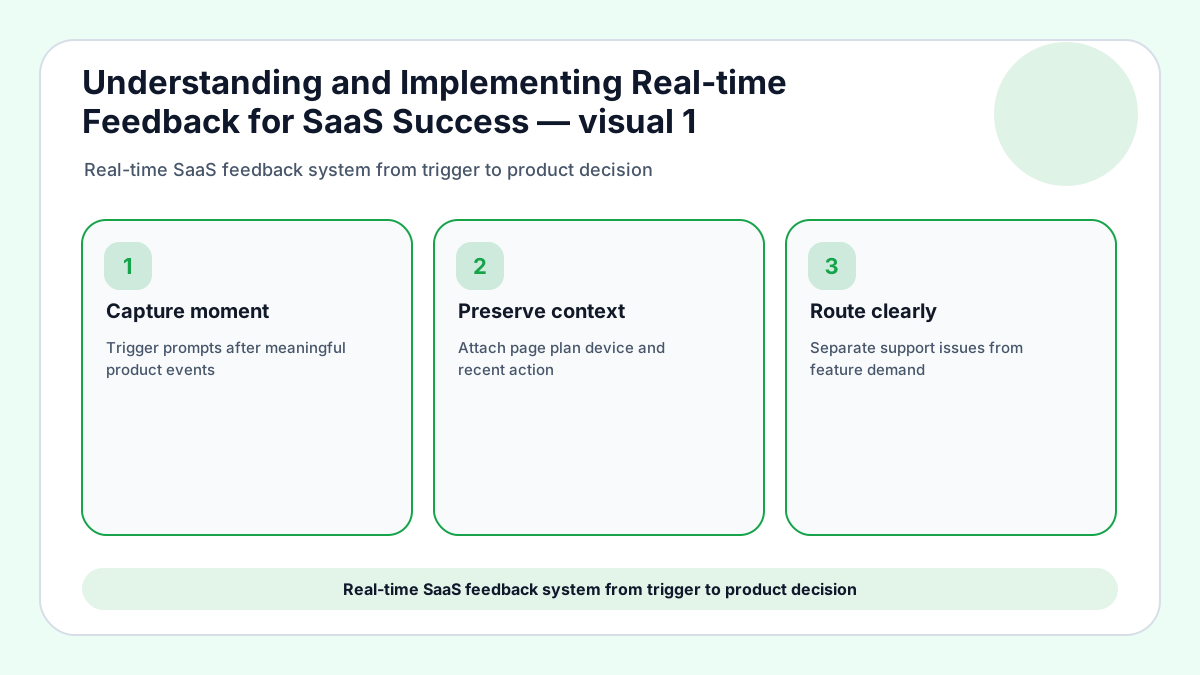
Real-time feedback for SaaS is not just a chat bubble that appears while a user is annoyed. It is a system for capturing a problem close to the moment it happens, preserving enough context to understand it, and routing the signal before the memory gets stale. Frill’s source article covers the broad value of customer feedback; this version keeps the same search intent while focusing on the operating model a small SaaS team can actually sustain.
The fastest feedback is not automatically the best feedback. A popup after every click can create noise, while a short request prompt at the end of a failed workflow can expose exactly what blocked activation, expansion, or renewal. The goal is to reduce the distance between user experience and team learning without turning the product into a survey machine.
When the missing piece is a place for live requests to gather, FeaturAsk gives small SaaS teams a copy-paste widget, voting, and a dashboard for $29.95/year; the first month is free and the trial starts with no credit card required.
For adjacent FeaturAsk reading, pair this playbook with feedback widgets, customer feedback tools, and roadmap prioritization before you decide where real-time signals should land. For outside grounding, see Nielsen Norman Group survey best practices and Atlassian incident communication practices.
What real-time feedback should capture before it becomes noise
A useful real-time system records the page, user state, plan, device, recent action, and the words the customer used. Without that context, a message such as “this is confusing” turns into a guessing exercise for support, product, and design. With context, the same sentence can point to onboarding copy, permission logic, pricing friction, or a missing integration.
Small teams should define trigger moments before they choose tools. High-value triggers include failed imports, repeated search attempts, pricing-page exits, trial activation milestones, upgrade hesitations, and feature requests that appear inside a workflow. The wrong trigger asks for opinions when nothing happened; the right trigger asks for help interpreting a specific event.
1. Separate friction from feature demand
Real-time comments often mix usability pain with roadmap wishes, so the first triage step is to split the two. A user who cannot find an existing setting needs product clarity; a user asking for a new integration needs demand tracking and prioritization.
Do not let both categories fall into the same inbox. Friction should reach the team that can fix the current experience, while repeated feature demand should become a visible request that other customers can vote on.
2. Use timing rules instead of constant interruption
The best collection point appears after a meaningful action, not during every screen visit. For example, ask about setup only after a user completes or abandons setup, and ask about reporting only after someone exports or fails to export data.
A timing rule protects the user experience and improves answer quality. People are more precise when the prompt clearly relates to what they just tried to accomplish.
3. Route urgent issues and strategic ideas differently
Bug reports, billing confusion, and broken workflows deserve fast private handling. Product requests, enhancement ideas, and workflow gaps benefit from aggregation because one comment rarely proves roadmap value alone.
Create a simple routing chart: support problems go to support, technical defects go to engineering triage, repeated product ideas go to the request board, and praise goes to the marketing evidence file.
4. Measure whether the loop changes decisions
Real-time collection is working when it shortens time to diagnosis, improves activation, highlights missing capabilities, or reduces support repeats. Counting submissions alone can reward noisy prompts and punish quiet but effective flows.
Track cycle time from comment to label, label to decision, and decision to customer update. Those metrics reveal whether the system is only collecting feedback or actually helping the business learn.
If your feedback channel creates useful ideas faster than your team can sort them, FeaturAsk keeps the request queue visible without asking you to adopt a heavy product-ops suite.
A weekly rhythm for SaaS teams that cannot review feedback all day
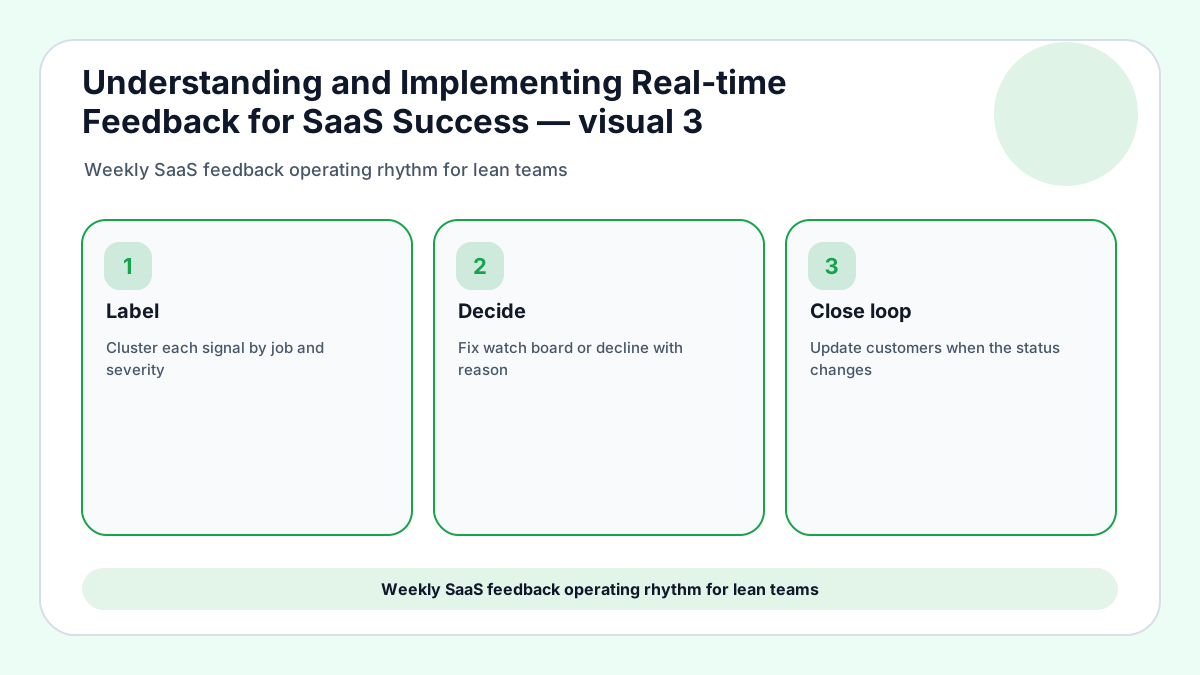
Review new feedback in two passes each week. The first pass removes duplicates, flags urgent problems, and adds context tags. The second pass turns patterns into decisions: fix now, watch for more evidence, add to a request board, or decline with a clear reason.
Keep the meeting short by bringing prepared clusters instead of raw comments. A founder, support lead, and product owner can decide faster when each cluster includes user segment, revenue relevance, frequency, and the smallest next action.
Close the loop publicly when the signal came from a request channel and privately when the issue exposed account-specific pain. Customers do not need a long essay; they need to know that the team heard the problem and chose a direction.
Real-time triage example
A signup-flow comment that says “I cannot invite my teammate” should not be grouped with a broad request for collaboration features. The immediate action is to check permissions, invitation copy, and the failed step, while the longer-term request can be tracked only if several accounts ask for deeper collaboration.
SaaS routing example
A message from a free trial about missing exports carries different weight from the same message from a renewal account. The first may reveal activation confusion; the second may reveal retention risk. Tagging lifecycle stage keeps those signals from being averaged into a vague product wish.
Live-feedback metric example
Instead of celebrating submission volume, track how many real-time comments were labeled, routed, and resolved within the review window. That metric rewards learning speed and discourages intrusive prompts that create more work without better decisions.
Customer-loop example
When a repeated request becomes a roadmap candidate, publish a short status update and invite voters to add context. The public loop turns scattered live comments into an evidence trail that customers can understand.
Real-time feedback implementation details
Design the capture surface around intent
A SaaS feedback prompt should feel like part of the workflow, not an interruption pasted over the product. Put the request option near empty states, failed searches, blocked settings, import errors, and upgrade comparison pages where customers are already thinking about what is missing. The placement teaches users what kind of signal belongs there and helps the team avoid generic comments that cannot be acted on.
Use one primary open field and a small optional category selector. When the form asks for too much classification, customers guess; when it asks for nothing beyond a sentence, the team loses routing context. The middle path is a short prompt with automatic page metadata and a few categories that match your operating process.
Decide how fast each signal needs a response
Not every real-time comment deserves the same clock. A payment failure, broken invitation, or data-loss warning should create immediate private follow-up. A product enhancement request can wait for weekly clustering because the value comes from repeated demand rather than instant reaction.
This response-speed distinction keeps founders from treating a request board like an emergency pager. The team can be fast where speed protects trust and deliberate where evidence quality matters more than speed.
Use feedback to improve onboarding before roadmap work
Many real-time SaaS comments are not true feature gaps. They are signs that a customer misunderstood the setup path, missed a default, or needed a clearer example. Fixing those moments may improve activation faster than building a new module.
When a request appears during onboarding, ask whether better copy, sample data, a checklist, or a shorter first task would solve the same problem. New features should not become a substitute for making the first experience understandable.
Keep privacy and consent visible
Real-time collection can feel invasive if customers do not know what is being captured. The prompt should explain what the team will see, avoid unnecessary personal data, and make optional contact fields genuinely optional.
For small SaaS products, trust is part of the product experience. A respectful feedback surface can increase response quality because customers understand that they are helping shape the product rather than being tracked silently.
Real-time SaaS examples to copy carefully
Trial setup blocker
A trial user reaches an import screen, uploads a file, and sees a vague validation error. A real-time prompt beside the error asks what they expected to happen and whether they can share the file type. The product team learns that the template link is hard to find, support learns which account needs help, and the roadmap team avoids calling the issue a new feature before the current flow is fixed.
Upgrade hesitation
A growing account opens the pricing comparison page three times but never upgrades. A small feedback prompt asks which capability or concern is blocking the decision. If the answer mentions seats, permissions, or reporting, the team can connect the comment to expansion revenue instead of treating it like generic pricing feedback.
Repeated empty search
A customer searches the help center or feature list for the same term several times. Asking for the missing term at that moment can uncover naming confusion, documentation gaps, or a product capability that customers assume should exist. The team should store the phrase exactly because it may become better navigation copy.
Churn-risk workflow
A paying user fails to complete the same workflow twice in one week. The feedback request should be private and specific, not public and vague. If the customer replies, the response may deserve immediate success follow-up before it becomes a cancellation reason.
Creator or ecommerce site
A creator using SaaS-like tools may not have a product manager, but real-time feedback still helps. A course page can ask what lesson is missing, while a store can ask what product detail blocked purchase. The same operating principle applies: collect near the moment and route by decision type.
Real-time feedback operating scenarios
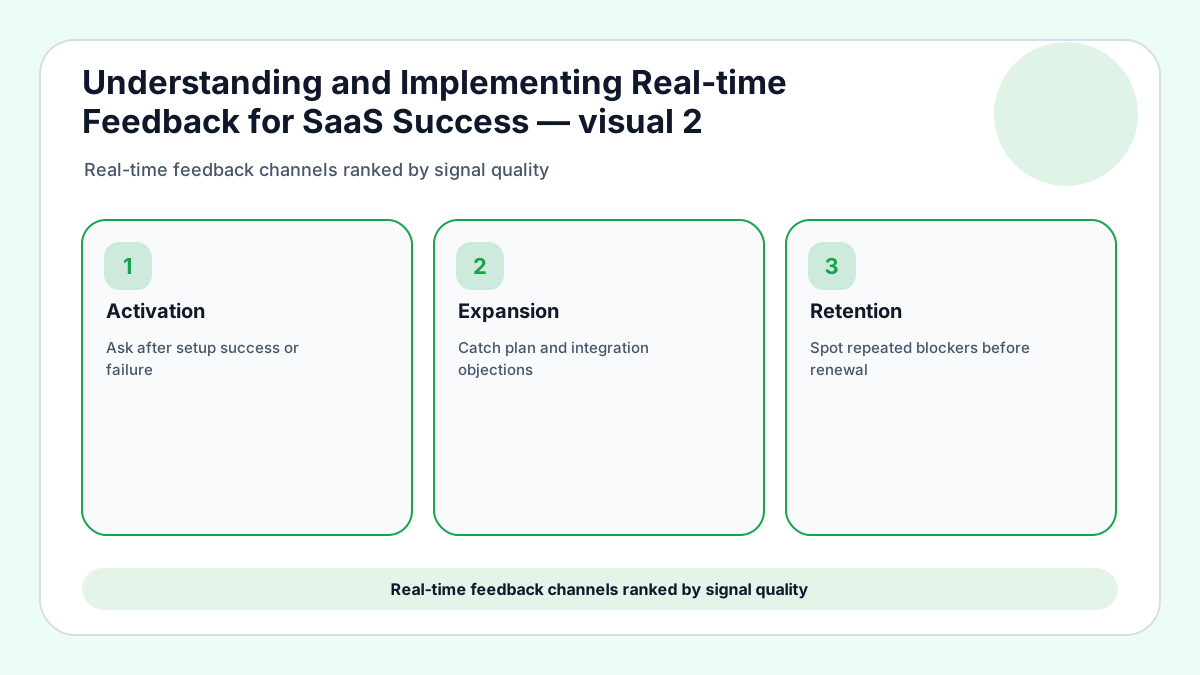
Activation signal
A trial user who reports confusion during setup is giving the team a chance to improve the first promise. Preserve the screen, recent action, plan, and phrase they used. Then decide whether the answer belongs in product copy, defaults, sample data, or a request cluster.
Expansion signal
When a paying account asks for reporting, permissions, integrations, or export control while comparing plans, the comment has commercial weight. Link the note to account stage and upgrade context before it becomes another undifferentiated product idea.
Reliability signal
A live complaint about a broken workflow should move through private support first. The product board can capture the pattern later, but the customer who is blocked needs acknowledgement, diagnosis, and a path back to their task.
Roadmap signal
Repeated live comments become useful when they are grouped by the job customers were trying to finish. A cluster should explain who is affected, how often the issue appears, and which current workaround customers are using.
Review cadence
A lean SaaS team can review real-time feedback twice a week without losing momentum. One pass handles urgent routing, and the second pass converts repeated themes into fixes, request-board candidates, or declined ideas with reasons.
Success measure
The best measure is not raw message count. Track labeled comments, resolved blockers, request clusters promoted to decisions, and customers notified after a change ships. That view rewards learning instead of interruption volume.
Final take for SaaS success
Real-time feedback helps SaaS teams because the signal arrives while the experience is still fresh. It hurts teams when every message becomes an emergency or when no one knows what happens after collection.
Build the system around moments, tags, routing, and visible decisions. That structure lets a small company learn quickly without drowning in opinions.
For founders who want real-time listening without enterprise pricing, FeaturAsk can turn website visitors into voters and keep the loop running all year.