Public Feature Request Board: Build Trust Without Letting the Loudest Users Take Over
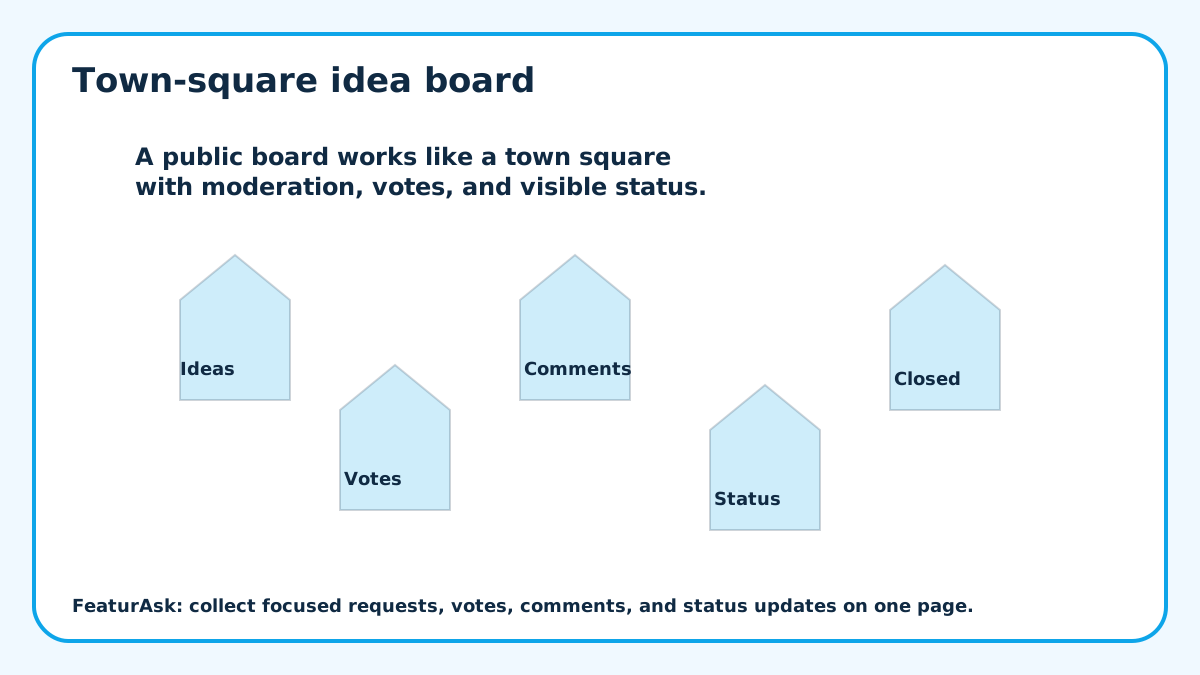
A public feature request board is a promise. It tells users they can see what other people want, add their own ideas, vote, comment, and watch progress. That promise is useful when the board is actively managed. It is damaging when the board becomes a museum of ignored ideas.
The board should make product thinking more transparent without handing the roadmap to the crowd. Users bring evidence from real workflows. The team still has to compare that evidence with strategy, effort, customer fit, revenue, and support costs.
This guide explains how to run a board that feels open without becoming chaotic.
Define what belongs on the public board
Before launch, write the scope in plain language. Are you collecting product features, integration ideas, course topics, menu requests, or website improvements? A board with no boundary attracts support tickets, complaints, partnership pitches, and requests that cannot be evaluated together.
The scope does not need to be formal. A sentence above the form can do the job: “Use this board for ideas that would make this product easier to use. For account issues, contact support.”
Moderate early so good ideas stay visible
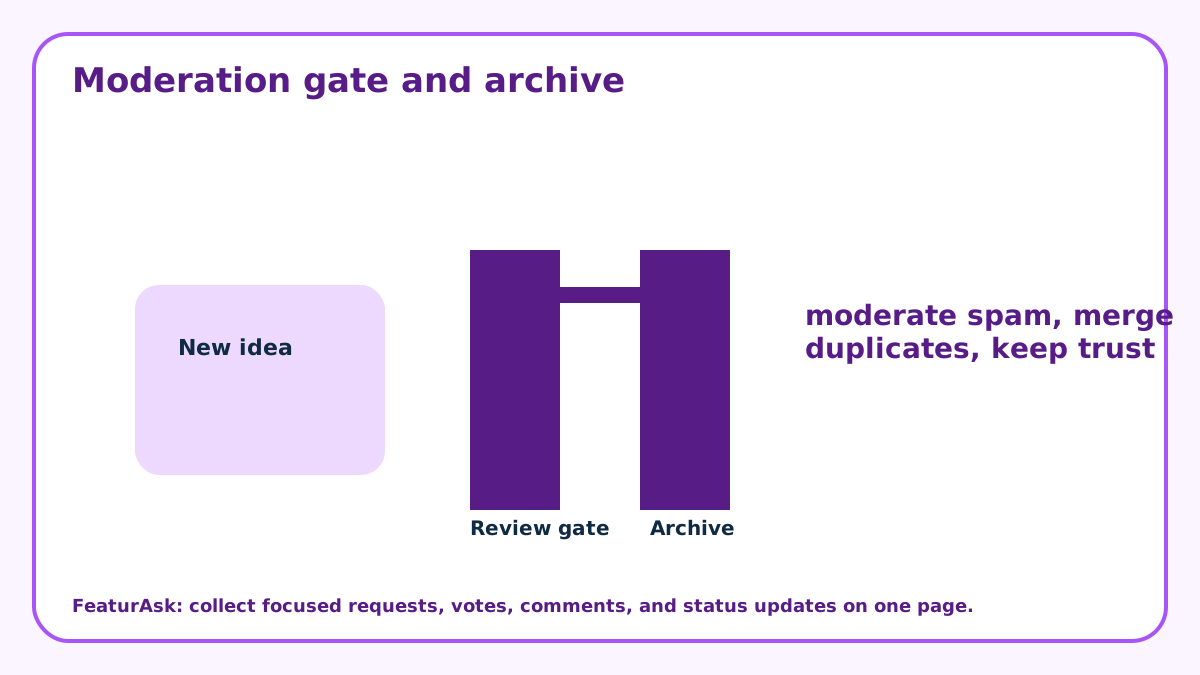
Moderation is not censorship. It is maintenance. Remove spam, personal data, duplicates, and requests that belong in support. Group similar ideas when possible so votes concentrate around the real need instead of splitting across five versions of the same request.
If the board is public, quality matters. Contributors are more likely to add thoughtful comments when they can see that someone keeps the space clean.
Use statuses as a public decision trail
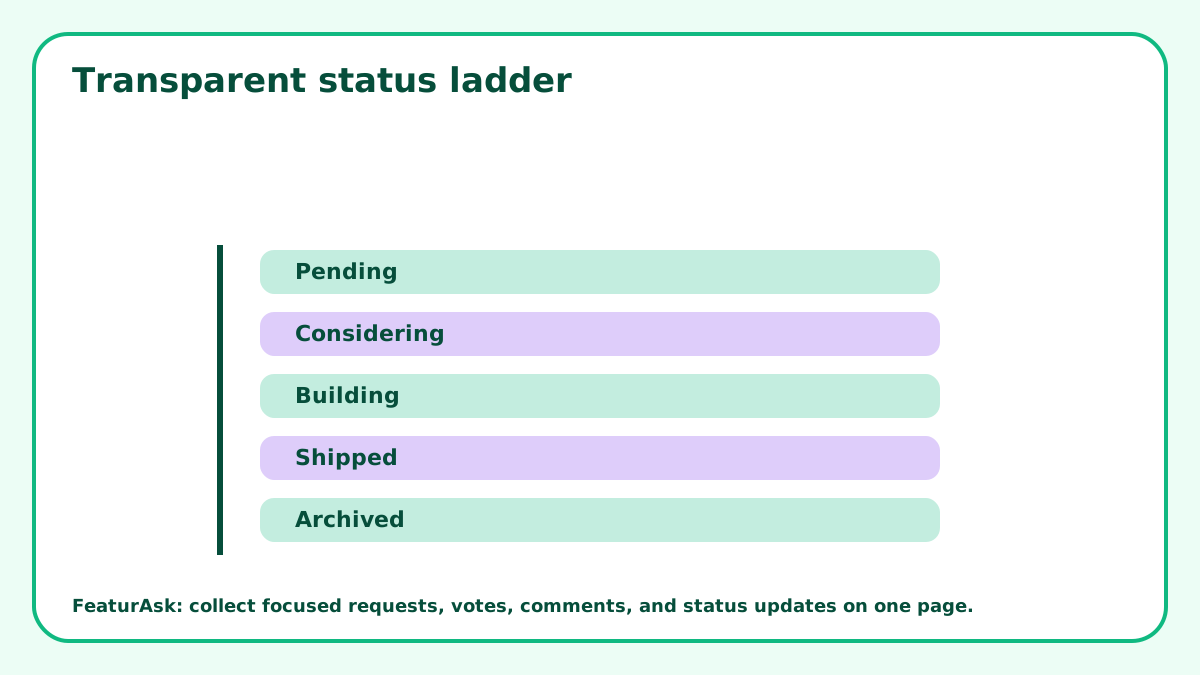
Statuses help users understand what happened after submission. Use Pending for new ideas, Under Consideration for ideas being compared, In Progress for work that has started, Completed for shipped outcomes, and Declined for requests that do not fit right now.
The last status is important. A board with no visible declines teaches users that silence is the only answer. A clear no can be respectful when it saves everyone from guessing.
Keep voting useful but limited
Voting is a signal, not a command. It helps users show shared interest, but popular ideas can still be poor fit. Use vote counts alongside comments, customer segment, account value, effort, and strategic direction.
Some teams benefit from publishing a short note about how votes are used. “Votes help us spot patterns. They do not guarantee we will build the top item.” That expectation prevents later resentment.
How FeaturAsk supports a public request board
FeaturAsk gives small teams a focused way to collect ideas, votes, comments, and status updates on a specific webpage. You can paste the widget into the page, customize the text and visual style, and decide how comments and statuses appear.
The dashboard gives you search, status filtering, request details, comments, moderation, deletion, and clear status changes. For teams that want a public board without a large monthly platform, FeaturAsk starts with a 30-day no-card trial and costs $29.95/year for a webpage integration.
Review the board like a product ritual
A public board needs a rhythm. Once a week or every other week, check new submissions, combine duplicates, update statuses, and choose which requests deserve customer follow-up. The habit matters more than the software.
If you already use a roadmap, the board does not have to replace it. Treat it as an evidence layer. It shows what users notice, where they struggle, and which ideas need more research.
Use board copy to reduce bad submissions
The best boards teach users how to contribute. Give examples of good requests: describe the problem, explain when it happens, add a workaround, and say who is affected. That instruction produces better comments than a blank “submit idea” box.
For nearby formats, compare customer idea board, vote on product ideas, and product idea submission form. A public board is best when visibility itself adds value.
Do not let stale items rot in public
Old requests need attention. If an idea is no longer relevant, delete it when it is noise or mark it declined. If it is still important but not scheduled, say that. A stale board can make an active product look abandoned.
Set a monthly cleanup rule for items that have not changed. The goal is not to make the board look busy. The goal is to keep it honest.
Decide what should stay private
Not every request belongs on a public board. Security issues, account problems, billing complaints, private customer details, and competitive information should move to a private support channel. The board should collect ideas that benefit from community visibility.
Write that boundary into the submission instructions. Users should know what to post publicly and what to send privately. This protects customers and keeps the board focused on improvements other people can understand and discuss.
Use comments to improve vague requests
A public board is strongest when comments turn vague ideas into usable evidence. “Add integrations” is weak. A comment that names the current tool, the workflow, and the cost of the workaround is much stronger. Encourage contributors to add context rather than only upvote.
During review, read the comments before the vote count. A request with fewer votes but detailed comments from target users may be more important than a popular card with no explanation.
Set aside without pretending the idea never happened
As the product changes, some requests become outdated. Remove stale/noisy items when appropriate instead of leaving them to clutter the board. If an old idea was solved another way, say so. If it no longer fits the direction, mark it declined or declined with a short note.
A maintained board is a sign of care. It shows users that the board is reviewed as part of the product, not left online because nobody wants to clean it up.
Give contributors examples of useful comments
A board improves when users know how to comment. Ask them to explain the situation, the workaround, the impact, and who else on their team feels the same problem. That guidance turns comments into evidence instead of applause.
Examples help. “We need this because our support team exports requests every Friday” is more useful than “please add this.” “This blocks our trial setup” is more useful than “important.” Put two or three examples near the form so contributors understand the level of detail you want.
Review old popular ideas with fresh eyes
A popular idea can become outdated. The product may have changed, a workaround may now exist, or the original audience may no longer be the focus. Schedule a quarterly review of the highest-vote older items and decide whether they still belong on the board.
If an old idea is no longer relevant, say so. Users appreciate a maintained board more than a board where every historical request remains open forever. Maintenance is part of the trust promise.
Keep the board connected to private product work
A public board should not float separately from planning. During roadmap review, bring the top requests, recent comments, and newly declined ideas into the same conversation as support issues, customer interviews, sales notes, and usage data. That prevents the board from becoming a performative transparency layer.
The team should be able to point from a public request to the private reasoning behind its status. If nobody can explain why an idea is under consideration, in progress, declined, or set aside, the status may be decoration rather than communication.
Write better decline notes
Decline notes are where trust is tested. A lazy “not planned” teaches users nothing. A useful note explains the boundary: the request does not fit the product direction, overlaps with another solution, creates too much complexity, or needs a different support channel.
Keep the note short and respectful. Users do not need an essay, but they do deserve evidence that the idea was read. Good decline notes also reduce duplicate debates because future visitors can see the reasoning before posting the same idea again.
A final review question helps: would a new visitor understand the state of the board in two minutes? If not, group duplicates during review, update old statuses, and add clearer notes before inviting more contributions. Public feedback works only when the public can see that the space is alive.
Keep the public board honest
A public feature request board works when transparency comes with boundaries. Set the scope, moderate consistently, use votes as evidence, and update statuses honestly. Users do not need to control the roadmap to feel heard. They need a fair place to explain what would help and a visible sign that someone reviewed it. Treat the board like part of the product surface. If it is clean, current, and clear about decisions, users learn how to contribute better ideas and the team gets evidence it can actually use.
A public board should make the review habit visible without exposing every internal tradeoff. Customers do not need private strategy notes, but they do need enough context to understand why an idea moved, stalled, or was declined. A short status note is often enough. It shows the board is maintained and that participation is not disappearing into a private inbox.