How to Write a Thorough Product Brief [With Complete Template]
Customer feedback, support conversations, and product data now move too quickly for teams to rely on guesswork. This guide gives you a practical FeaturAsk-style approach to product brief: clear enough for small teams, current enough for modern product work, and focused on actions rather than bloated process.
Relevant sources for the current landscape include Atlassian product requirements guidance, ProductPlan roadmap guidance, Nielsen Norman Group on UX research.
What is a product brief?
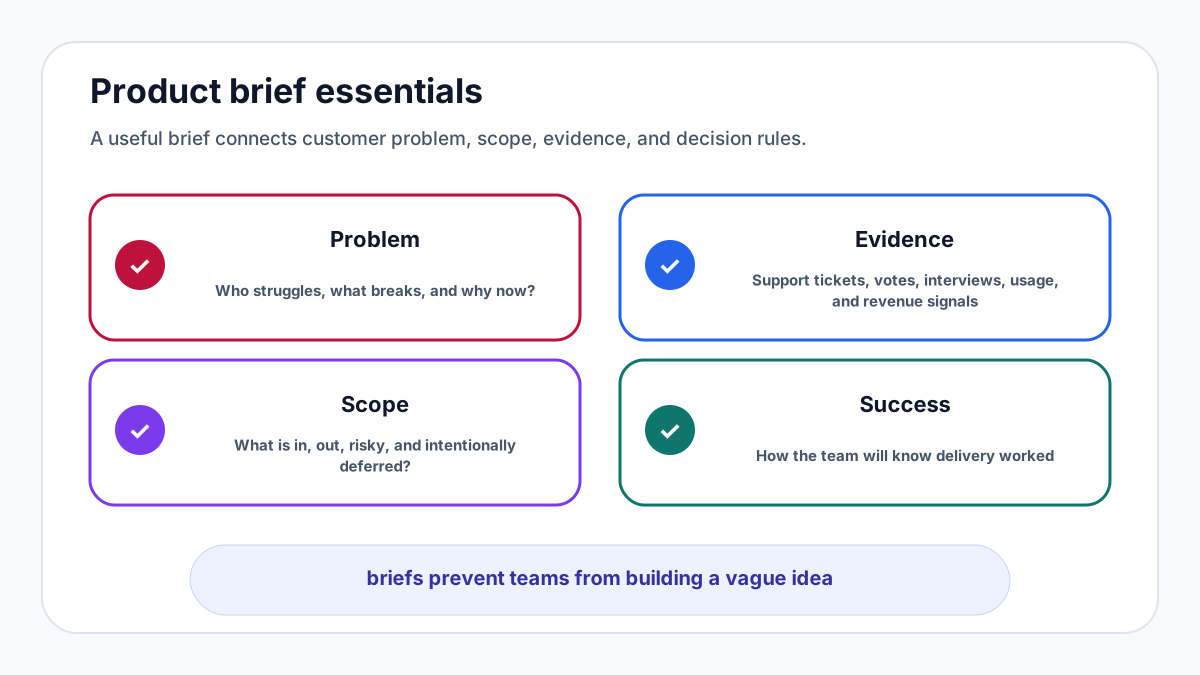
A product brief is a short decision document that explains what you are building, who it is for, why it matters, what is in scope, how success will be measured, and what risks need attention. It is not a full product requirements document, a design spec, or a launch plan. It is the shared starting point that helps product, design, engineering, marketing, support, and leadership align before work becomes expensive.
A useful brief answers the questions people will otherwise ask in meetings: What problem are we solving? Which customers feel it most? What evidence do we have? What will we not do? How will we know if this worked? The best briefs are concise, current, and easy to challenge.
Product brief vs PRD
A product brief frames the decision. A PRD details the solution. Atlassian’s guidance on product requirements describes how teams translate needs into requirements, user stories, and acceptance criteria. The brief should come earlier and stay lighter. It gives the team enough context to decide whether the work is worth scoping in detail.
If a brief tries to specify every edge case, it becomes stale before the team starts. If it is too vague, it cannot guide trade-offs. Aim for a document that a new teammate can read in ten minutes and use to understand the product bet.
Why a product brief matters
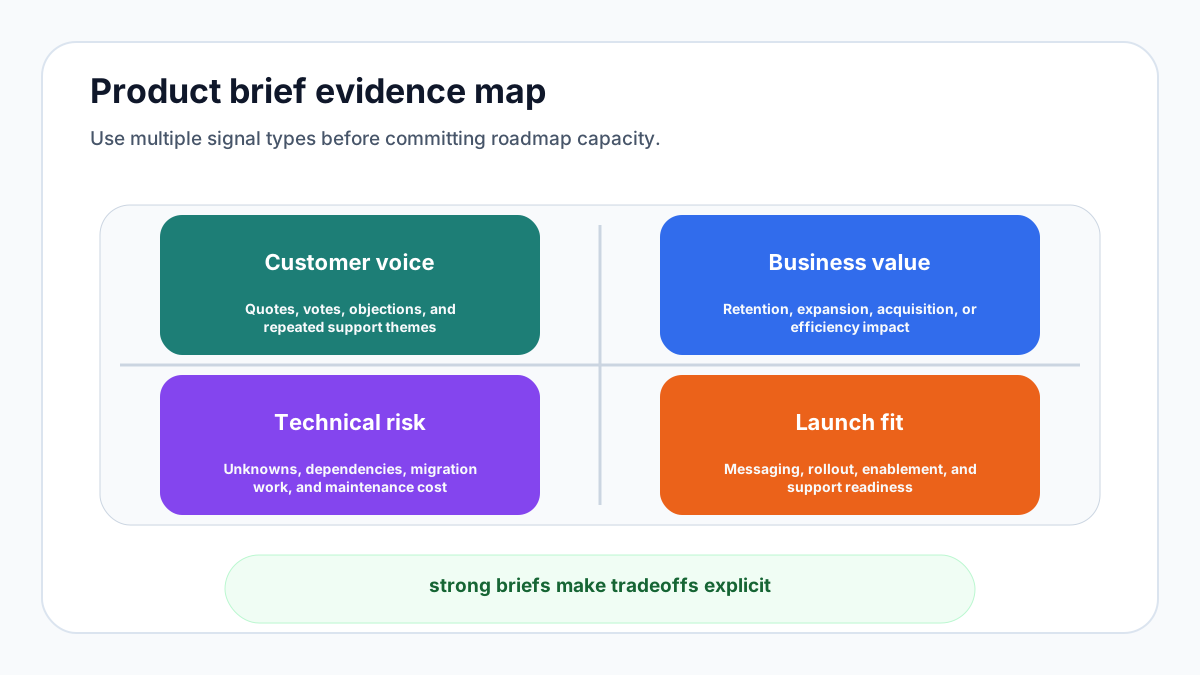
A product brief prevents alignment theater. Without one, teams can agree in a meeting while carrying different assumptions about the user, the deadline, the technical approach, and the success metric. The brief makes those assumptions visible.
It also protects focus. Product teams are surrounded by good ideas, urgent requests, and stakeholder opinions. A brief clarifies why this work should happen now and how it connects to company goals. If the evidence is weak, that is useful to know before design and engineering time is committed.
Key components of a complete product brief
Start with the product overview: one paragraph explaining the idea in plain language. Then write the problem statement. Avoid solution-first phrasing. “Customers cannot tell which invoices are overdue without exporting a CSV” is stronger than “Build a dashboard.”
Next define the audience. Include customer segment, role, job to be done, pain level, and any excluded users. Add evidence: interviews, support tickets, sales notes, analytics, churn reasons, or feature votes. Nielsen Norman Group’s overview of UX research methods is a useful reminder that different research methods answer different questions.
Then define goals, non-goals, scope, constraints, risks, dependencies, launch considerations, and success metrics. Metrics may include adoption, activation, retention, conversion, support ticket reduction, revenue expansion, or qualitative satisfaction.
Step-by-step writing process
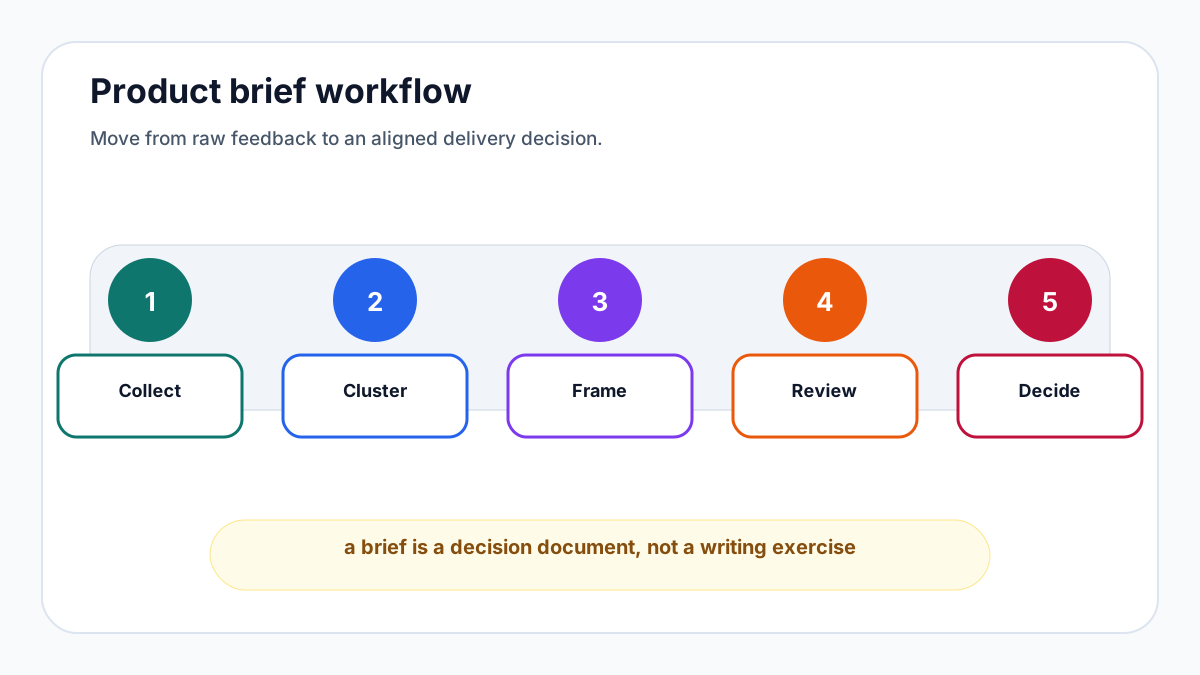
First, gather evidence before writing conclusions. Review customer conversations, feature requests, analytics, competitive context, and support themes. If the brief is based on one loud stakeholder, say so and treat it as an assumption rather than a fact.
Second, draft the brief in bullets. Long prose hides weak thinking. Use short sections and direct language. Third, review with engineering and design before promising timeline or scope. Fourth, share the brief with customer-facing teams because support and sales often know objections that product teams miss.
Fifth, update the brief when reality changes. A product brief is not a museum object. If discovery shows the problem is different, revise it and note the decision.
Complete product brief template
Use this structure: product name; one-sentence summary; problem statement; target users; evidence; proposed solution; non-goals; key user stories; success metrics; risks and assumptions; dependencies; timeline; launch notes; feedback plan; decision owner. Keep each section short enough that missing clarity is obvious.
The feedback plan is the most neglected section. Decide how users will request improvements after launch and how the team will prioritize them. FeaturAsk is built for that moment: customers submit, vote, and discuss feature ideas in a simple widget while the team sees demand in a dashboard. Try FeaturAsk for one month free with no credit card and keep the feedback workflow at $29.95/year if it fits.
Common mistakes to avoid
Do not confuse a brief with a wish list. Every item in scope should connect to the problem and success metric. Do not bury risks. If data quality, migration, compliance, or performance might derail the work, state it early. Do not skip non-goals; they are often the most useful part of the document.
Finally, do not let the brief disappear after kickoff. Use it during roadmap planning, sprint trade-offs, release notes, and post-launch review. Related FeaturAsk guides cover roadmap structure, release notes, and SaaS growth metrics. If you need customer votes to strengthen the evidence section, start a FeaturAsk board with no credit card; the first month is free and the plan is $29.95/year.
Practical next steps
The brief should also explain what evidence would change the decision. This keeps the team intellectually honest. If a prototype test fails or a key integration proves impossible, the document should make it acceptable to revise the plan.
A brief is most powerful when it is written before people fall in love with a solution. Once mockups, deadlines, and launch promises exist, teams tend to defend the idea. Early writing keeps the focus on the problem.
If you want the feedback side of this workflow to stay simple, launch FeaturAsk with a one-month free trial and no credit card. It is built for feature requests, voting, and lightweight prioritization at $29.95/year, so you can learn from customers without buying an enterprise platform.
Example product brief in compact form
Product name: team permissions for a project management app. Summary: let account administrators invite teammates with role-based access so companies can use the product without sharing one login. Problem: growing accounts need collaboration, but shared credentials create security risk and make adoption harder to track.
Target users: administrators at small agencies with three to twenty employees. Evidence: support tickets mention shared logins, sales calls lose deals when permission questions arise, and feature requests for viewer or editor roles have repeated for two quarters. Proposed solution: create admin, editor, and viewer roles for projects, with invitation emails and a simple access table.
Non-goals: enterprise SSO, custom permissions, audit exports, and organization-wide policy controls. Those may matter later, but they are not required to solve the immediate small-team problem. Success metrics: increase team-invited accounts, reduce support tickets about shared access, improve activation for multi-seat trials, and increase conversion from agency trials.
Risks: permission mistakes can expose private project data, invitation emails may affect deliverability, and the billing model may need clarification. Dependencies: account model changes, email templates, help documentation, and launch messaging. Timeline: discovery and technical spike, prototype review, implementation, staged rollout, and post-launch feedback review.
Feedback plan: invite users who requested permissions to test the first version, watch support tickets for confusion, and collect follow-up requests in a ranked board. This example is intentionally short. Its value comes from clear trade-offs, not document length.
Review process before work begins
Before a product brief becomes a project, run it through a short review. Product should check whether the problem is clear and connected to strategy. Design should check whether the user context is specific enough to explore flows. Engineering should check whether dependencies, risks, and constraints are visible. Customer-facing teams should check whether the evidence matches what they hear in the market.
The review should not become a committee that edits every sentence. Its job is to expose missing assumptions. If nobody can explain why the work matters now, the brief is not ready. If every stakeholder wants to add scope, the non-goals section needs sharper boundaries.
Ask three questions in the review. What evidence supports this bet? What would make us stop or change direction? What must be true for this to succeed after launch? These questions keep the brief tied to learning and outcomes rather than internal enthusiasm.
After review, assign decision rights. One person should own the final trade-off when evidence conflicts or scope pressure appears. Shared input is healthy; unclear ownership is not. The brief should name the decision owner without turning the document into a hierarchy chart.
When work starts, keep the brief visible. Link it from design files, issue trackers, roadmap cards, and launch plans. If the team changes scope, update the brief or add a decision note. Future teammates should be able to understand not only what shipped, but why the team made those choices.
Decision checklist before you commit
Before work begins, check whether the brief can survive a skeptical read. A strong brief does not rely on enthusiasm, politics, or a single anecdote. It explains the customer problem, evidence, business reason, constraints, and success measure clearly enough that someone outside the project can understand the bet.
Check whether the proposed scope is the smallest useful version. Teams often overload a brief because every stakeholder wants their concern represented. Smaller scope is not automatically better, but unnecessary scope hides learning and delays feedback. If a requirement does not support the main problem or reduce a major risk, challenge it.
Check whether the success metric is measurable soon enough. Some outcomes, such as retention, take time. Pair them with leading indicators such as activation, task completion, repeated usage, support reduction, or qualitative confidence. Early indicators help the team adapt before the next planning cycle.
Finally, check whether the brief includes a post-launch feedback path. The first release will teach you something. Decide in advance where users will comment, how requests will be grouped, and how the team will decide between iteration and moving on.
Keep version history lightweight but visible. Add a short decision log at the bottom of the brief with the date, decision, and reason. This prevents repeated arguments and helps new teammates understand why the team chose one path over another. It is especially useful when a later stakeholder asks why an attractive feature was excluded.
Use the brief during retrospectives. After launch, compare the expected outcome with what happened. Which assumptions were right? Which risks appeared? Which metrics were too slow, too vague, or too easy to game? That review improves the next brief and makes product planning more evidence-driven over time.
If the brief is controversial, separate facts from preferences. Facts include observed behavior, revenue impact, support volume, and technical constraints. Preferences include favored solutions, design taste, and stakeholder comfort. Both can matter, but they should not be presented as the same kind of evidence.
This discipline keeps debate productive. Teams can challenge the evidence, refine the scope, or adjust the metric without turning every disagreement into a personal opinion contest.
FAQs
How often should this process be reviewed?
Review the operating metrics monthly and review strategic assumptions quarterly. Fast-moving teams can review high-signal feedback weekly, but the cadence should be predictable enough that customers and teammates see follow-through.
What is the biggest mistake to avoid?
The biggest mistake is collecting feedback without assigning ownership for the next action. Every survey, request board, support trend, or product brief should have a person responsible for interpreting the signal and deciding what happens next.
Can a small team use this without extra process?
Yes. Keep the workflow lightweight: capture the signal, group similar items, choose the next best action, ship or explain the decision, and close the loop. The habit matters more than complex tooling.