How to Write Release Notes: 24 Tips, Tools, and Examples
Release notes are one of the few product messages users actively expect after you ship. They explain what changed, why it matters, who benefits, and what to do next. Good notes reduce support questions, help customers adopt new capabilities, and prove that the product is improving. Weak notes sound like an internal commit log: “fixed issues,” “minor improvements,” and “various updates.”
Writing release notes is not just a marketing task. Product, engineering, support, customer success, and sales all depend on them. A clear note gives support a link to share, gives sales proof that requested capabilities are landing, gives existing users a reason to return, and gives prospects evidence that the company listens.
This guide explains what release notes are, why they matter, who should read them, how to write them, what tools to look for, and 24 practical tips with examples. The FeaturAsk angle is simple: release notes work best when connected to the feedback that inspired the update. If users voted for a feature, tell them when it ships.
For more context around the feedback side of the loop, read FeaturAsk's guides on how to prioritize feature requests, how to say no to customers and feature requests, and how to use a website feedback tool. Release notes are the final mile of that communication system.
Quick answer: how do you write release notes?
Write release notes by starting with the customer outcome, grouping changes by audience or theme, using plain language, linking to docs or feedback requests, showing screenshots when useful, and ending with a clear next step. Include what changed, why it matters, who it affects, whether action is required, and where users can learn more. Keep the note short enough to scan but specific enough to be useful.
The best release notes are not a list of tickets. They translate work into user value. They also respect versioning and change type. Semantic Versioning's <a href="https://semver.org/" rel="nofollow">SemVer specification</a>, rechecked on May 22, 2026, remains a useful reference for distinguishing major, minor, and patch changes in software products. Keep a Changelog's <a href="https://keepachangelog.com/en/1.1.0/" rel="nofollow">changelog format</a>, also rechecked on May 22, 2026, is helpful for grouping changes into added, changed, fixed, deprecated, removed, and security categories.
If your release note should also close the feedback loop, try FeaturAsk free for one month with no credit card required. It helps small teams collect requests, gather votes, moderate ideas, and notify users when updates ship; the paid plan is $29.95/year after the trial.
What are release notes?
Release notes are public or customer-facing updates that explain product changes. They can announce new features, improvements, bug fixes, security patches, API changes, mobile app versions, integrations, billing changes, or deprecations. They may appear in a changelog, blog post, email, in-app announcement, app store listing, help center article, or GitHub release.
A release note differs from an internal engineering ticket because it is written for the people affected by the change. The note should not require knowledge of your sprint, branch names, ticket IDs, or internal shorthand. It should answer the user's questions: What is new? Does this affect me? Do I need to do anything? Where can I learn more?
A release note also differs from a launch campaign. A campaign may persuade; a release note should clarify. It can still be energetic, but accuracy matters more than hype. Users trust release notes when the wording is specific and consistent.
Why release notes matter
Release notes reduce uncertainty. When users notice a changed interface or new setting, a release note explains the change before they open a support ticket. When a bug is fixed, a note lets affected customers know they can try the workflow again. When a breaking change is coming, a note gives teams time to prepare.
They also build trust. A product that ships quietly may still improve, but customers cannot see the progress. Regular notes show momentum and create a record of responsiveness. For teams that collect feature requests publicly, release notes are proof that feedback turns into product work.
Finally, release notes help internal teams stay aligned. Support can link to the note. Sales can share it with prospects. Customer success can mention it in business reviews. Product can use it as a source of truth for what actually shipped.
Who should read release notes?
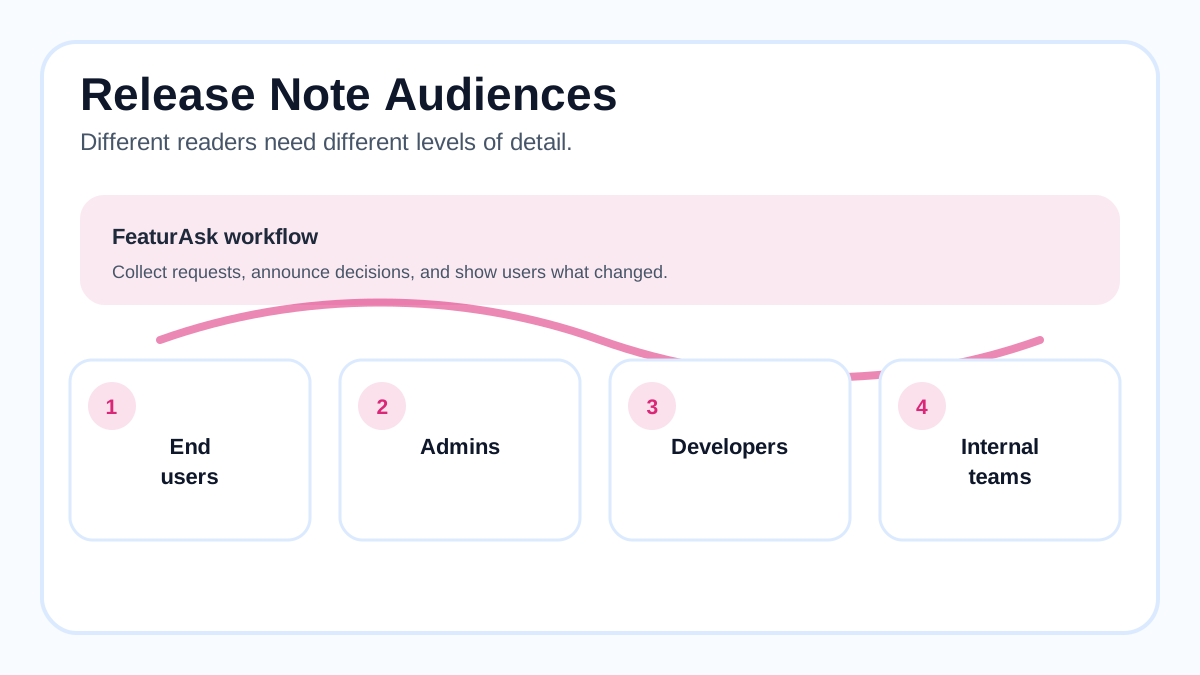
Different readers need different detail. End users need outcomes and steps. Admins need configuration impact. Developers need API changes, version numbers, migration guidance, and examples. Buyers need confidence that the product is active. Internal teams need enough context to answer questions consistently.
Do not force every audience through the same wall of text. Use sections, labels, or filters when releases contain many changes. A small SaaS may publish one concise note per release. A developer platform may need separate sections for UI, API, SDK, security, and deprecations.
Nielsen Norman Group's guidance on <a href="https://www.nngroup.com/articles/inverted-pyramid/" rel="nofollow">inverted pyramid writing</a>, rechecked on May 22, 2026, applies well here: put the most important information first because readers scan. Start with the outcome and risk, then add details.
How to write release notes: a practical workflow
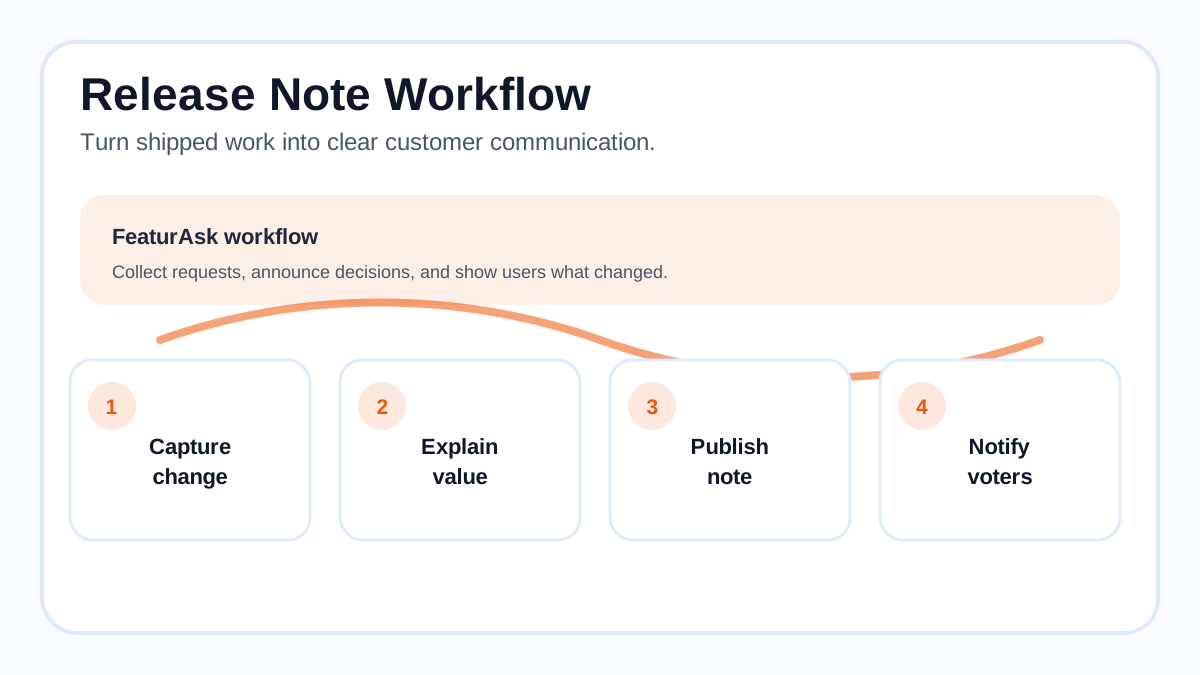
Start before release day. During planning, tag which work will need customer communication. During development, collect screenshots, docs links, migration notes, and related feedback requests. Before launch, draft the note, confirm details with product and engineering, and prepare distribution.
Use a simple structure: headline, short summary, what changed, who is affected, why it matters, action needed, links, and feedback prompt. For a small improvement, this may be five sentences. For a major release, it may become a longer article with screenshots and subheadings.
Write from the user's perspective. Instead of “Implemented export job queue,” say “Large exports now run in the background, so you can keep working while the file is prepared.” Instead of “Resolved auth edge case,” say “Fixed a sign-in issue that affected some SSO users after session timeout.”
Close the loop with contributors. If a feature came from public requests, link the release note to the shipped request and update the request status. That tells voters their input mattered and invites future feedback.
24 tips for better release notes
-
Lead with the outcome. The first sentence should tell users what they can now do or what has changed for them.
-
Name the affected audience. Say whether the change affects admins, all users, API clients, mobile users, or a specific plan.
-
Separate new features from fixes. Readers looking for a bug fix should not have to scan a launch story.
-
Use plain language. Avoid ticket IDs, branch names, and unexplained acronyms.
-
Explain the “why.” One sentence of context often makes the change easier to adopt.
-
Include action steps when needed. If users must reconnect an integration, migrate an API call, or change a setting, say so clearly.
-
Link to documentation. Release notes should not carry every detail when a docs page can explain setup.
-
Use screenshots for interface changes. A small image can prevent confusion when navigation changes.
-
Keep minor notes brief. A tiny fix does not need a launch essay.
-
Expand major changes. Breaking changes, security updates, and deprecations deserve extra clarity.
-
Be honest about limitations. If the first version covers only one workflow, say so.
-
Avoid vague filler. “Performance improvements” is less useful than “Dashboard filters now load faster on large workspaces.”
-
Mention feedback sources when appropriate. “Requested by teams managing multiple workspaces” is more credible than “by popular demand.”
-
Use consistent categories. Added, changed, fixed, removed, deprecated, and security are familiar to many software readers.
-
Date every note. Dates help users understand whether information is current.
-
Include version numbers when relevant. Developer tools, apps, and APIs often require exact versions.
-
Add migration examples for technical changes. Show old and new behavior side by side.
-
Localize or simplify for global audiences. Short sentences travel better across languages.
-
Make notes accessible. Use real text, descriptive image alt text, readable contrast, and headings.
-
Send the right note to the right channel. A critical security fix needs different distribution than a small UI polish.
-
Keep a searchable archive. Users and support teams need to find past changes.
-
Connect shipped work to requests. Update public feedback items so voters know the feature is live.
-
Review metrics after publishing. Track views, clicks, support questions, adoption, and feedback.
-
Build a repeatable template. A consistent format reduces last-minute scrambling and improves quality.
Tool criteria: what to look for
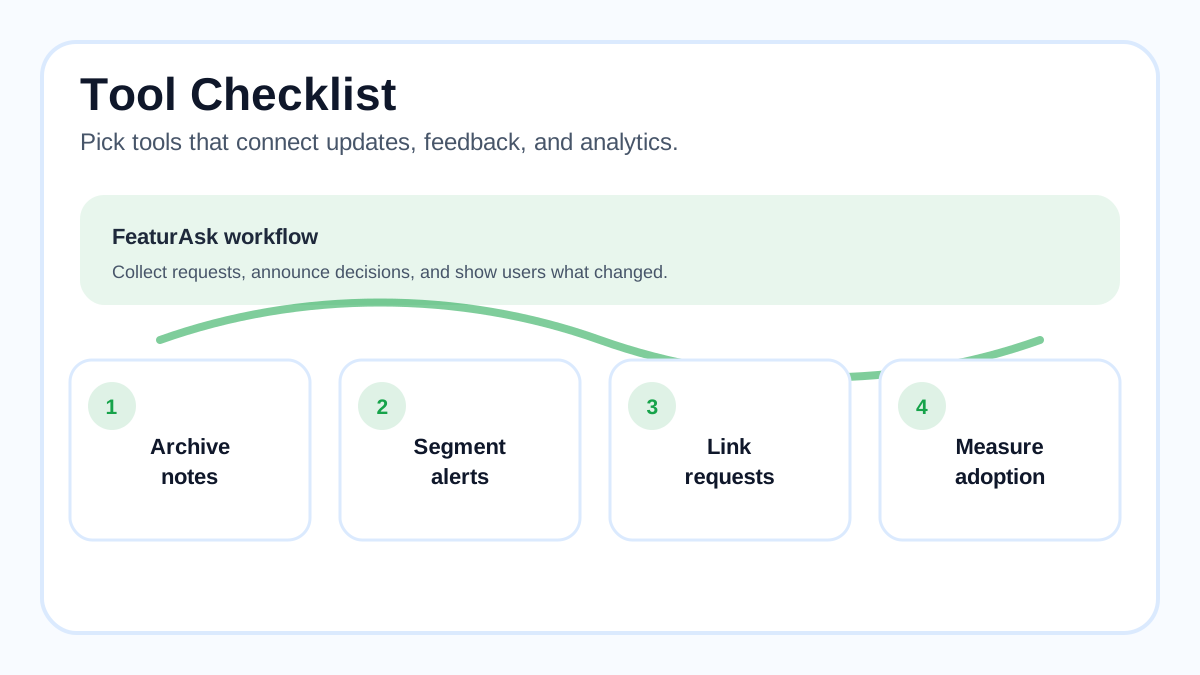
Choose release note tools based on your workflow, not just design. Useful criteria include easy editing, scheduled publishing, in-app widgets, email distribution, labels or categories, search, RSS, custom domains, analytics, permission control, feedback links, and integrations with issue trackers or product tools.
For developer-heavy products, GitHub's <a href="https://docs.github.com/en/repositories/releasing-projects-on-github/about-releases" rel="nofollow">releases documentation</a>, rechecked on May 22, 2026, explains how releases can package notes, tags, and binaries. For SaaS products, a dedicated changelog or feedback platform may be better because it connects announcements to customer-facing voting and roadmap workflows.
FeaturAsk is especially useful when your release notes should close the request loop. You can collect ideas through a widget, let users vote, moderate submissions, track analytics, and update statuses with custom branding. Start a FeaturAsk board free for one month with no credit card required; after that it is $29.95/year.
Release note examples you can adapt
Feature release: “Saved report templates are now available for workspace admins. Create a template once, share it with your team, and reuse the same filters every Monday. This was requested by teams that build weekly client reports. Learn how to create your first template in the setup guide.”
Bug fix: “Fixed an issue where CSV exports could fail for reports with more than 50,000 rows. You do not need to change any settings. If an export failed earlier this week, run it again from the Reports page.”
API change: “The v2 Events endpoint now returns source_id for webhook events. Existing fields are unchanged. If you validate response schemas strictly, add the new optional field before upgrading to SDK version 3.4.”
Deprecation: “Legacy project tokens will stop working on August 31, 2026. Create a scoped API token before that date to avoid interrupted imports. We added a migration checklist and will remind affected admins by email.”
Feedback loop: “The duplicate-request merge tool is now live. Voters on the original feedback item have been notified, and the public request is marked shipped. Thanks to everyone who shared examples of scattered roadmap votes.”
Distribution: where to publish release notes
Publish where users already look. A changelog archive is the home base. In-app announcements catch active users. Email reaches admins and account owners. Help docs explain setup. Social posts can promote major releases. App store notes matter for mobile products. GitHub releases matter for open-source and developer tools.
Match channel to importance. Do not email everyone about every typo fix. Do not bury a breaking API change only inside an in-app toast. The channel should reflect risk, relevance, and urgency.
Use segmentation when possible. Admins may need configuration notes; end users may need a short benefit summary; developers may need migration details. Segmentation respects attention and improves adoption.
A lightweight release note template
Use this structure when you need speed: title, date, summary, who is affected, what changed, why it matters, action required, links, and feedback prompt. For example: “May 2026: Faster feedback moderation. Admins can now approve or merge incoming ideas from one queue. This reduces duplicate requests and keeps public boards cleaner. No setup is required. Read the moderation guide or tell us what else would make review easier.”
For monthly rollups, group by theme rather than chronology. Put the most valuable change first, then fixes and smaller improvements. If a change affects security, billing, data, or integrations, do not hide it at the bottom.
Common release note mistakes
Do not publish internal jargon. “Refactored pipeline handler” may be accurate, but it does not tell users what changed. Do not overhype routine work. Users can tell when a tiny improvement is dressed up as a revolution. Do not omit action requirements. If users need to reconnect, migrate, refresh, or update, make that obvious.
Another mistake is publishing notes with no owner in the workflow. If nobody gathers details during development, the note becomes a rushed end-of-release chore. Assign the task early and keep a shared draft.
Finally, do not treat release notes as one-way announcements. Invite replies, link to requests, and update statuses. Communication is strongest when users can see the path from idea to shipped feature.
Make every release easier to understand
Release notes turn product work into customer understanding. They help users adopt new features, trust fixes, prepare for changes, and see that their feedback matters. The best notes are clear, honest, searchable, and connected to the rest of your product communication.
Start with the outcome, write for the affected audience, group changes consistently, include action steps, and connect shipped work to the original request. If you want an affordable way to collect feedback and notify users when ideas ship, try FeaturAsk free for one month, no credit card required. It includes a feature request widget, voting, analytics, custom branding, and moderation for $29.95/year after the trial.