Feedback Widget for SaaS: Turn Product Feedback Into Clear Priorities
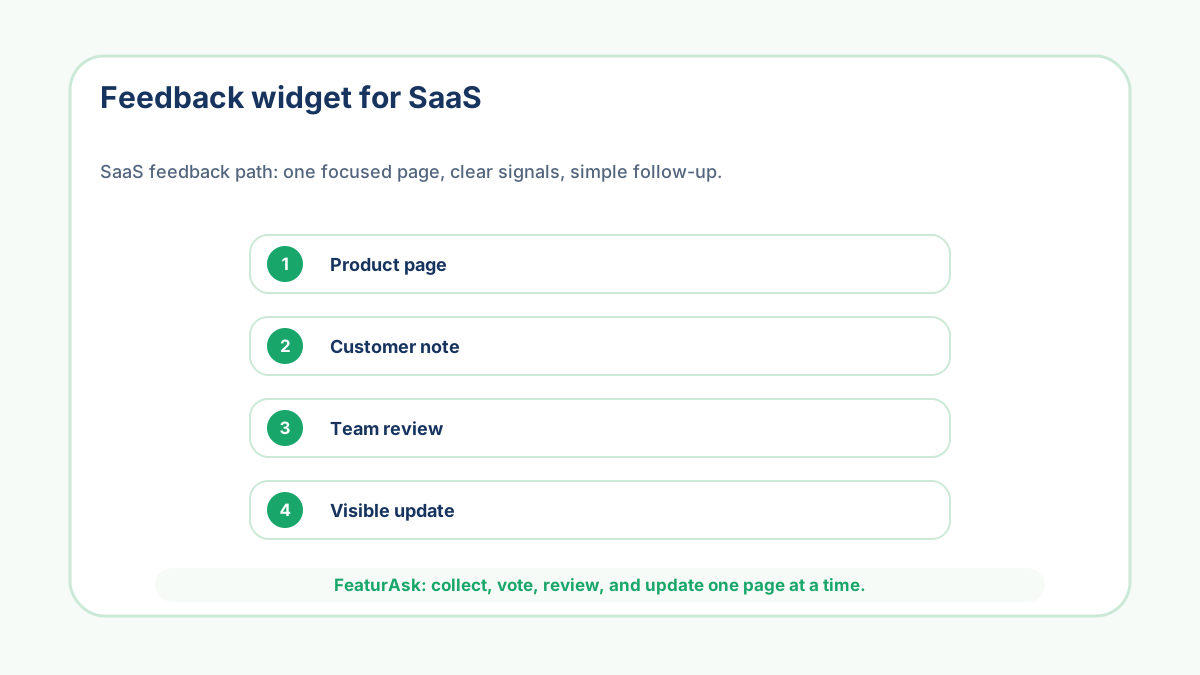
A SaaS feedback widget has a broader job than a feature request widget. It is not only for new
ideas. It can catch confusion, bugs, missing documentation, pricing questions, onboarding
friction, and product suggestions before they vanish into private support conversations. That
breadth is useful, but it also creates the main risk: a broad widget can become a junk drawer if
the team does not define what belongs.
The best SaaS feedback widgets work because they are placed near specific friction. A pricing
page widget should not ask the same question as an onboarding widget. A docs page widget should
not collect the same answers as a product dashboard widget. The page tells the customer what
kind of feedback is useful, and the widget copy should reinforce that boundary.
FeaturAsk keeps this lightweight for small SaaS teams: one assigned
webpage URL, a customizable widget, comments, votes, statuses, moderation, search, and a 30-day
free trial with no credit card required. The $29.95/year price matters because early SaaS teams
need a feedback habit before they need an enterprise feedback department.
Decide whether you want reactions, ideas, or friction reports
The phrase "feedback" sounds simple until customers start using it. One person reports a bug,
another asks for a feature, another complains about pricing, and another says the page was
confusing. All of that can be useful, but it should not be reviewed as one undifferentiated
pile.
Before installing the widget, choose the category you most want from that page. On a product
page, ask what would improve the workflow. On a docs page, ask what was unclear. On a pricing
page, ask what information is missing. A broad feedback widget gets better when each placement
has a narrow purpose.
Use the page as the first filter
A feedback widget on a SaaS dashboard has different meaning from one on a cancellation page. The
dashboard feedback may reveal day-to-day usability issues. Cancellation feedback may reveal gaps
in value, pricing, onboarding, or expectations. Keeping the widget tied to a specific page gives
the team a filter before anyone reads the message.
FeaturAsk assigns each subscription to an exact webpage URL, which sounds like a technical
detail but is also a product discipline. It pushes the owner to ask: where will this widget
teach us something useful? That is healthier than sprinkling generic feedback buttons everywhere
and hoping the data sorts itself.
Separate support issues from product signals
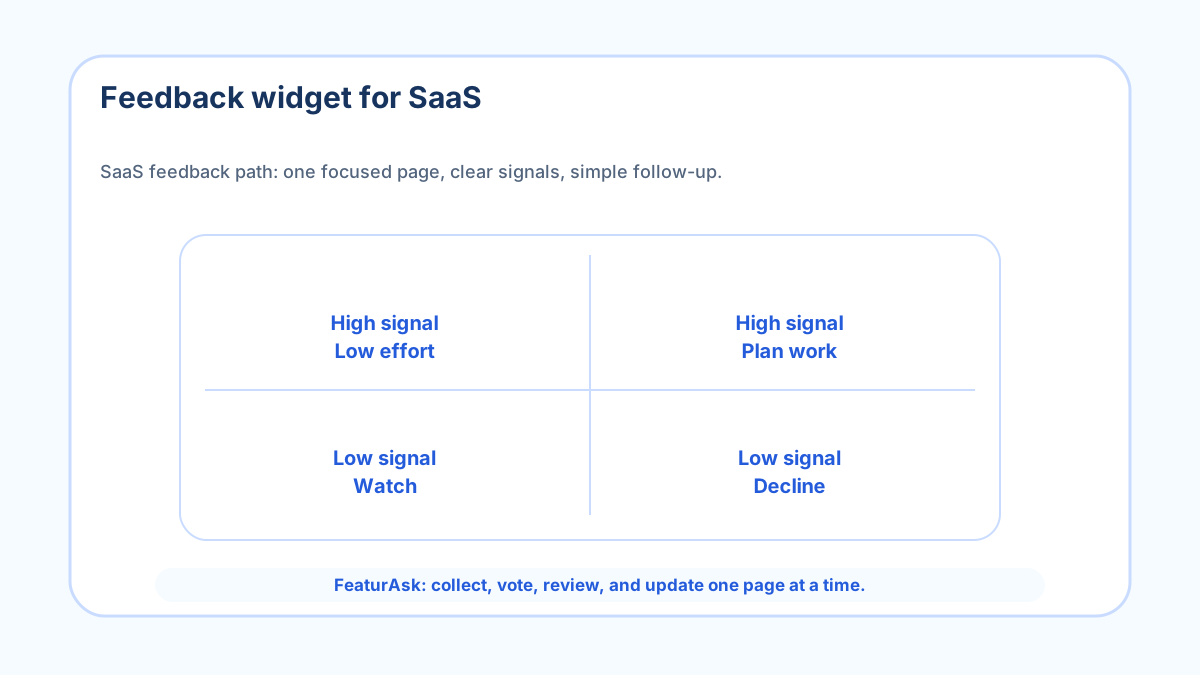
Some feedback needs immediate support, not roadmap discussion. A login problem, billing error,
or broken import should not sit beside product ideas for weeks. The widget copy should tell
customers what belongs, and the review process should move urgent support issues out of the
product queue quickly.
This separation protects both sides. Customers with urgent problems get routed to the right
help, while the product team can study repeated patterns without being distracted by one-off
incidents. A useful feedback system is not the place where every customer message goes; it is
the place where product-learning messages become visible.
Collect enough context to make the note useful later
A one-line complaint is hard to use three weeks later. A good SaaS widget asks for enough detail
that the team can reconstruct the moment: what the user was trying to do, what got in the way,
and what they expected instead. Optional fields can help if they capture role, use case, plan,
or page section.
Do not overdo it. Long forms lower participation and make the widget feel like work. FeaturAsk
supports comments and up to two optional fields, which is the right level for most small SaaS
teams. Ask for the one detail that changes triage, then let customers explain the rest in plain
language.
Turn repeated friction into product experiments
A feedback widget is most useful when the team looks for repeatable friction, not isolated
opinions. If ten users ask the same question on the pricing page, the answer might be clearer
copy rather than a new feature. If five trial users struggle at the same onboarding step, the
fix may be an empty-state hint, a template, or a shorter setup path.
Product discovery works best when teams test assumptions against real behavior. Teresa Torres
describes continuous discovery as a steady habit of customer learning rather than a one-time
research event (source). A small
widget can support that habit by catching lightweight signals between interviews.
Show customers which feedback changed something
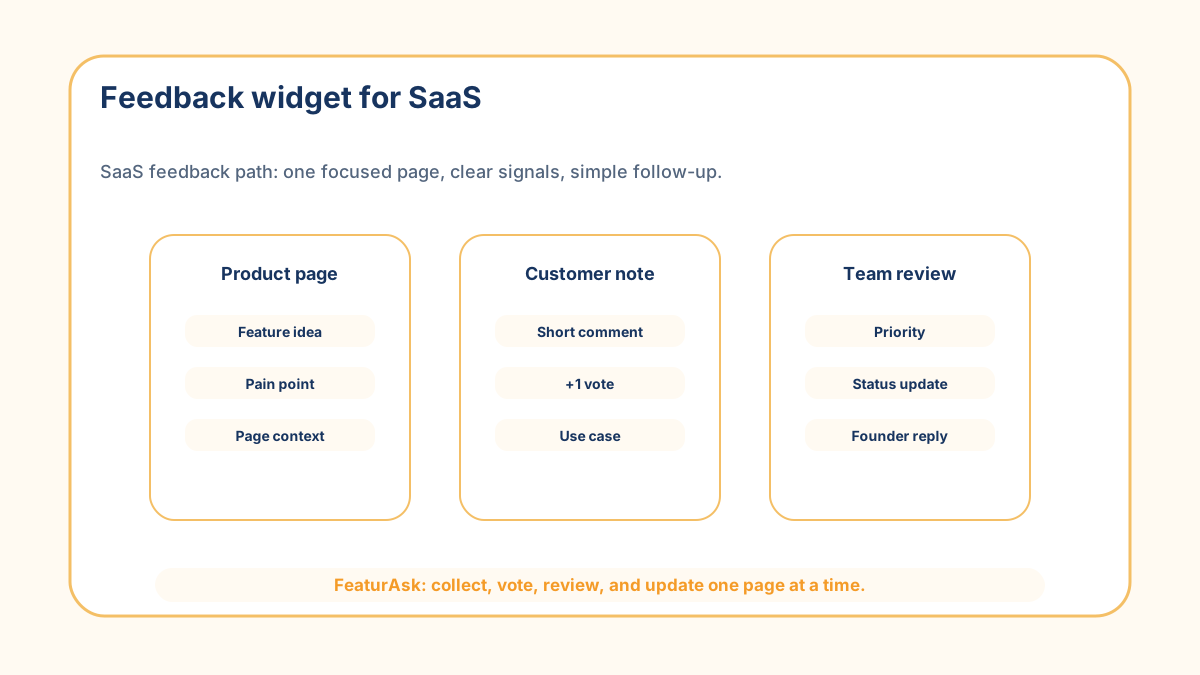
Visible status turns feedback from a private complaint into a public learning loop. Pending,
Under Consideration, In Progress, Completed, and Declined are enough for most small SaaS boards.
The labels should be boring and honest. Customers want clarity more than ceremony.
If a customer sees that an idea was completed, they learn that the company listens. If they see
that a request was declined, they learn what the product is not trying to become. That can be
just as valuable. Clear boundaries reduce the chance that every feedback thread becomes a
negotiation.
Pick the right neighboring tool
A feature request widget for SaaS is narrower than a
feedback widget because it asks for missing capabilities. A customer idea
board is better when you want visible idea collection and
discussion. A public feature request board works when
transparency matters more than private intake.
Use the feedback widget when the page itself may produce different kinds of product learning.
Use a more specific request flow when you already know you want ideas, votes, or a board. If the
lightweight path is enough, FeaturAsk gives you the basics without
forcing the team into a complex customer-success stack.
Create different feedback lanes without creating different tools
A broad SaaS feedback widget works better when the team mentally separates the incoming notes
into lanes. One lane is product improvement: missing actions, awkward flows, repeated feature
requests. Another lane is clarity: confusing copy, unclear pricing, weak documentation, or
onboarding steps that make people pause. A third lane is support: account-specific problems that
need help rather than product planning.
Those lanes do not need to be visible as a complex form. They can live in your review habit.
When a new note comes in, decide what kind of work it represents before discussing solutions. A
clarity note might lead to a better empty state. A support note might become a help article. A
product note might become an idea customers can vote on. Sorting by work type keeps the feedback
useful.
This matters because SaaS teams often overbuild in response to messy feedback. A customer says
the dashboard is confusing, and the team starts debating a new analytics module. A more careful
review might show that the problem is a label, a missing default state, or a buried filter. The
cheapest useful fix is easy to miss when all feedback gets treated as feature demand.
If you want a simple place to collect those signals, FeaturAsk lets
you start with one page, customize the widget copy, and review the resulting requests without
adding a separate survey stack. Use the first month to learn which lane produces the most useful
decisions.
Do not confuse more feedback with better feedback
More feedback can make a SaaS team slower if the intake is too vague. A hundred notes that say
"make reporting better" are less useful than five comments explaining which report, which
audience, and what the user needed to do next. The widget should improve the density of useful
context, not just increase the volume of messages.
This is why the first review should look at answer quality. Are people naming the workflow? Are
they explaining the expected outcome? Are they commenting on existing ideas instead of creating
duplicates? If the answers are thin, rewrite the prompt before blaming customers. The form is
part of the product experience, and unclear forms produce unclear data.
Make the SaaS feedback loop usable
A SaaS feedback widget works when it separates product learning from general noise. Place it
where friction happens, define what belongs, collect enough context to act, and keep the loop
visible with honest statuses. Small teams do not need a large feedback stack to start listening
well.
That usually means saying no to broad “tell us anything” prompts. A narrower question produces fewer entries, but the entries are easier to compare and more likely to become useful experiments, copy fixes, or roadmap evidence.
For SaaS teams, the best feedback widget is not the busiest one. It is the one that helps the team notice friction earlier, ask better follow-up questions, and connect customer language to a decision the product team can actually make. If the widget only collects vague reactions, narrow the prompt until it produces usable evidence.
A SaaS feedback widget also helps when the team separates product requests from education gaps. If users keep asking for a feature that already exists, the real fix may be onboarding, labels, examples, or documentation. Treat those entries as signals too. They show where the product is failing to make an existing answer easy to find.