Feature Request Widget for SaaS: Capture What Users Want Next
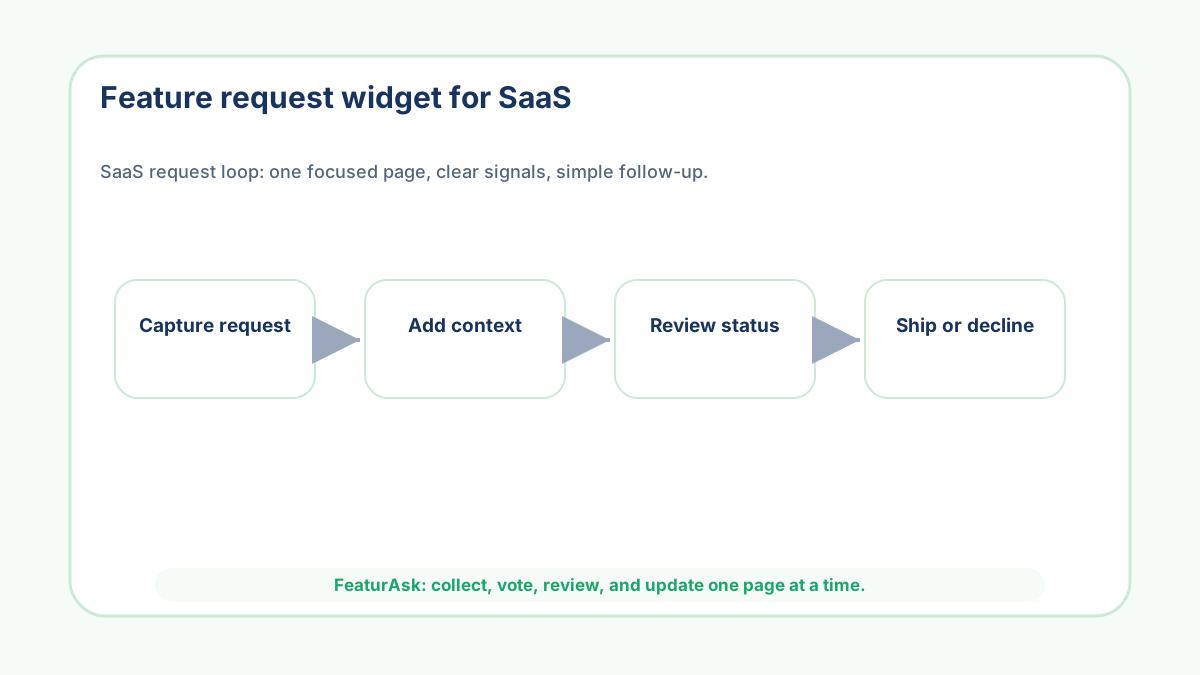
SaaS teams do not lose good feature ideas because customers are silent. They lose them because
the ideas arrive in too many places: a support reply, a cancellation note, a sales call, a
founder DM, a community thread, and one half remembered comment from last Friday. By the time
the team sits down to plan, the useful part of the request has often been stripped away from the
moment that made it important.
A feature request widget fixes a narrow but painful part of that problem. It gives customers a
place to ask for the missing capability while they are still looking at the product, pricing
page, docs page, onboarding step, or customer portal that made them notice the gap. The page
supplies context. The request supplies language. Votes and comments show whether other users
recognize the same problem.
The mistake is treating the widget as a magic roadmap machine. It is not. The better way is to
use it as a small evidence collector: easy to install, easy to understand, and disciplined
enough that a small SaaS team can review it every week without creating another system nobody
owns. FeaturAsk is built around that smaller habit: one exact webpage,
a customizable widget, voting, comments, statuses, moderation, and a 30-day no credit card trial
before the $29.95/year plan.
Start with the one page where product intent is strongest
Do not launch a SaaS feature request widget on every surface at once. Pick the page where the
request will be easiest to interpret later. For many SaaS products, that might be an
integrations page, a billing page, an onboarding checklist, a template gallery, or the account
settings area. A request from one of those places already carries a clue about what the user was
trying to do.
This is why page-level collection beats a generic inbox for early teams. A message that says
"please add Zapier" means one thing on an integrations page and another thing on a support
article about exports. The exact placement helps you tell whether customers are asking for a new
capability, clearer copy, a workflow shortcut, or a better explanation of something you already
have.
Write the prompt like a product manager, not like a survey vendor
The prompt should narrow the kind of answer you want. "Any feedback?" invites bugs, praise,
complaints, feature ideas, pricing objections, and support issues. A SaaS feature request prompt
should ask for the missing action: "What would make this workflow easier?" or "What should this
page let you do next?" That small change gives customers permission to be specific.
Keep the wording short. Customers rarely need a philosophy of feedback before they submit an
idea. They need to know what belongs, what happens next, and whether other people can vote or
comment. FeaturAsk lets you adjust the heading and description so the widget can match the page
instead of sounding like a generic pop-up.
Use optional fields to explain priority, not to interrogate users
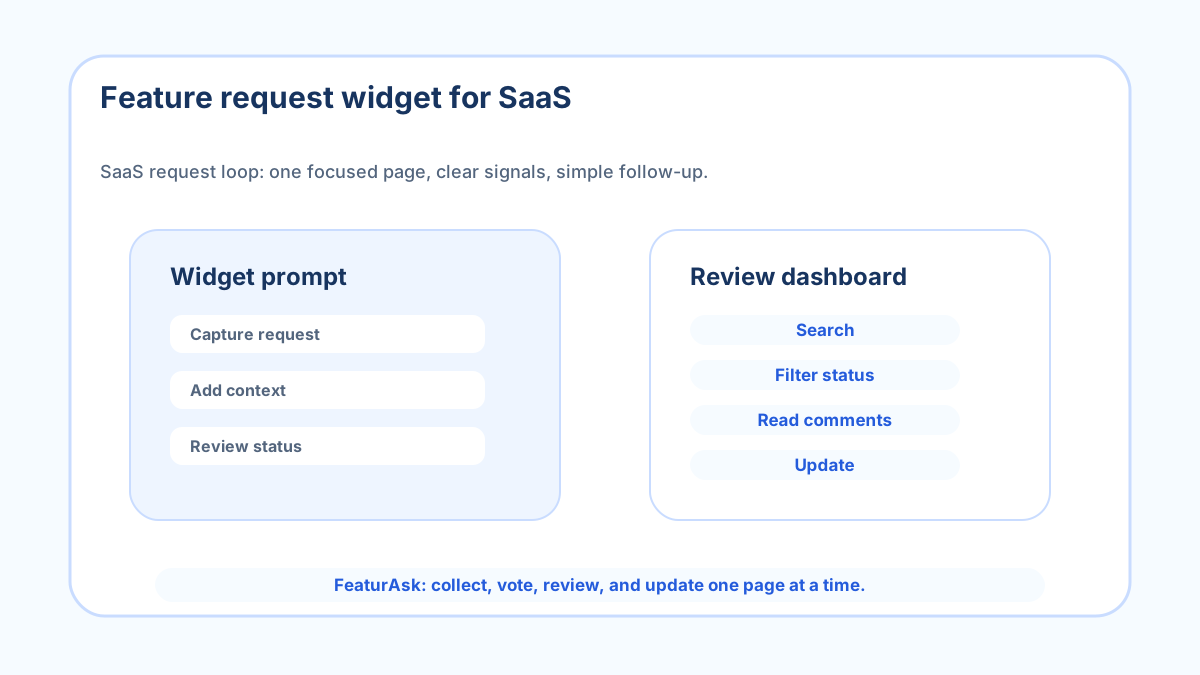
A useful SaaS request usually needs one extra piece of context: role, plan, company size, use
case, affected workflow, or expected outcome. FeaturAsk supports up to two optional fields,
which is enough for lightweight triage without turning the widget into a procurement form. If a
field will not change how you review the request, leave it out.
The main comment still matters most. People describe the pain in their own words, and those
words often reveal more than a dropdown. A founder might learn that an integration request is
really an export problem, or that a "missing feature" is actually a confusing empty state.
Optional fields should sharpen that reading, not replace it.
Make status updates visible without promising the roadmap
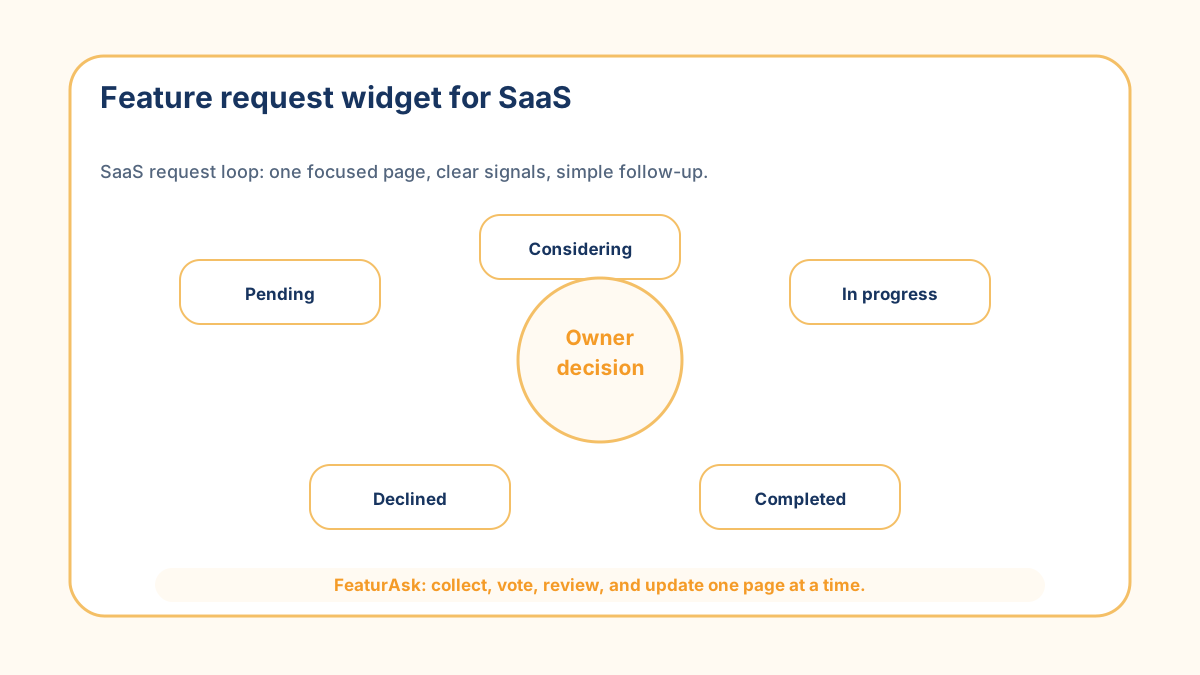
Feature requests become risky when every public label sounds like a commitment. Use plain
statuses and use them honestly. Pending means new. Under Consideration means worth evaluating.
In Progress means work has started. Completed means shipped or resolved. Declined means the idea
does not fit right now. Customers can handle a no; what damages trust is silence or fake
progress.
Nielsen Norman Group describes visibility of system status as a core usability heuristic
(source). The same idea applies to
a feedback board. People do not need a long explanation for every decision. They need enough
visibility to know the request did not fall into a private spreadsheet nobody reads.
Review requests as evidence, not instructions
Votes are useful because they show recognition. They are dangerous when the team treats them as
orders. A request with many votes may be strategically wrong, too expensive, or mostly important
to a noisy segment. A quiet request from a high-retention customer may matter more. The board
should widen the conversation, not replace judgment.
A practical SaaS review looks at votes, comments, page context, optional fields, support volume,
revenue exposure, and product direction together. Atlassian frames roadmaps as communication
tools rather than raw feature lists ([source](https://www.atlassian.com/agile/product-
management/product-roadmaps)). A feature request widget can feed that communication, but the
team still has to decide what story the roadmap should tell.
Connect the widget to a weekly operating habit
The operating habit can stay small. Review new requests once a week. Remove spam and off-topic
posts. Search for similar ideas. Move real candidates to Under Consideration only when someone
is prepared to evaluate them. Close the loop when something ships or gets declined. Ten
consistent minutes beats a dramatic quarterly cleanup.
If you are comparing tools, a feedback widget for SaaS catches
broader reactions, a product idea submission form focuses
on structured intake, and voting on product ideas helps customers
compare visible options. Start with the behavior you need, then choose the label.
Measure whether the widget changed decisions
Raw submission count is the least interesting metric. Better questions are: did the widget
reveal requests the team had not heard elsewhere, did it reduce repeated support explanations,
did it show which ideas have broad recognition, and did it help the team say no faster to weak
ideas? Those answers tell you whether the widget is improving decisions.
For a small SaaS team, the goal is not to collect infinite feedback. The goal is to stop losing
specific product requests and to review them with enough context to act. If you want to test
that workflow without a heavy platform, FeaturAsk gives you the
widget, voting, comments, status labels, moderation, and search in a setup priced for small
teams.
Build the first review meeting before you collect the first vote
A widget is only useful if someone owns the next step. Before launch, decide who reviews new
requests, how often they do it, and what decisions they are allowed to make. A founder-led SaaS
may only need a Friday review. A small product team may need support to tag obvious duplicates
before the product lead looks at the board. The point is to define the handoff before customers
start adding ideas.
The review meeting should be short and concrete. Read the newest requests, search for matching
older ones, check whether any comments change the meaning, and decide whether each item stays
Pending, moves to Under Consideration, gets declined, or needs a follow-up question. If the
meeting ends with every request still sitting in the same state, the team is collecting theater
rather than product evidence.
It also helps to write down what will not happen. A request should not jump straight from one
vote to the sprint board. A feature with many votes should not skip effort review. A vague idea
should not be accepted until someone understands the workflow behind it. These boundaries
protect the team from turning customer enthusiasm into accidental commitments.
When the page and review habit are ready, try FeaturAsk on one exact
SaaS page. The small setup is the advantage: collect ideas where they happen, review them in one
dashboard, and learn whether the signal is strong enough before you build a larger feedback
process.
Keep the SaaS widget tied to decisions
A SaaS feature request widget is useful when it keeps customer ideas close to the product moment
that produced them. Choose one high-signal page, ask a focused question, collect just enough
context, and review the board on a schedule. The widget is the doorway; the habit is the system.
The strongest version is boring in a good way: one obvious prompt, a few useful fields, and a review habit the team actually keeps. If the widget does not change a planning conversation, tighten the page, prompt, or cadence before expanding it elsewhere.
One final SaaS-specific test is whether the widget improves the next planning conversation. If the team cannot point to a clearer customer pattern, a better follow-up question, or a sharper status update after a month, the issue is probably the prompt or placement. Tighten that before adding the widget to more pages.