Feedback Widget for Ecommerce: Capture Product Ideas Before Shoppers Leave
A feedback widget for ecommerce should catch the thought a shopper has right before they leave, hesitate, or buy something different. That thought might be about missing sizes, unclear shipping, confusing bundles, product variants, packaging, sizing confidence, or a checkout question.
Most stores already have feedback. It lives in reviews, abandoned cart notes, customer service tickets, Instagram comments, return reasons, and support chats. The problem is that those signals arrive after the moment when the shopper felt the friction. A page-level widget catches the idea while the product, category, or checkout step is still in view.
Used well, the widget becomes a merchandising and conversion signal, not just a suggestion box.
Put the widget where shoppers are deciding
Ecommerce feedback is strongest near a decision point. Product pages reveal missing details. Category pages reveal assortment gaps. Cart pages reveal shipping, bundle, and price questions. Post-purchase pages reveal what made the purchase easier or harder than expected.
Do not hide the widget in a global footer if you want useful product feedback. A shopper who is looking at a jacket can explain why the size guide failed. A shopper who left the cart can explain what would have made checkout easier.
Ask for the missing buying confidence
Many ecommerce ideas are really confidence problems. “Add more photos” might mean the customer cannot judge texture. “Offer bundles” might mean the customer does not know what goes together. “More sizes” might point to a sizing mismatch in a specific category.
A good prompt asks what would help the shopper decide. That wording brings out details that generic feedback forms miss. It also keeps the request tied to the page where the issue happened.
Use votes to separate one-off taste from repeated demand
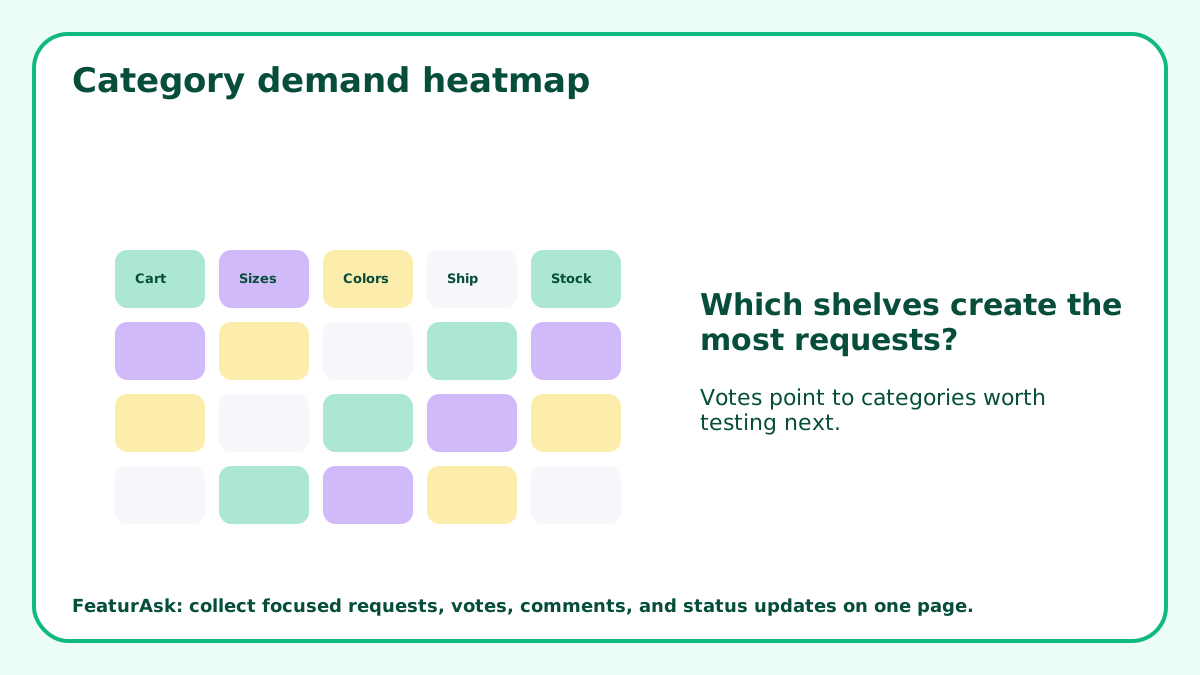
Shoppers have preferences, and not every preference deserves a merchandising change. Votes help identify which requests are shared by more than one visitor. Repeated votes on the same product variant, bundle, or delivery option are more useful than a single loud request.
Compare votes with margin, return risk, inventory cost, supplier availability, and brand fit. A highly voted product idea can still be a poor choice if it creates operational complexity the store cannot support.
Turn support tickets into product-page fixes
Support tickets often reveal missing page information. If people repeatedly ask whether an item is machine washable, whether a product works with a certain model, or whether shipping is available to a region, the product page needs clearer copy.
A feedback widget can catch those questions before they become tickets. Review requests for wording that belongs on the page itself. Sometimes the best “feature” is a clearer answer near the buy button.
How FeaturAsk fits an ecommerce page
FeaturAsk can live on the exact product, category, or cart page where the question appears. The widget code is pasted into that page body, and the subscription is attached to the precise URL. That makes it easier to keep the feedback connected to the right shopping context.
Store owners can customize the widget’s heading, description, colors, fonts, comments, reCAPTCHA v2, status/date display, and optional fields. In the dashboard, requests can be searched, filtered, opened, moderated, and moved through clear statuses. FeaturAsk offers a 30-day no-card trial and $29.95/year pricing, which fits stores that do not need a full customer research suite.
Review ecommerce requests with store economics
A request is not useful until it meets store reality. Compare product ideas with inventory risk, margin, supplier lead time, return likelihood, packaging, and fulfillment complexity. A request that improves conversion but hurts operations may need a smaller test first.
For related collection patterns, see customer feedback tool for small business, customer idea board, and website suggestion box.
Use requests to plan small merchandising tests
Not every ecommerce request needs a permanent catalog change. A popular idea can become a limited drop, preorder test, bundle experiment, landing page, or waitlist. The widget helps you decide which experiment deserves attention.
If a request repeats across categories, it may point to a broader buying need. If it appears only on one product page, it may need a page-level fix. Keep those two cases separate during review.
Show shoppers that feedback changed something
When a request leads to a product-page update, new variant, clearer shipping note, or improved bundle, mark it completed. The status does not need to be dramatic. It simply tells shoppers the store listens and acts.
Visible follow-through can also reduce repeat questions. If customers see that common requests become page improvements, they are more likely to leave specific, useful ideas instead of vague complaints.
Read feedback beside store behavior
Ecommerce feedback gets stronger when you compare it with behavior. A request for clearer sizing matters more if that product also has high returns. A request for bundles matters more if customers often buy the same items together. A request for faster shipping matters more if checkout abandonment rises after shipping costs appear.
The widget gives you the words. Store analytics, support tickets, return reasons, and order patterns give you the evidence around those words. Read them together before changing product pages or ordering inventory.
Turn repeated questions into page improvements
Many ecommerce requests are not new product ideas. They are signs that the page is missing information. If shoppers keep asking about dimensions, compatibility, care instructions, delivery timing, or what comes in the box, the fastest fix is often better page copy or a clearer image.
This is where a feedback widget can pay for itself quickly. You do not need to launch a new product to remove friction. Sometimes the useful change is a size note, comparison table, shipping explanation, or FAQ near the buy button.
Keep experiments small before changing inventory
When shoppers request a new color, bundle, kit, or size, resist the urge to treat the idea as proven demand. Test it first. Use a waitlist, preorder, limited drop, sample run, or content test before committing to inventory.
Small tests let you respect customer demand without taking a blind stock risk. If the test works, you have evidence. If it fails, you have learned without filling a shelf with something customers liked in theory but did not buy.
Use feedback to improve product discovery
Some feedback points to catalog navigation rather than product quality. Shoppers may ask for items you already sell because they could not find them. They may request a bundle because related products are not displayed together. They may ask for a comparison because similar products are hard to tell apart.
During review, ask whether the store needs a new product or a clearer path to an existing one. Better filters, comparison copy, category descriptions, and internal links can sometimes answer the request faster than inventory changes.
Connect requests to returns and support
A feedback widget becomes more useful when it is read beside returns and support messages. If shoppers request clearer sizing and the same category has high return rates, the issue deserves attention. If customers ask for compatibility details and support keeps answering compatibility emails, the product page needs repair.
This kind of comparison keeps ecommerce teams from treating feedback as isolated opinion. It turns customer words into a practical diagnosis of the buying path.
Ask different questions on different ecommerce pages
A single site-wide prompt produces mixed feedback. Product pages should ask what would make the item easier to choose. Category pages should ask what selection is missing. Cart pages should ask what made the shopper hesitate. Post-purchase pages should ask what almost stopped the order.
Those prompts create different kinds of evidence. Product-page notes improve merchandising. Category requests shape assortment. Cart feedback points to conversion friction. Post-purchase comments reveal what customers had to overcome before buying. Keeping those signals separate makes review more useful.
Use the widget to reduce avoidable support
If shoppers keep asking the same question through the feedback widget, treat it as a support-reduction opportunity. The answer may belong in a product table, size guide, shipping note, comparison block, or checkout microcopy. A good ecommerce feedback loop should make future shoppers more self-sufficient.
Track these fixes. When a request becomes a page update, mark it completed and watch whether related support questions decline. That gives the store a practical measure of value beyond “people submitted ideas.” The best feedback system reduces confusion before it reaches the inbox.
Let shopper feedback improve the buying path
A feedback widget for ecommerce should help stores learn at the moment of hesitation. Put it near buying decisions, ask what would make the purchase clearer, use votes carefully, and compare ideas with store economics. The best feedback does not just create a backlog. It improves the page, the offer, and the next merchandising decision.
One practical ecommerce review question is whether the feedback points to demand, confusion, or trust. Demand may justify a product test. Confusion usually calls for better copy, photos, sizing, or comparison help. Trust issues may require shipping clarity, return-policy language, reviews, or support reassurance. Sorting feedback into those three buckets keeps store changes focused.