Customer Feedback Tool for Small Business: Turn Everyday Comments Into Better Offers
A customer feedback tool for small business should help the owner make better weekly decisions. That sounds obvious, but many feedback setups do the opposite. They collect loose comments from reviews, counter conversations, email replies, and social DMs, then scatter them across too many places to compare.
The useful version is narrower. It gives customers one clear place to suggest improvements, asks for just enough context, and lets the owner spot repeated patterns before they turn into lost sales or preventable frustration. For a small team, that matters more than building a big research program. You need a dependable signal you can review between payroll, inventory, scheduling, and the next customer walking in.
This guide is for local shops, service businesses, coaches, studios, and owner-operated ecommerce stores that want customer input without adopting an enterprise feedback stack.
Collect feedback at the moment the customer remembers the problem
The best feedback usually comes while the customer is still close to the experience. A salon client remembers the confusing booking step right after booking. A repair customer remembers the unclear estimate when they are comparing options. A shopper remembers the missing size guide while deciding whether to buy. Put the request prompt near those moments instead of sending everyone to a generic contact page.
A simple rule helps: if the page already answers a customer question, it can also ask what is missing. That creates better comments because the customer does not have to reconstruct the context later.
Ask questions an owner can actually use
Do not ask ten survey questions when three will do. A small business usually needs the idea, the reason it matters, and one piece of context that changes the decision. That context might be location, service type, product category, dietary need, budget, or frequency of use.
The goal is not to turn customers into product managers. It is to collect enough detail so the owner can decide whether the request points to a real pattern. A vague “more options” request becomes useful when it says “more Saturday morning appointments for working parents.”
Separate nice comments from operational signals
Compliments are encouraging, but they are not the same as decision inputs. A good feedback tool should make room for praise while still surfacing the requests that affect repeat business: clearer pricing, easier scheduling, better pickup instructions, new service packages, or missing product details.
When you review feedback, tag requests by the decision they affect. Some notes belong to marketing copy, some to operations, some to inventory, and some to the offer itself. That sorting is more useful than staring at one long chronological inbox.
Use votes to confirm repeated demand
Votes help when customers recognize the same problem in each other’s requests. They are especially useful for small businesses because one owner may hear the same suggestion in five different places without realizing it is the same issue. A public or semi-public voting board makes that pattern easier to see.
Votes should not become a promise that the most popular request wins. Compare vote count with cost, effort, customer fit, and timing. A request with fewer votes may matter more if it removes a blocker for high-value repeat customers. The SBA market research guide makes the same basic point: customer evidence is strongest when it is compared with business realities.
Keep the review habit small enough to survive
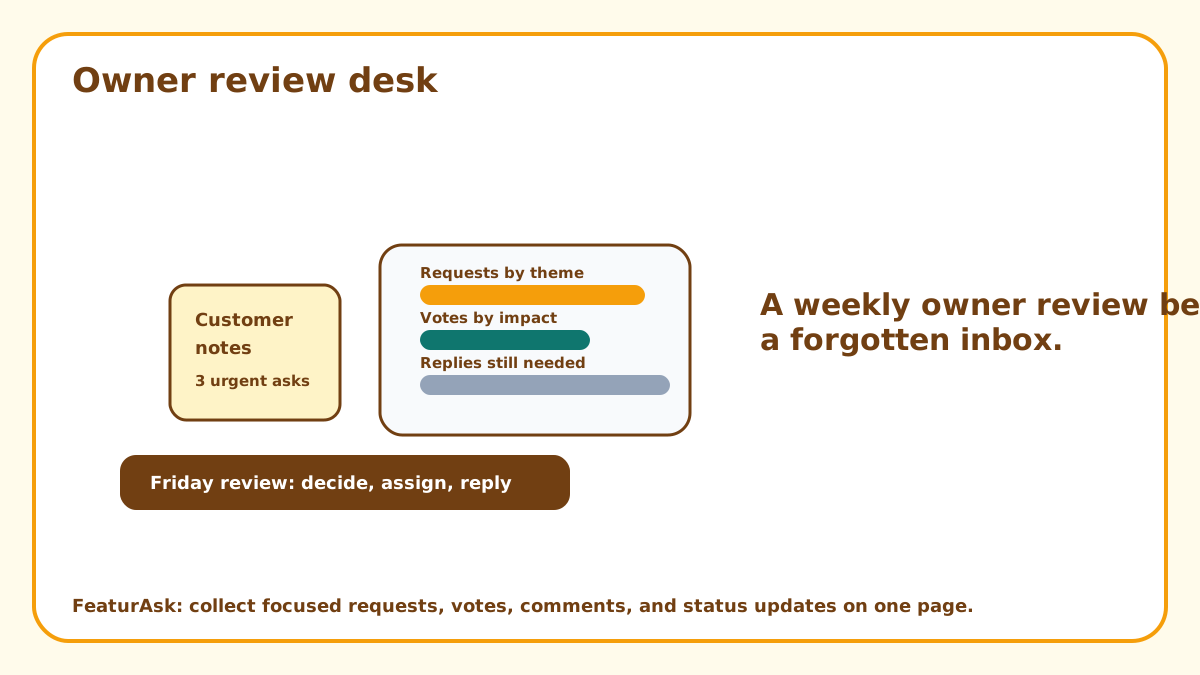
A feedback system fails when it requires a meeting nobody has time to run. For a small business, a weekly fifteen-minute review is enough to start. Delete spam, group duplicates during review, update statuses, and pick one idea that deserves a closer look.
The review should end with a decision, not just a cleaner inbox. Move ideas into simple lanes such as quick fix, needs more detail, seasonal candidate, not a fit, or done. If you cannot choose a lane, the prompt probably needs to ask for better context.
How FeaturAsk fits a small business workflow
At FeaturAsk, we built the widget for people who want feedback on a specific webpage, not another complicated portal to maintain. You assign the subscription to the exact URL, paste the generated widget code into that page, customize the prompt and style, then test it before sending visitors there.
You can customize the heading, description, colors, fonts, comments, reCAPTCHA v2, status and date display, and up to two optional fields. In the dashboard, requests can be searched, filtered by status, opened for details, moderated, and moved through Pending, Under Consideration, In Progress, Completed, or Declined. FeaturAsk includes a 30-day free trial with no credit card required, and it costs $29.95/year for a webpage integration.
Choose placements by business type
A service business might place the widget near booking or pricing. A shop might place it on a product category page. A restaurant might put it near a menu page. A coach or studio might use it beside class descriptions. The placement should match the type of decision you want to improve.
If you need a broader pattern, compare this setup with customer feedback widget, website suggestion box, and online suggestion box for customers. Each format solves a slightly different collection problem.
Turn comments into visible follow-through
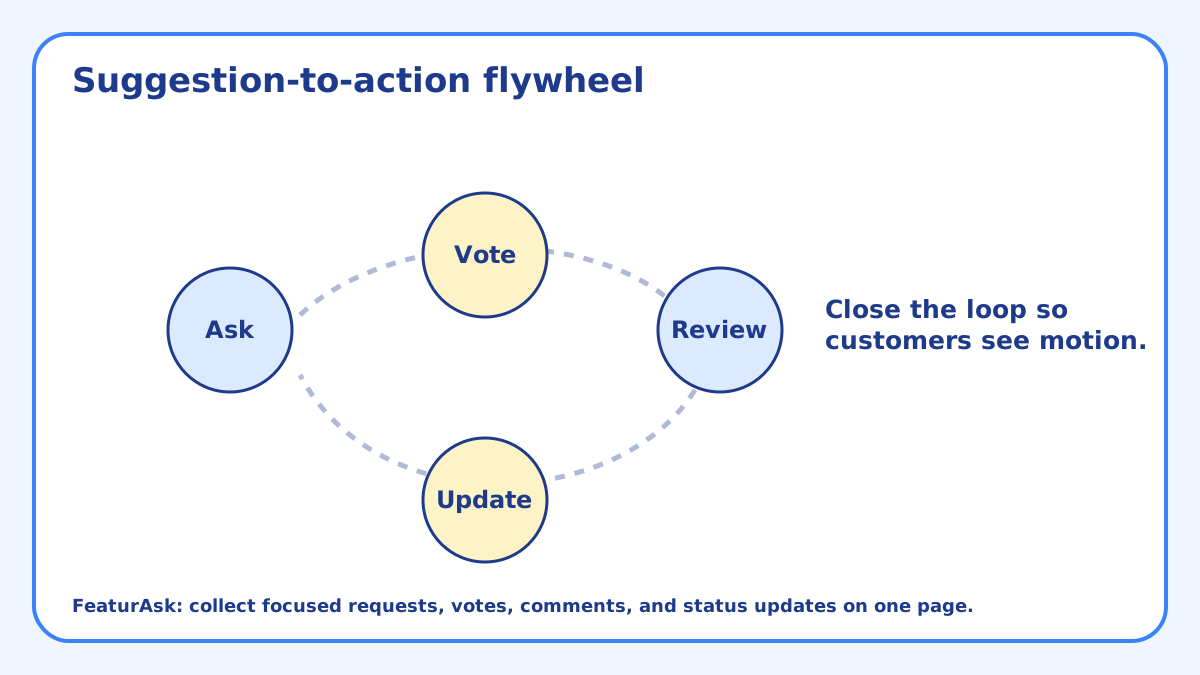
Customers do not expect every idea to become reality. They do notice when a business asks for feedback and never shows any movement. Status updates fix that. Mark a request as under consideration when you are comparing it, completed when it ships, and declined when it does not fit.
A small amount of visible follow-through builds trust. It tells customers the tool is not decoration. More importantly, it gives the owner a record of what was considered and why. That record becomes useful when the same request comes back six months later.
Common mistakes that make feedback less useful
The first mistake is collecting feedback in too many places. If requests arrive through a form, a review site, an email inbox, a social account, and a staff notebook, nobody can compare patterns. Pick one primary request channel for ideas that should influence the business, then train the team to point customers there when a suggestion is worth saving.
The second mistake is asking questions that are too broad. “How can we improve?” sounds friendly, but it forces customers to do all the work. A better prompt names the decision: “What service, product, or scheduling option would make this page more useful?” That small amount of framing produces comments an owner can review without translating every note from scratch.
A simple scorecard for the monthly review
Once a month, look beyond the weekly cleanup and score the top requests. Use four questions: How many customers asked for this? Would it improve repeat business or conversion? Can we test it without disrupting operations? Does it fit the offer we want to be known for? A request that scores well on all four deserves action.
Do not overbuild the scorecard. A small business needs a tool for thinking, not a committee ritual. Even a one-to-five rating beside each question can reveal which ideas deserve a test, which need more context, and which should be declined politely.
How to know the system is working
A working feedback loop changes decisions. You notice repeated requests sooner. Staff stop relying on memory. Customers see status updates. The owner can explain why one idea moved forward and another did not. Those signs matter more than raw submission count.
If you collect a lot of feedback but cannot point to a decision it improved, reduce the scope. Move the widget to a more specific page, rewrite the prompt, or add one optional field that captures the missing context. Better feedback usually comes from a sharper question, not a larger audience.
Questions to ask before adding another feedback channel
Before you add a second tool, second form, or second board, ask whether the first one is producing decisions. Are customers using it? Are the ideas specific enough to evaluate? Can the owner name one change that came from the last month of submissions? If the answer is no, the next step is usually not more software. It is a sharper prompt or a better review habit.
A small business should also ask who will maintain the channel during busy periods. Holiday rush, staff shortages, and owner vacations are exactly when a feedback pile can go stale. If the review habit cannot survive real operating pressure, simplify it before promoting it more widely.
Examples of useful small-business requests
Useful requests sound concrete. A dog groomer might hear that customers want evening pickup on Thursdays. A home-service company might see repeated requests for photo examples before booking. A boutique might learn that shoppers want outfit bundles for specific events. A studio might notice that beginners keep asking for a starter class before joining a regular session.
Each of those requests points to a decision: adjust hours, improve the page, test a bundle, or add an entry-level offer. That is the standard to use when judging the feedback tool. If the channel produces decisions like those, it is doing its job.
Keep the feedback loop owner-sized
The right customer feedback tool for small business is small, specific, and reviewed often. It catches ideas where customers already feel the need, keeps the form simple, and turns repeated comments into decisions the owner can act on. Start with one page, one prompt, and one weekly review habit. If the signal improves your decisions, expand from there.