16 Release Notes Best Practices to Drive Usage [+Examples]
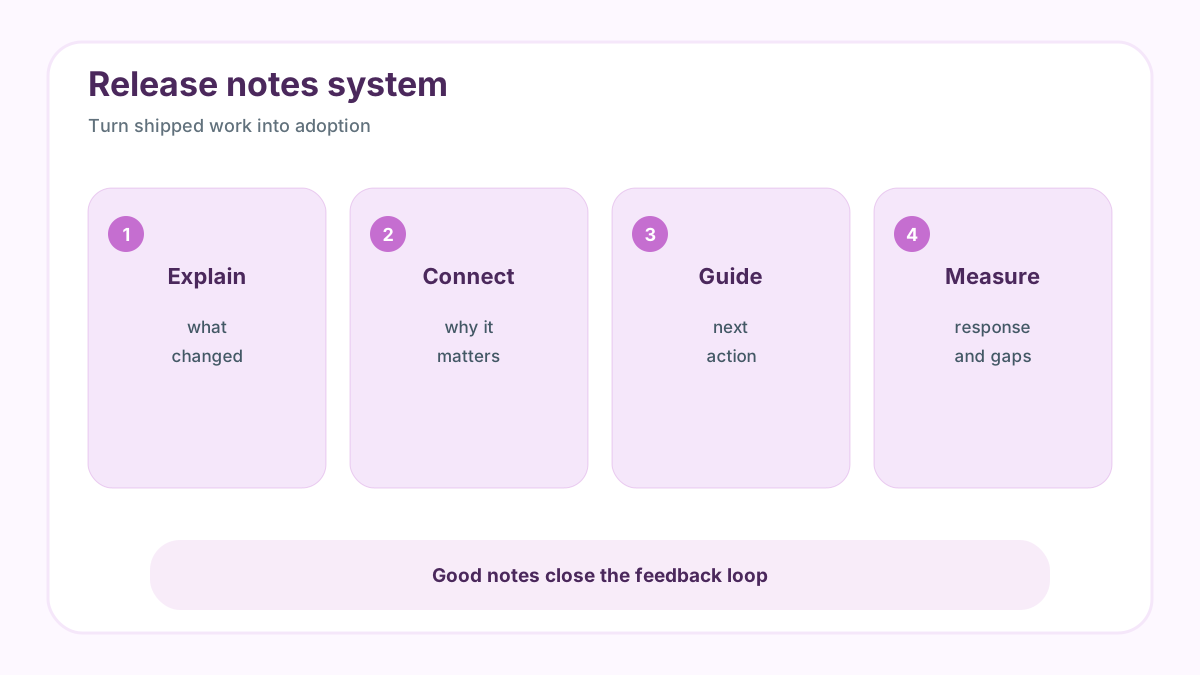
Use these 16 release notes best practices to explain product changes, drive adoption, connect feedback to shipped work, and learn what users value.
Why release notes still matter
Release notes are not just a record of shipped work. They are a product education channel, a trust signal, and a feedback loop. Public release artifacts such as GitHub Releases documentation show how common it is to preserve a clear history of changes, while Keep a Changelog demonstrates the value of consistent categories and human-readable change logs.
The best release notes help customers answer three questions: what changed, why it matters, and what should I do next. Weak notes list tickets, use internal names, or bury the benefit behind technical detail. Strong notes translate product work into customer progress.
If you want a lightweight way to collect requests before you publish the next roadmap or update, try FeaturAsk for one month free with no credit card required. It is $29.95/year, so a small team can validate demand without buying an enterprise feedback suite.
16 release notes best practices to drive usage
-
Write for the user outcome. Start with what the customer can now do, not the internal task that shipped.
-
Lead with the most important change. Put the highest-value update first so busy readers do not miss it.
-
Use a title that names the value. “Export filtered request lists” is clearer than “CSV v2.”
-
Connect the note to the original request. If users asked or voted for the feature, say so and show that feedback mattered.
-
Keep each note focused. One update or one related group of updates is easier to understand than a mixed dump.
-
Add screenshots or short visuals. Show the changed screen, workflow, or before-and-after result when visuals reduce explanation.
-
Link to help docs when setup is needed. Release notes should not become long manuals, but they should point to the next step.
-
Post all release notes in one searchable feed. Customers should be able to find historical changes without searching email.
-
Use a widget or in-app entry point. Put update history where active users can discover it naturally.
-
Distribute through relevant channels. Use email, in-app messages, community posts, or push only when the audience and urgency justify it.
-
Share notes with targeted user segments. Admins, end users, developers, and buyers often need different detail.
-
Be honest about plan limits. If an update is available only on a higher plan, explain the value without turning the note into a hard upsell.
-
Invite reactions or comments. A quick response path turns release notes into learning, not just broadcasting.
-
Track views and follow-up questions. Low engagement or repeated confusion tells you the note needs clearer framing.
-
Match detail to technical sophistication. API customers need different language than nontechnical dashboard users.
-
Review notes quarterly for patterns. The added practice matters because release notes reveal what customers notice, which updates need more education, and which shipped changes generate new demand.
What good release notes look like in practice
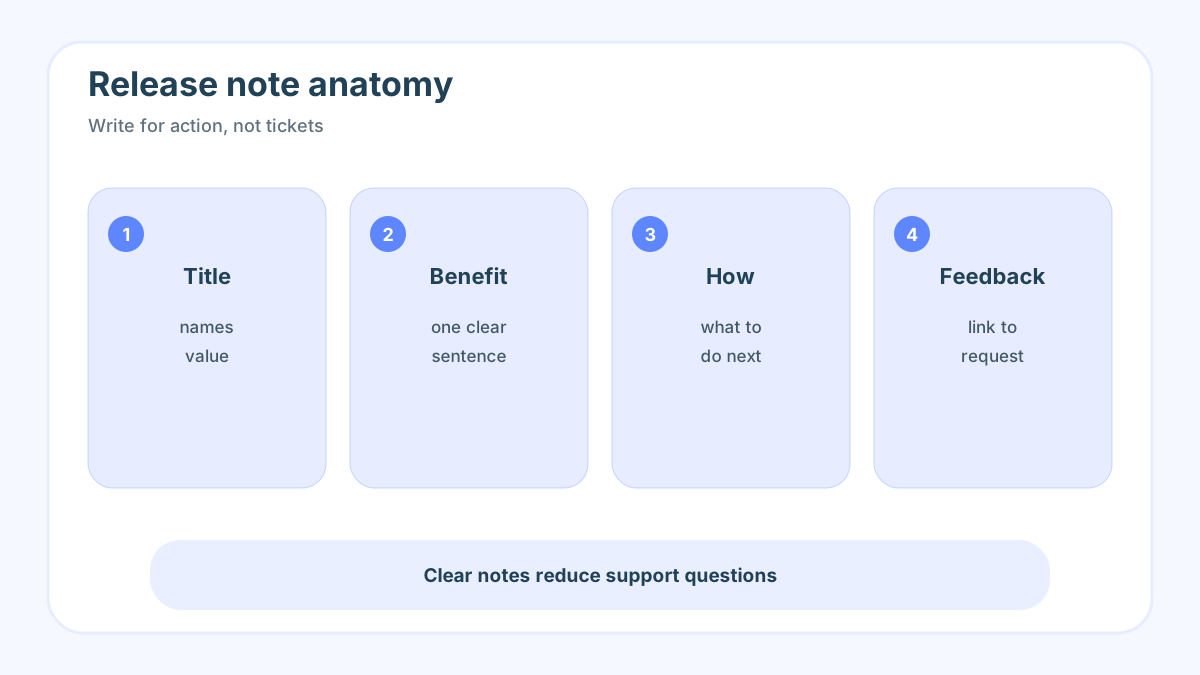
A strong note might say: “Saved views now remember filters, so support leads can review urgent feature requests without rebuilding the same dashboard every Monday.” That is better than “Added saved filter persistence.” It names the change, the user, and the outcome.
Another example: “You can now vote on requests from the embedded widget. We shipped this after repeated customer requests for a faster way to show demand without opening a separate portal.” That connects the note to feedback and makes customers more likely to participate next time. For related systems, read about feedback portal guide, product feedback tools, and feature request tracking.
How release notes and feedback should work together
Release notes are stronger when they connect back to the request that started the work. If customers voted for an idea, tell them when it ships. If an update is based on interviews, summarize the problem in plain language. If a feature is experimental, invite feedback instead of pretending the first version is final.
This is where a small request board pays off. FeaturAsk can collect requests, reveal demand with votes, and give the team a list of people who may care when the update ships. The release note then becomes more than a broadcast; it becomes a visible close-the-loop moment.
For teams that only need a clean widget, voting, moderation, and a practical dashboard, FeaturAsk keeps the feedback loop simple with one month free, no credit card required, and pricing at $29.95/year.
A simple release note template
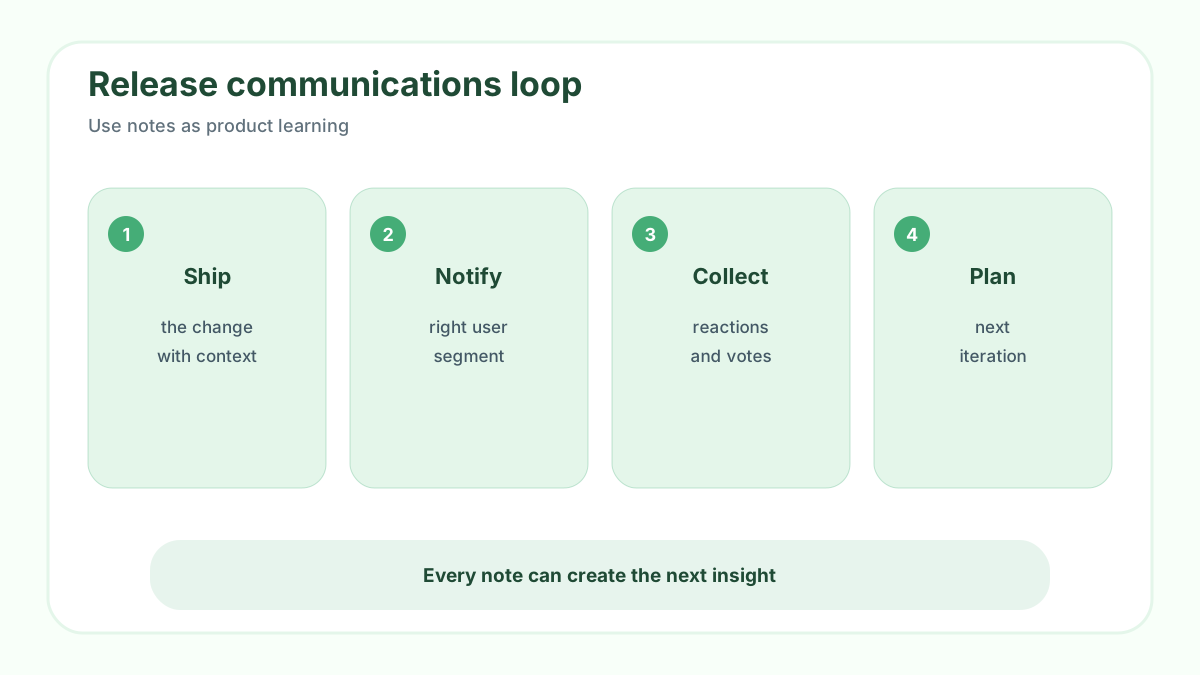
Use this structure: title, one-sentence benefit, who it helps, what changed, how to use it, related request or feedback theme, and next step. Keep screenshots readable. Put technical details behind a link unless the audience is technical. Label breaking changes and plan limits clearly.
Review notes after publication. Which notes drove adoption? Which created support questions? Which generated new feature requests? Treat that signal as product data. Over time, your release notes reveal what customers actually notice, not only what the team worked hard to build.
When you are ready to turn scattered comments into prioritized requests, start with FeaturAsk: one month free, no credit card required, then $29.95/year for a focused request board.
Common release note problems
Many release notes fail because they are written for the team that shipped the work, not the customer who needs to understand it. Ticket IDs, internal component names, and vague labels such as “improvements” make sense inside the company but do not help users decide whether the update matters. Another common problem is burying the most important change below a long list of minor fixes.
A second problem is inconsistency. If one release note is polished, the next is a bullet dump, and the next is missing entirely, customers cannot build a habit around product updates. Consistency does not require a large editorial process. It requires a simple template, an owner, and a release checklist that includes communication.
A third problem is missing feedback. Teams publish what changed but do not invite reactions or connect the update to the original request. That turns release notes into a one-way broadcast. The better version shows customers that their input helped shape the product and gives them a place to respond.
Examples of better release note language
Instead of “Added CSV export v2,” write: “Export filtered request lists to CSV so your team can review top customer asks in a planning meeting.” Instead of “UI improvements,” write: “Request cards now show vote count, status, and latest comment in one view, so moderators can triage faster.” Instead of “Bug fixes,” write: “Fixed a duplicate-vote issue that affected embedded widgets on Safari.”
The pattern is simple: name the user, the action, and the benefit. If the update has a limitation, say so. If it requires setup, link to instructions. If it came from feedback, mention that connection. Clear release notes reduce support questions because customers can understand what changed without asking the team to translate.
Distribution strategy
Publish release notes in one durable place first. Then distribute selectively through in-app messages, email, community posts, social channels, or push notifications depending on urgency and relevance. Do not send every update through every channel. A security change deserves broad reach. A niche workflow improvement should go to the segment that uses that workflow.
Segmenting release notes also makes them more useful. Admins need configuration details. End users need the benefit and next step. Developers need API or integration changes. Buyers may care about strategic direction. The same shipped work can support different messages, but the central release note should remain the source of truth.
Measuring whether release notes work
Track views, clicks, feature adoption, comments, support questions, and follow-up requests. A release note that many customers read but few act on may need clearer next steps. A note that creates support tickets may need better setup instructions. A note that drives new requests may reveal that the shipped version solved only part of the problem.
Review release notes as product data. Which categories receive the most attention? Which features need repeated explanation? Which updates generate positive reactions? This pattern can influence onboarding, documentation, roadmap priority, and future messaging.
Why FeaturAsk helps close the loop
A release note is most powerful when it connects to visible customer demand. FeaturAsk helps create that connection by collecting requests, votes, and comments before the work is built. When the feature ships, the team can write a note that says what changed and why it mattered to customers. That simple loop makes users more willing to share future feedback because they can see evidence that the team listens.
Bad vs good release note examples
Bad: “Implemented request dashboard enhancements.” Good: “Request cards now show votes, status, and latest comment together, so moderators can triage the most important ideas faster.” The good version names the visible change and explains the user benefit.
Bad: “Bug fixes and performance improvements.” Good: “Fixed duplicate votes in embedded widgets and reduced dashboard load time for boards with more than 500 requests.” Specificity builds trust because customers can recognize whether the note affects them.
Bad: “New enterprise controls available.” Good: “Workspace admins can now restrict who can change request status, helping larger teams protect roadmap communication.” This version explains the buyer and user value without turning the release note into a sales pitch.
Release note workflow
Before launch, collect the request or problem that motivated the work. During launch, write the note in customer language and link setup instructions if needed. After launch, watch reactions, comments, support questions, and adoption. If customers still misunderstand the feature, update the note or publish a follow-up explanation.
Release note examples by situation
For a new feature: “Saved request views are now available, so product leads can reopen the same filtered list before every planning meeting.” Add a screenshot and one next step. For a bug fix: “Fixed duplicate votes in embedded widgets on Safari.” Mention who was affected and whether users need to do anything. For a deprecation: “The legacy export format retires on June 30; switch to the new CSV export before that date.” Give notice, reason, and migration help.
For a feedback-linked note: “You asked for faster moderation. Request cards now show status, votes, and latest comment in one view.” This phrasing makes the customer contribution visible. It encourages future feedback because users can see that requests do not vanish into a black box.
Editorial checklist before publishing
Before publishing, check that the title names the value, the first sentence explains the benefit, the body says who is affected, and any setup step is linked. Confirm that screenshots are current, plan limits are clear, and technical terms match the reader’s knowledge. Then decide whether the note needs distribution beyond the release feed.
After publishing, review comments and support questions within a week. If customers ask the same question repeatedly, edit the note. Release notes should be living communication, not a static archive of what engineering finished.
Final release notes takeaway
Great release notes make shipped work easier to discover, understand, and adopt. They also create a record of customer-responsive product development. When notes connect visible requests to useful changes, customers learn that sharing feedback is worth their time.
Keep a swipe file of strong notes from your own product. Over time, it becomes a house style for clear customer communication.
For release notes, the durable habit is closing the loop. Tie shipped changes to the requests or problems that inspired them, explain the user benefit plainly, and watch follow-up questions for the next visible improvement opportunity.