How to Manage Product Announcements as a SaaS Company
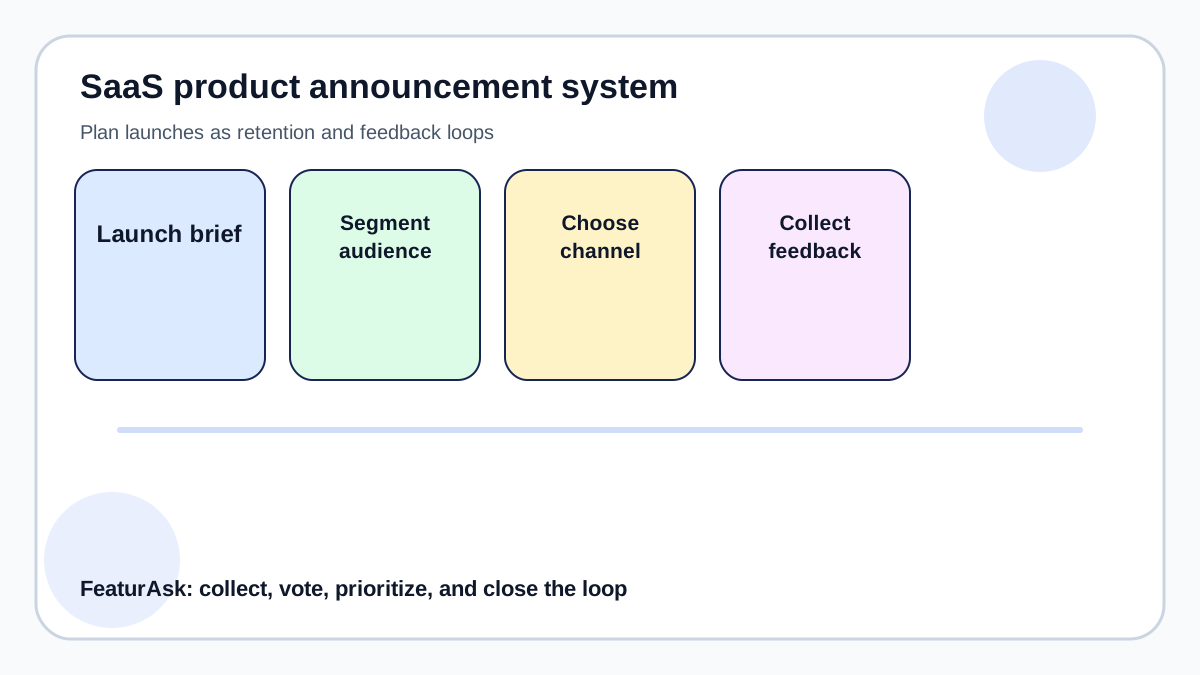
A SaaS announcement is a product experience, not just a message. It tells customers what changed, who benefits, what action to take, and where to respond if the release misses the mark. In 2026, teams ship through in-app notes, email, changelogs, docs, social posts, and public roadmaps; the challenge is coordinating those channels so customers receive useful context instead of scattered launch noise.
FeaturAsk helps announcement workflows when launches come from customer requests: voters can see status changes, comment on the shipped version, and suggest the next improvement. Teams can try FeaturAsk for one month free with no credit card required and keep that feedback loop for $29.95/year.
This guide treats announcements as an operating system for customer trust: plan the message, segment the audience, collect the response, and make the next release smarter. For related setup decisions, see FeaturAsk's guides to feedback board software, the feature request process, and the feature prioritization matrix.
Current context matters. Productboard notes that product teams need clear prioritization and communication around roadmap decisions. Atlassian describes release notes as a practical way to explain changes and reduce confusion. Zendesk customer experience research shows that proactive, connected communication affects customer trust. Those sources point to the same conclusion: feedback and communication work best when they are specific, timely, and connected to decisions customers can understand.
Why product announcements deserve a system
Product announcements are not just launch-day marketing. They are part of retention, adoption, customer education, and roadmap trust. A feature can be technically successful and still fail commercially if the right customers never understand why it matters. The announcement system should answer four questions: who needs to know, why now, what action should they take, and how will the team collect feedback after release.
Small SaaS teams often announce too little because they fear noise, or too much because every internal change feels important. The healthier approach is to tier announcements. Major value changes deserve in-app, email, changelog, and blog coverage. Minor improvements belong in a release note or monthly roundup. Experiments and beta invites should be limited to relevant segments.
Create a launch brief before writing copy
Before any announcement, write a one-page launch brief. Define the user problem, the audience segment, the benefit, the proof point, the support impact, and the feedback channel. This prevents vague announcements like “we are excited to introduce improvements” and replaces them with useful messages about what customers can do now. 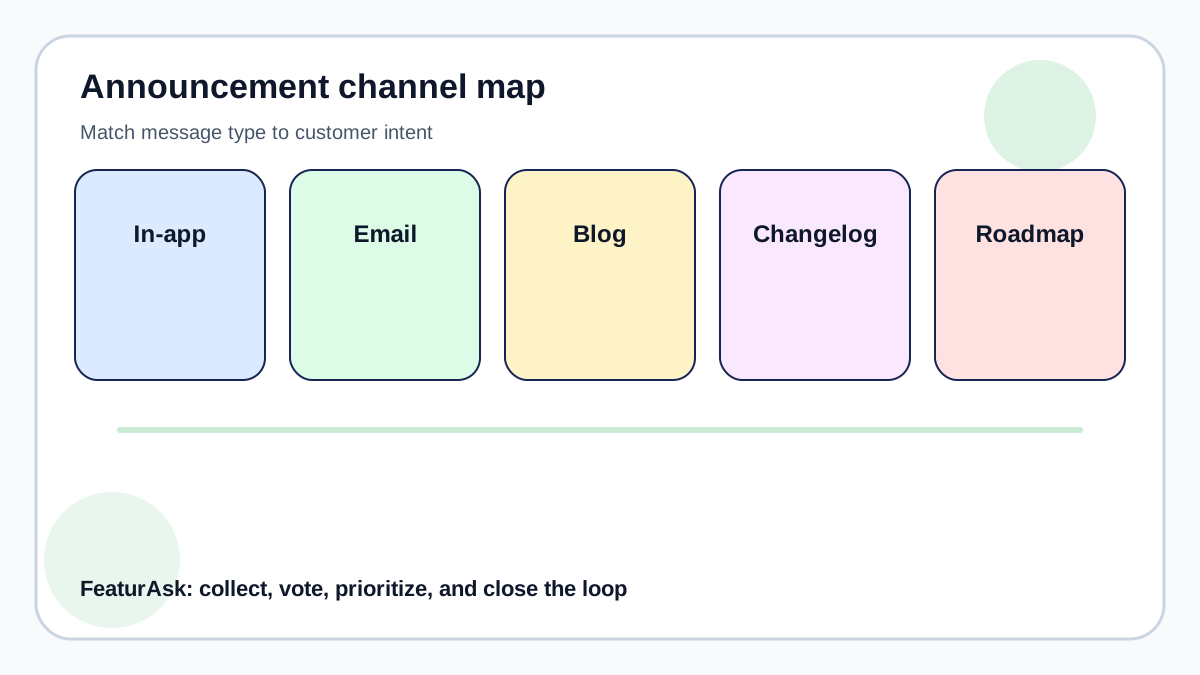
The brief should also name risks: who may be confused, what docs need updating, what feature requests are partially solved, and which customers should receive a direct follow-up. When a launch came from customer feedback, link back to the request thread or public idea. That visibility shows users their input mattered and creates momentum for future feedback.
Pick channels by customer intent
In-app messages are best for active users who can try the feature immediately. Email works for account owners, admins, and users who may not log in daily. Blog posts help with search and longer explanations. Social posts are useful when the feature has a visual story or customer example. Changelogs help existing customers scan progress without needing a campaign for every small release.
Do not send every announcement to every channel. Match urgency and relevance. A billing workflow change should reach admins directly. A dashboard filter improvement belongs in-app near the dashboard. A public roadmap update belongs on the board where users already voted. If customers asked for the feature, invite them to test it first and ask whether the release solves the original problem.
Use six announcement types
Most SaaS announcements fall into six types: new feature, product launch, beta invite, roadmap update, fix or improvement, and educational reminder. Treat each type differently. New features need benefit-led messaging. Beta invites need expectation setting. Roadmap updates need clarity about what changed and why. Fixes need brevity and gratitude.
A useful announcement also includes a next step. Ask users to try the feature, vote on the next improvement, read a related guide, or reply with one missing use case. For feedback-led launches, a tool like FeaturAsk keeps the original idea, votes, and status in one place. If you want that public loop, FeaturAsk offers one month free with no credit card required and then stays $29.95/year.
Measure announcement quality after launch
Open rates and clicks are only partial signals. Track activation, repeat use, support questions, downgrade objections, and new feedback themes. If a feature receives many clicks but little usage, the promise may be clear while the workflow is not. If a feature receives low clicks but strong usage among a small segment, the audience targeting may be correct even if the campaign looks small.
Qualitative follow-up matters. Read support replies, sales objections, and request comments. Use a simple board to collect “what should this feature do next?” ideas. See FeaturAsk’s feature request process, feature prioritization matrix, and feedback board software guides for ways to connect announcements with ongoing discovery. 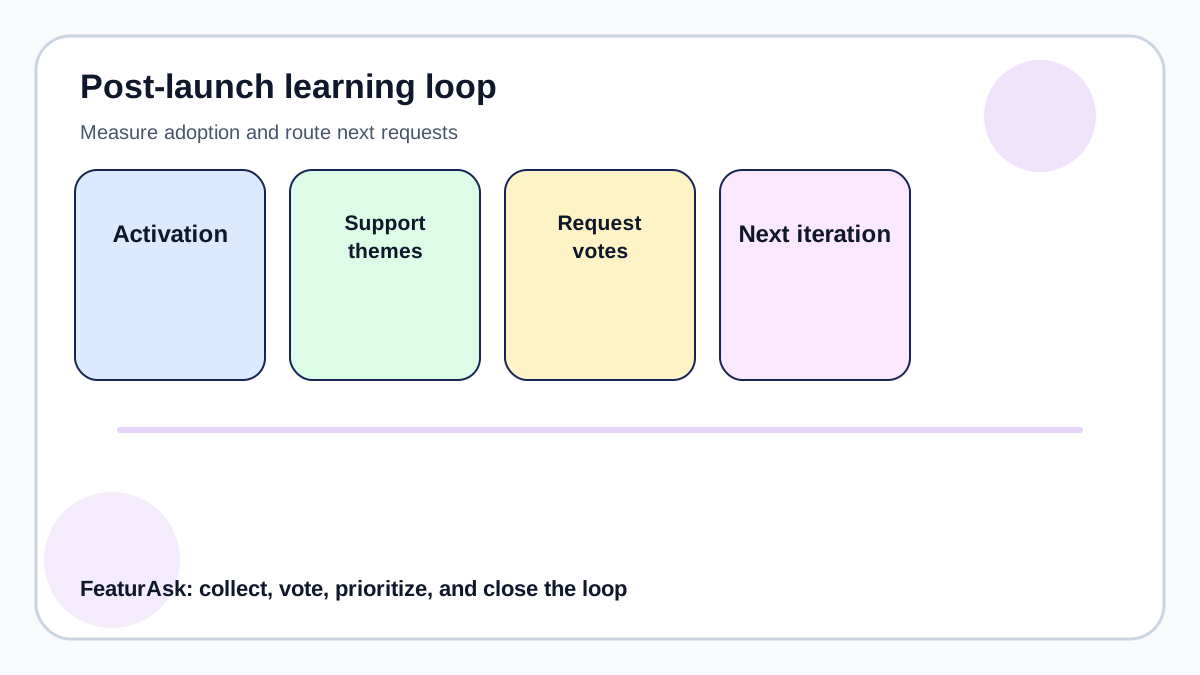
Announcement checklist for lean teams
A lean announcement process can be simple: write the launch brief, segment the audience, choose channels, create short benefit-led copy, prepare docs, publish the change, route feedback, and review results after two weeks. Keep a reusable template but do not make every message sound identical. Customers notice when launch notes become generic.
The best SaaS announcements are honest about scope. Say what changed, who benefits, what remains open, and where customers can influence the next iteration. That builds trust faster than inflated language. It also reduces pressure on support because users know where to find context and how to share a better idea.
Connect every announcement to a response path
A launch message should never be a dead end. If the feature came from user demand, point customers back to the request thread, mark the status clearly, and ask whether the release solved the original problem. If the feature is new strategic work, give customers one place to ask for refinements instead of scattering replies across email and chat.
For SaaS teams that want this loop without a heavy roadmap suite, FeaturAsk adds request voting, status updates, and moderation with one month free and no credit card required. At $29.95/year, it is inexpensive enough to use for launch feedback even before a formal product operations function exists.
After each major release, post a short follow-up: what was shipped, which request it addressed, what customers should try, and what feedback would help the next version. Open a FeaturAsk board on the FeaturAsk homepage when you want announcements to become conversations rather than one-way broadcasts.
Keep announcements useful after the launch
The best announcement programs continue after publish day. Review the first week of replies, support questions, activation data, and request-board comments. If customers misunderstand the value, fix the message. If they ask for the same follow-up, connect that request to the next planning cycle. If adoption is strong, document what made the segment and channel work.
When a launch came from customer demand, FeaturAsk gives the team a simple place to show the journey from request to shipped status. You can start from the FeaturAsk homepage when you want that loop on your own site: one board, visible votes, status updates, and a yearly price that does not require a large-tool budget.
Examples of message fit
A major permissions feature should go to account owners, admins, help docs, and the public changelog. A small dashboard filter should appear near the dashboard and in the monthly roundup. A beta invite should go only to customers who match the use case and are willing to give feedback. A roadmap update should be posted where customers already voted so the people who care most see it first.
This channel discipline keeps announcements from becoming spam. It also makes the team more credible because customers receive changes that match their role, plan, and behavior.
Announcement copy framework
A practical announcement can follow five parts: audience, problem, change, action, and feedback path. Audience tells the reader whether the message is for them. Problem reminds them why the change matters. Change explains what is new in plain language. Action tells them what to do next. Feedback path shows where to ask for improvements or report confusion. This structure keeps copy short while still being useful.
For example, instead of saying “we launched enhanced request management,” say “admins can now review customer feature requests faster because vote counts and status filters are visible in the same dashboard.” Then add the action: “Open your dashboard, filter by highest votes, and update the status of requests you reviewed this week.” Finally, invite feedback: “If this does not solve your review workflow, add a comment to the request thread.”
Internal coordination before the announcement
Even small SaaS companies need internal alignment before a launch. Support should know what changed and what questions to expect. Sales should know which customer pain the feature addresses. Marketing should know the message and proof points. Product should know what signal would make the next iteration worth prioritizing. If these roles are handled by the same person, the checklist still matters because it forces the work to be explicit.
Create a release note before the release, not after. Draft the support answer before customers ask. Decide what screenshots or short videos are needed. Identify customers who requested the feature. Prepare the public status update. This preparation reduces rushed, vague announcements and makes the release feel more professional without requiring a large team.
When not to announce
Not every internal change needs customer attention. Infrastructure improvements, refactors, tiny copy edits, and admin-only cleanup may belong in an internal log unless they affect reliability, speed, security, or workflow clarity. Over-announcing makes customers tune out. Under-announcing makes them miss value. The discipline is choosing the smallest message that still helps the right person use the product better.
Announcement metrics that matter
Track delivery metrics, but do not stop there. Opens, clicks, and views show whether the message reached people. Activation shows whether they used the change. Support questions show whether the message was clear. Request comments show whether the feature solved the right problem. Retention and expansion signals may take longer, but they matter for major releases.
A practical dashboard can include audience reached, activation within seven days, top support questions, top follow-up requests, and one decision for the next iteration. That is enough for a small team to learn without building an analytics department.
For announcements, the practical standard is whether the customer can answer three questions after reading: does this affect me, what should I do now, and where do I send feedback?
End each announcement review by asking which message should be reused, shortened, or retired next time. If customers asked the same clarifying question, improve the template. If one segment ignored the release while another adopted it, adjust channel targeting before the next launch.
A final announcement note should be short enough to maintain every release cycle: one sentence on why the change matters, one sentence on who should use it, and one sentence on where to respond. That discipline keeps the process useful when the team is busy.
One more useful habit is tagging announcement replies by launch name. This lets the team see whether confusion came from the feature itself, the message, the help docs, or the audience selection. Over time, those tags reveal which announcement formats consistently create adoption rather than questions.