Course Idea Submission Form: Find the Lessons Your Audience Actually Wants
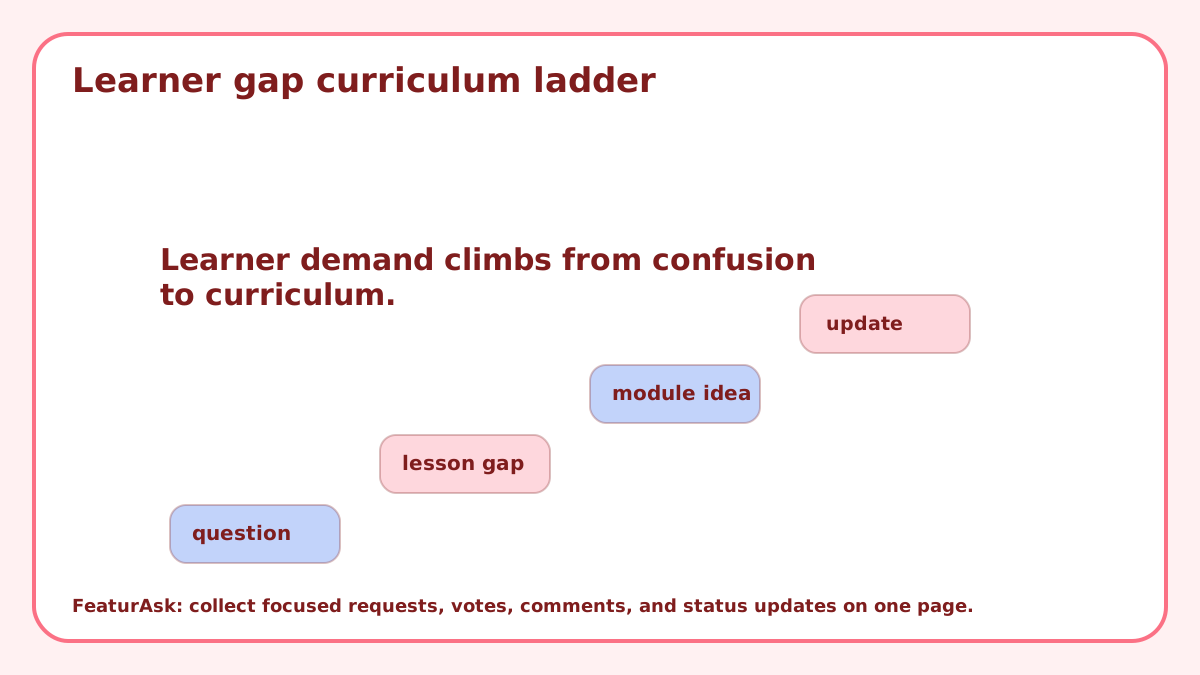
A course idea submission form should help a creator decide what to teach next. It should not become a pile of vague topic requests like “more advanced stuff” or “do something about AI.” The useful version asks learners what they are trying to accomplish, where they got stuck, and what would make a lesson worth their time.
For educators, course creators, cohort leaders, and tutorial publishers, the best ideas often come from the gap between what the audience wants to do and what they can do today. A focused form turns that gap into a planning signal.
The goal is not to let the audience design the whole curriculum. The goal is to see demand clearly enough to choose the next lesson with less guessing.
Start with learner outcomes, not topic labels
A topic label is rarely enough. “Excel course” could mean beginner formulas, finance dashboards, reporting automation, data cleanup, or interview prep. Ask learners what they want to be able to do after the lesson.
Outcome wording gives you curriculum clues. If five people ask for different topics but all mention “I need to build a dashboard for work,” you have found a stronger course idea than the individual titles suggest.
Ask where the learner got stuck
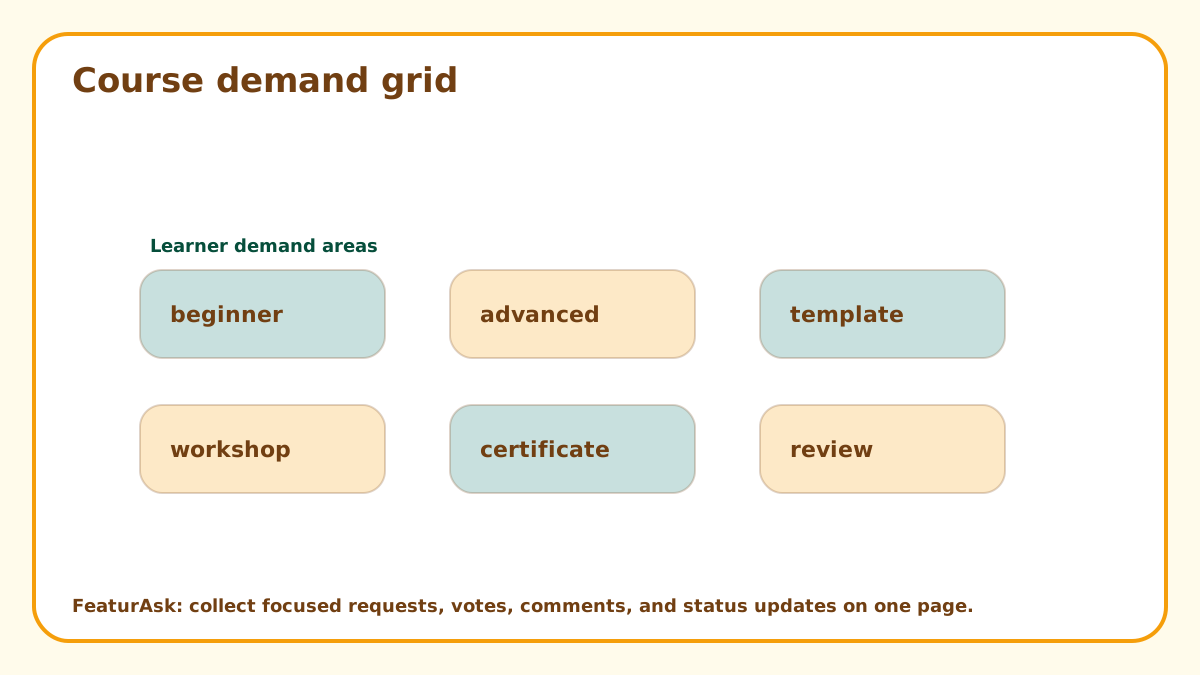
The stuck point is the most useful part of a submission. Did the learner fail during setup, concepts, practice, confidence, examples, or applying the lesson to a real project? That answer tells you whether to create a beginner explainer, a workshop, a template, or an advanced module.
One optional field can help: current skill level, tool used, job role, or project type. Keep it optional so the form does not feel like a school application.
Use votes to measure shared learning pain
Votes are helpful when learners recognize the same gap in someone else’s request. A topic with many votes may be a good candidate for a live workshop, short course, or template pack.
Votes still need interpretation. A flashy topic can attract attention even when learners are not ready for it. Compare demand with prerequisite knowledge, your teaching strengths, production effort, and whether the idea fits your course catalog.
Separate content ideas from support questions
Some submissions will be support requests in disguise. “Make a lesson on installation” might mean your current setup instructions are unclear. “Explain the assignment again” might point to a broken exercise.
Treat those as course maintenance signals. Not every submission should become a new lesson. Some should become better onboarding, clearer examples, or a revised worksheet.
How FeaturAsk fits a course planning page
FeaturAsk can sit on a course catalog, lesson library, cohort page, or resource hub where learners already know what you teach. You paste the widget into that exact page, customize the copy and colors, add optional fields, and let learners submit ideas without sending them to a separate survey.
In the dashboard, you can search requests, filter by status, read comments, moderate bad submissions, and move ideas through Pending, Under Consideration, In Progress, Completed, or Declined. FeaturAsk includes a 30-day free trial with no credit card required and costs $29.95/year, which fits creators who do not want another monthly platform.
Turn requests into a curriculum queue
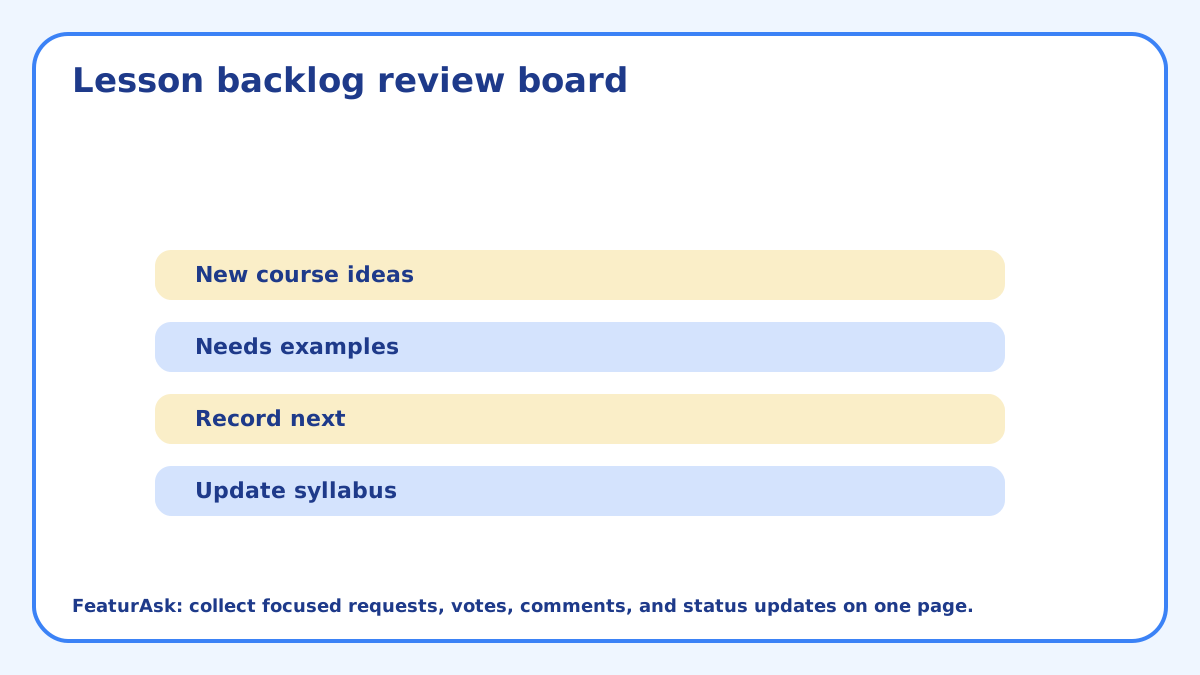
After review, sort ideas into lanes: quick tutorial, full module, live workshop, template, prerequisite fix, or not a fit. That sorting turns a raw list into a teaching plan.
If you publish regularly, keep a small “next three lessons” queue. It gives the audience confidence that submissions matter while preserving your ability to sequence the curriculum properly.
Use public statuses to close the loop
Status updates are useful for creators because learners can see that ideas are reviewed. Mark a lesson idea under consideration while you compare it. Mark it in progress when recording starts. Mark it completed when the lesson is live.
Related FeaturAsk guides may help with adjacent use cases: product idea submission form, customer idea board, and website suggestion box.
Compare ideas with your teaching economics
A great course idea still needs to fit your capacity. Compare demand with production time, support burden, update frequency, and whether the lesson can be reused. A niche but high-value workshop may beat a broad topic that requires constant maintenance.
Education research resources such as EDUCAUSE teaching and learning materials can be useful reminders that learner context matters. The submission form should help you see that context before you record.
Ask for proof of demand without making learners prove themselves
A course idea form should make it easy to see demand, but it should not make learners feel like they are applying for permission to learn. Keep the required fields light. Use optional prompts for project type, skill level, or deadline when those details would affect the lesson plan.
Good submissions often include a real task: “I need to build a dashboard for my boss,” “I keep getting stuck at deployment,” or “I understand the theory but cannot apply it to client work.” Those details tell you more than a topic label.
Match the answer format to the learner’s need
Not every requested topic deserves a full course. Some ideas are better as a checklist, short video, template, live Q&A, office-hours segment, or example library. The submission form should feed all of those formats, not only your biggest products.
During review, ask what the learner needs to move forward. If the gap becomes confidence, a walkthrough may help. If the gap becomes repetition, exercises may help. If the gap becomes setup, a checklist may beat a polished lecture.
Avoid letting advanced requests crowd out beginners
Active audiences often include confident learners who submit detailed advanced requests. Those are useful, but they can drown out quieter beginners who do not yet know how to phrase the problem. Watch for repeated beginner confusion in comments, emails, and support notes.
A healthy course queue includes both. Advanced topics deepen the catalog, while beginner fixes improve completion and trust. The submission form should help you see which audience each idea serves.
Use submissions to update existing lessons
A course idea does not always require a new course. If learners repeatedly ask about the same topic inside an existing lesson, the better answer may be to update that lesson. Add a clearer example, a troubleshooting note, a prerequisite section, or a practice exercise before creating a separate module.
This is especially true for evergreen courses. Small updates can improve completion and reduce confusion faster than launching a new product. The submission form should help you spot those maintenance opportunities.
Watch for audience segments inside requests
A beginner, a working professional, and an advanced practitioner may request the same topic for different reasons. If you do not capture context, those requests blur together. Add an optional field for experience level, goal, or use case when it helps you choose the right teaching format.
Segment context keeps the curriculum honest. You might decide to create a beginner walkthrough now and save the advanced workshop for later. That is a better decision than producing one generic lesson that satisfies nobody.
Turn repeated requests into learning paths
When several course ideas point to the same outcome, group them into a path instead of treating each as a separate lesson. A request for setup help, a request for beginner examples, and a request for a final project may all belong in one starter track. Grouping them helps you design a stronger learning sequence.
This also prevents the catalog from becoming a pile of disconnected tutorials. Learners usually want progress, not just content. A submission form can reveal the order in which people need help if you review the requests by outcome and skill level.
Use declined ideas to explain course boundaries
Some course ideas will not fit your audience, teaching style, or business model. Declining them is fine. The important part is to avoid turning the form into a black hole. A short status note can explain that the topic is outside the current curriculum, too advanced for this track, or better served by a different resource.
Those boundaries make the course brand clearer. They also teach learners what kind of ideas are likely to be used next time. A form with visible boundaries gets better submissions over time.
Turn learner requests into teaching choices
A course idea submission form is useful when it captures the learner’s goal, stuck point, and context. Keep the form short, review requests on a schedule, and turn repeated gaps into a curriculum queue. The audience can show you where demand exists. You still decide the order, scope, and teaching format. The form works best when it helps you choose format as well as topic. A request may call for a checklist, exercise, template, workshop, or updated lesson, not always a new course.