How to Use SEO to Promote Your Feedback and Roadmap Pages
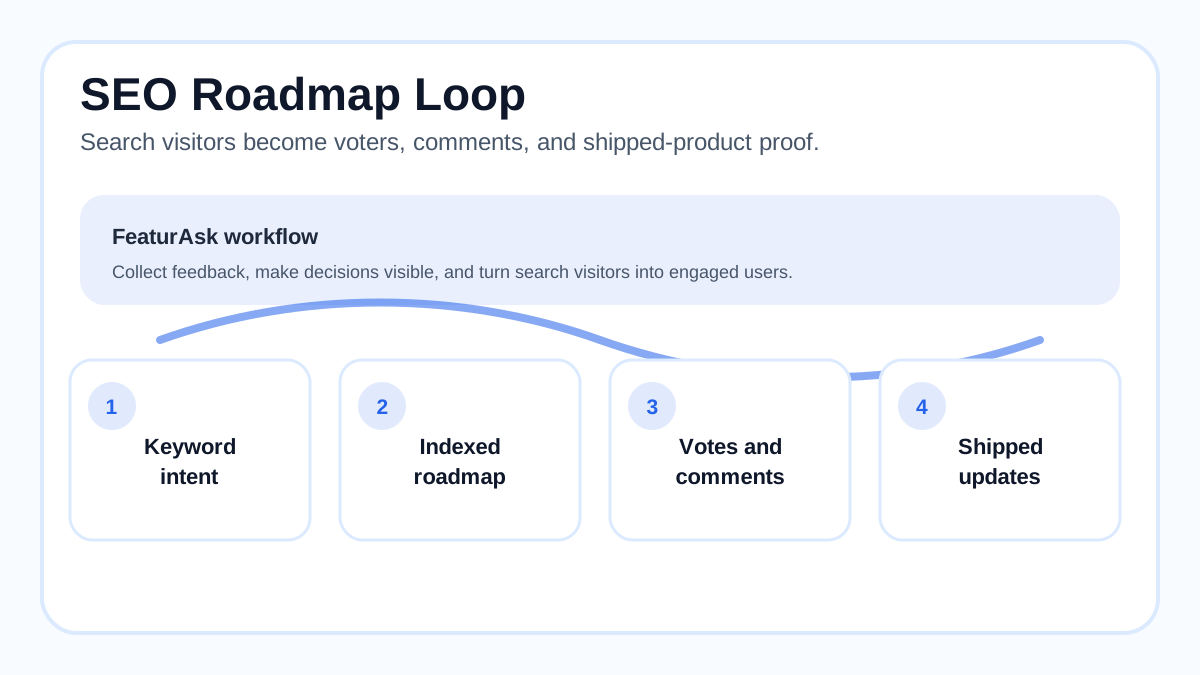
Most product teams treat feedback boards and public roadmaps as support tools. Users submit ideas, vote, watch status changes, and maybe return when something ships. That is useful, but it leaves a bigger opportunity untouched: your feedback and roadmap pages can also become search assets. When people search for your product plus “roadmap,” “feature request,” “integration request,” “changelog,” or “alternative,” a well-built public page can answer the question, show that your team listens, and invite the visitor into a productive feedback loop.
SEO for roadmap pages is not about stuffing keywords into every idea title. It is about making useful product intent visible. A request for “Slack integration” may reveal real demand. A roadmap card marked “planned” may reassure a buyer. A shipped update can become evidence that your company keeps promises. If those pages are crawlable, understandable, and connected to the rest of your site, search can bring in users who already care about your product direction.
This guide covers the practical workflow: why feedback and roadmap pages matter, how to research keywords, what to optimize on the page, how to handle technical SEO, how to encourage better submissions, and how to measure results. It also keeps the process small-team friendly. You do not need an enterprise portal to get value from public feedback. You need a clear board, moderation, status discipline, and pages worth indexing.
For the surrounding product process, pair this article with FeaturAsk's guides to how to prioritize feature requests, how to use a website feedback tool, and feedback board software. Those pieces explain intake and decision making; this one focuses on discovery through search.
Quick answer: how do you use SEO for feedback and roadmap pages?
Use SEO by publishing crawlable feedback and roadmap pages with descriptive titles, useful status labels, clean URLs, readable idea summaries, internal links from your product and help pages, and schema-friendly metadata. Research the terms users already search for, such as product plus “roadmap,” product plus “feature request,” and feature category plus “planned.” Then moderate low-quality submissions, merge duplicates, update statuses, and measure impressions, clicks, engagement, votes, and conversions.
A public board can rank only if it is genuinely useful. Google Search Central's documentation on <a href="https://developers.google.com/search/docs/fundamentals/creating-helpful-content" rel="nofollow">creating helpful content</a>, rechecked on May 22, 2026, emphasizes people-first pages that demonstrate usefulness. Roadmap SEO should follow that principle: clarify what exists, what is planned, what is under review, and how users can add context.
If you want a simple place to collect ideas and make them searchable, try FeaturAsk free for one month with no credit card required. It gives small teams a feedback widget, voting, analytics, custom branding, and moderation for $29.95/year after the trial.
Why feedback pages are valuable search assets
Feedback pages capture bottom-of-funnel product intent. A visitor searching for your roadmap is not browsing casually. They may be checking whether you support a workflow before buying, confirming whether a missing feature is coming, or deciding if your product is active. A public board answers those questions faster than a private backlog ever can.
These pages also create trust. Buyers are used to polished landing pages, but a maintained feedback board shows the product in motion. Open requests reveal what customers ask for. Statuses show how the team responds. Completed cards prove that feedback does not vanish. Even declined requests can build credibility when the explanation is respectful and specific.
Engagement is the next benefit. Search traffic can become feedback rather than a bounce. A person who finds a request through Google can vote, comment, subscribe, or add a related example. That turns SEO from one-way acquisition into a product-learning channel. The page earns traffic, and the traffic improves the product evidence.
Finally, roadmap pages help you promote the product without sounding promotional. A page about “API webhooks planned” can mention current integration options, link to docs, and explain the problem being solved. It helps the visitor while showing that your team understands the use case.
Start with keyword research tied to customer questions
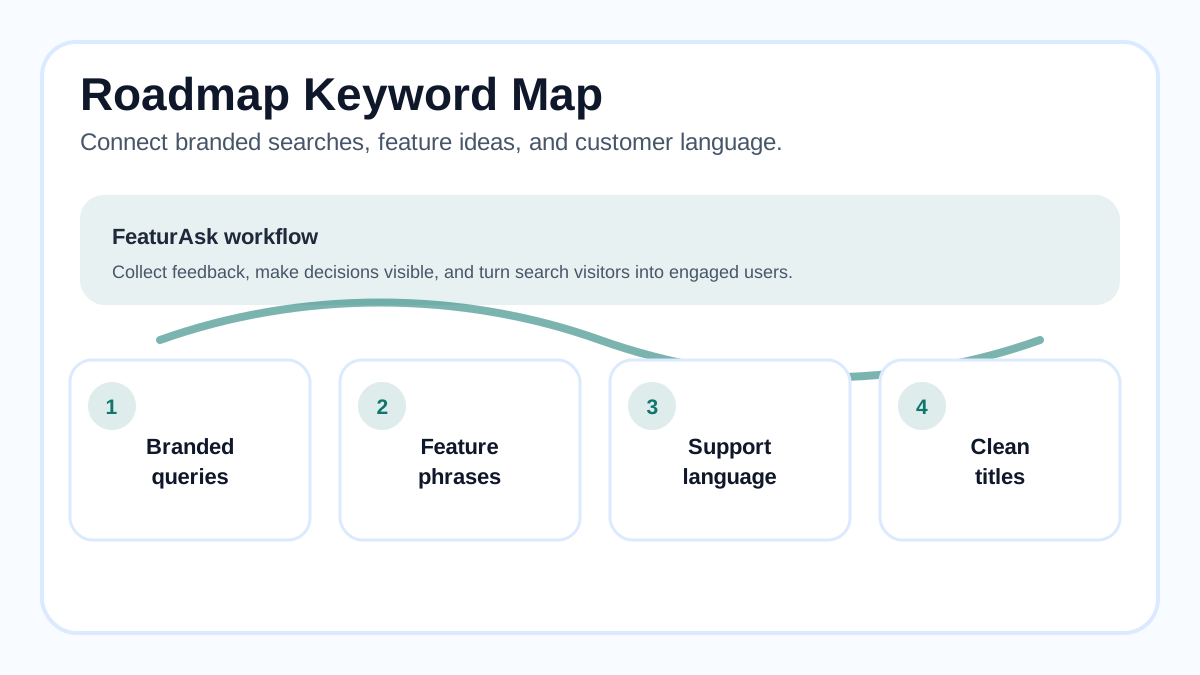
Begin with branded intent. Searchers often combine your product name with “roadmap,” “feature requests,” “changelog,” “release notes,” “ideas,” “planned features,” “status,” “integration,” “API,” or “pricing.” These terms should point to official, maintained pages instead of old community threads or competitor comparisons.
Next, look at feature category intent. If users request SSO, Slack integration, dark mode, custom domains, exports, or mobile apps, each request title can reflect the language customers use. Do not invent keyword-heavy titles. Edit vague submissions into plain language: “Add Slack notifications for approved ideas” is more useful than “Slack please.”
Research should also include support tickets, sales calls, in-app searches, help center searches, and community posts. SEO tools can estimate search volume, but internal language often reveals demand before public tools do. If ten trial users ask whether a feature exists, that phrase deserves a clear answer somewhere indexable.
Keep one rule: the request title must help humans first. A board full of unnatural keyword titles will reduce trust and make moderation harder. Search engines are increasingly good at identifying pages made for people versus pages made only for rankings.
Optimize page titles, headings, and snippets
Each public roadmap or request page should have a specific title tag and H1. For the board, use something like “Product Roadmap and Feature Requests.” For individual requests, use a natural title such as “Slack Notifications for New Feedback Votes.” Add the product name only where it helps recognition, not in every heading.
Meta descriptions should describe the decision state. For example: “Vote on Slack notifications, see current roadmap status, and add use cases for the FeaturAsk product team.” That tells searchers what they can do after clicking. It also sets expectations so the page attracts users who want to engage.
Headings should make the page scannable. A request page might include the idea, why users ask for it, current status, related requests, and how to add context. A roadmap page might group items by “Under review,” “Planned,” “In progress,” and “Shipped.” Avoid cute labels that outsiders cannot understand. Clear statuses help both search visitors and existing customers.
Internal links matter. Link from your main navigation, product pages, help center, onboarding emails, and release notes to the roadmap. Link back from request pages to relevant docs, current workarounds, and shipped updates. Google Search Central's guide to <a href="https://developers.google.com/search/docs/crawling-indexing/links-crawlable" rel="nofollow">making links crawlable</a>, rechecked on May 22, 2026, is a useful reminder: important pages should be reachable through normal links, not only scripts or search boxes.
Technical SEO checklist for roadmap pages
Make the board crawlable if you want it indexed. Public pages should render meaningful titles, status text, descriptions, comments if appropriate, and links without requiring a login. If some feedback must stay private, separate private intake from public indexed content.
Use clean URLs. A board URL like /roadmap is easier to remember and link than a long parameter string. Individual request URLs should stay stable when you edit the title. If you merge duplicates, redirect or canonicalize the duplicate page to the main request when possible.
Prevent thin or low-quality pages from bloating the index. Not every raw submission deserves its own indexed URL. Very short duplicates, spam, and unclear ideas can remain open internally while the canonical public request carries the searchable content. Moderation is part of SEO quality.
Performance and accessibility also matter. W3C's <a href="https://www.w3.org/WAI/standards-guidelines/wcag/" rel="nofollow">WCAG overview</a>, rechecked on May 22, 2026, is not an SEO checklist, but accessible pages are easier for more people to use. Roadmap pages should have readable contrast, keyboard-accessible voting controls, descriptive labels, and status text that is not conveyed by color alone.
Add structured data where it naturally fits. Article schema can support explanatory roadmap posts; BreadcrumbList helps clarify site hierarchy. Do not add fake review or product markup to feedback pages just to chase rich results. Schema should describe the page, not exaggerate it.
Turn feedback into indexable content without copying users blindly
User submissions are often messy. They contain typos, internal jargon, partial thoughts, or complaints. Moderation turns those inputs into useful public content while preserving the customer's intent. Edit titles for clarity, merge duplicates, remove private details, and summarize the underlying problem in your own words.
A good request page has three layers. First, the user-facing title describes the desired outcome. Second, the summary explains the problem and who benefits. Third, comments and votes provide evidence. That structure lets search visitors understand the page quickly and lets your team keep raw details available without exposing sensitive information.
Be careful with promises. If a request is under review, say that. If it is planned, explain the rough direction without committing to dates you cannot keep. If it is declined, explain the product reason and invite other evidence if the need changes. Honest statuses protect trust and reduce support follow-up.
This is where FeaturAsk's positioning fits naturally. The product is built for small teams that want visible feedback without heavy process. With a feedback widget, voting, analytics, branding, and moderation, FeaturAsk helps you collect better public ideas while keeping the board affordable at $29.95/year after a one-month free trial with no credit card.
Promote roadmap pages from the rest of your customer journey
SEO works better when the page is part of the product experience. Add a “Request a feature” link inside your app, in the help center, and in support replies. When a user asks for something you already track, link to the existing request instead of creating another private note. That gives the user a place to vote and gives the request more engagement.
Release notes should link back to shipped requests. When you launch a feature, the release note can say what problem was solved and point to the original idea. The request page can then move to shipped and link to the release note or docs. This creates a loop: searcher finds the request, sees proof of delivery, and discovers related updates.
Sales and customer success teams can use the roadmap carefully. Instead of promising a feature verbally, they can share the public request or roadmap item. The page communicates the current state and collects the prospect's context. That is safer than a private promise and more useful than a generic “we will pass it along.”
Encourage communication that improves both SEO and product decisions
A board ranks and converts better when users understand how to participate. Add simple prompts: What problem are you trying to solve? How often does it happen? What do you do today? Which role or workflow is affected? These questions improve comments, and better comments help future visitors recognize their own problem.
Moderation should be active but not controlling. Remove spam, combine duplicates, and keep titles clear. Do not delete disagreement just because it is inconvenient. Useful criticism can demonstrate that the board is real. The key is to protect privacy, clarity, and respect.
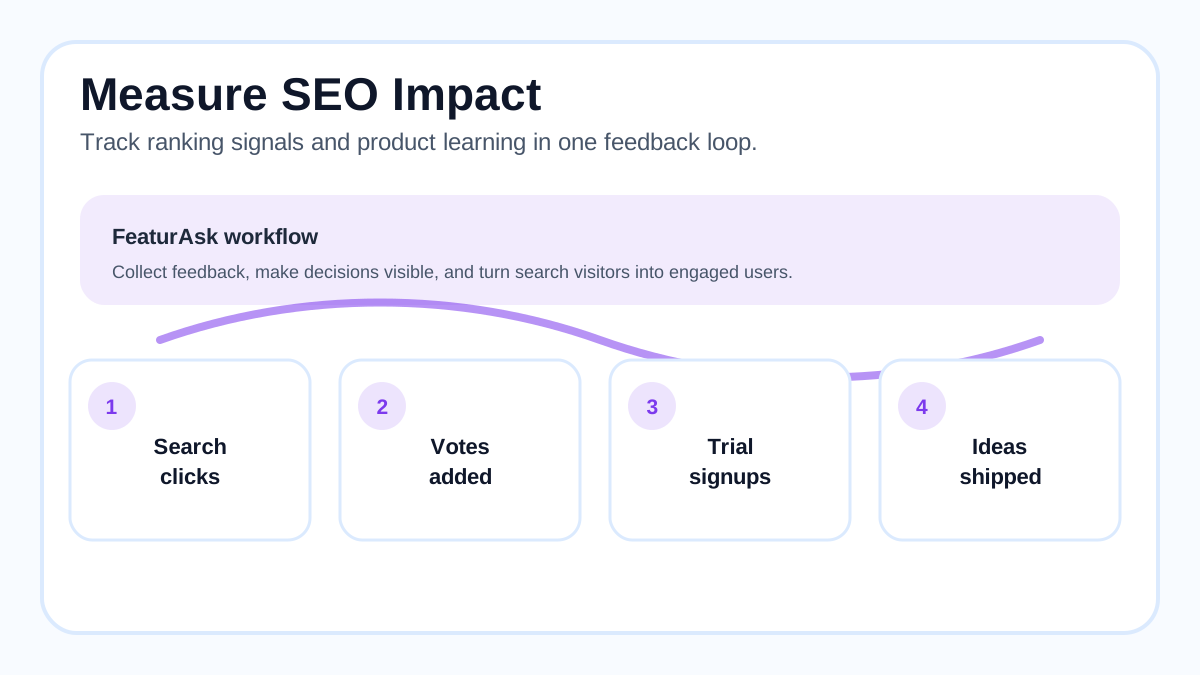
Analytics should go beyond rankings. Track impressions, clicks, vote conversion, comment quality, new account signups, trial activation, and support deflection. A page with modest traffic may be extremely valuable if it captures high-intent buyers or reveals a retention blocker.
Common mistakes to avoid
The first mistake is hiding the roadmap behind a login while expecting search traffic. Private boards can be useful, but they will not help public discovery. The second mistake is indexing every thin request. Quality matters more than raw URL count. The third is using unclear statuses. “Maybe,” “later,” and “soon” create more questions than answers.
Another mistake is treating votes as the only success metric. Votes are evidence, not strategy. A highly searched request might reflect curiosity rather than fit. A low-traffic request from your best customer segment might matter more. Pair SEO data with product judgment.
The final mistake is leaving shipped requests stale. Once you build the feature, update the request, link to the release note, and thank contributors. A shipped request is one of your strongest trust signals.
A 30-day implementation plan
In week one, choose which pages should be public, clean the board title, define statuses, and make sure the main roadmap is linked from your site. In week two, edit the top twenty request titles, merge obvious duplicates, and add short summaries to the strongest pages. In week three, connect roadmap pages to docs, help articles, and release notes. In week four, review Search Console data, engagement, and the quality of new submissions.
Keep the process lightweight. The goal is not to turn every request into a blog post. The goal is to make real product demand visible, discoverable, and useful.
Build a roadmap people can find and trust
Feedback and roadmap SEO sits at the intersection of acquisition, product discovery, and customer communication. Done well, it attracts people who already care about your direction, shows that your team listens, and turns visitors into contributors. Done poorly, it creates thin pages and vague promises.
Start with clear pages, crawlable links, helpful summaries, honest statuses, and regular updates. Then use the data to improve both search performance and product decisions. If you want the board, widget, voting, analytics, moderation, and custom branding without enterprise cost, start FeaturAsk free for one month, no credit card required. The paid plan is $29.95/year, which makes a public feedback loop practical even for small teams.