Top 11 Free Changelog Tools for Developers and Founders
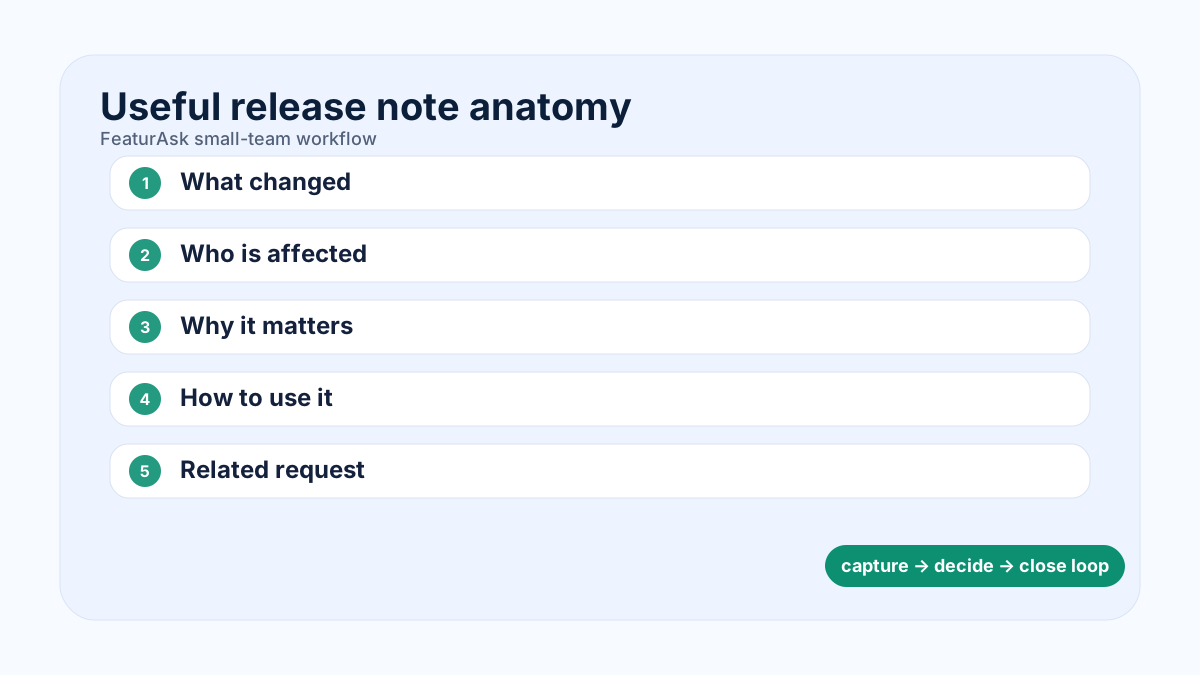
Free changelog tools help developers and founders communicate product updates without turning every release into a marketing project. A good changelog gives customers a clear record of improvements, fixes, deprecations, and new features, while giving internal teams one habit for closing the loop after shipping.
This guide looks at changelog software through a shipping workflow: what changed, who needs to know, which feedback request it closes, and how much process a small team can sustain.
What a changelog tool should do
A changelog tool publishes product updates in a structured format. It should help teams write short notes, group changes by date or version, add labels, embed updates in an app, and notify users who care. The best tools make release communication predictable. They do not force engineers to become copywriters or marketers to chase every pull request.
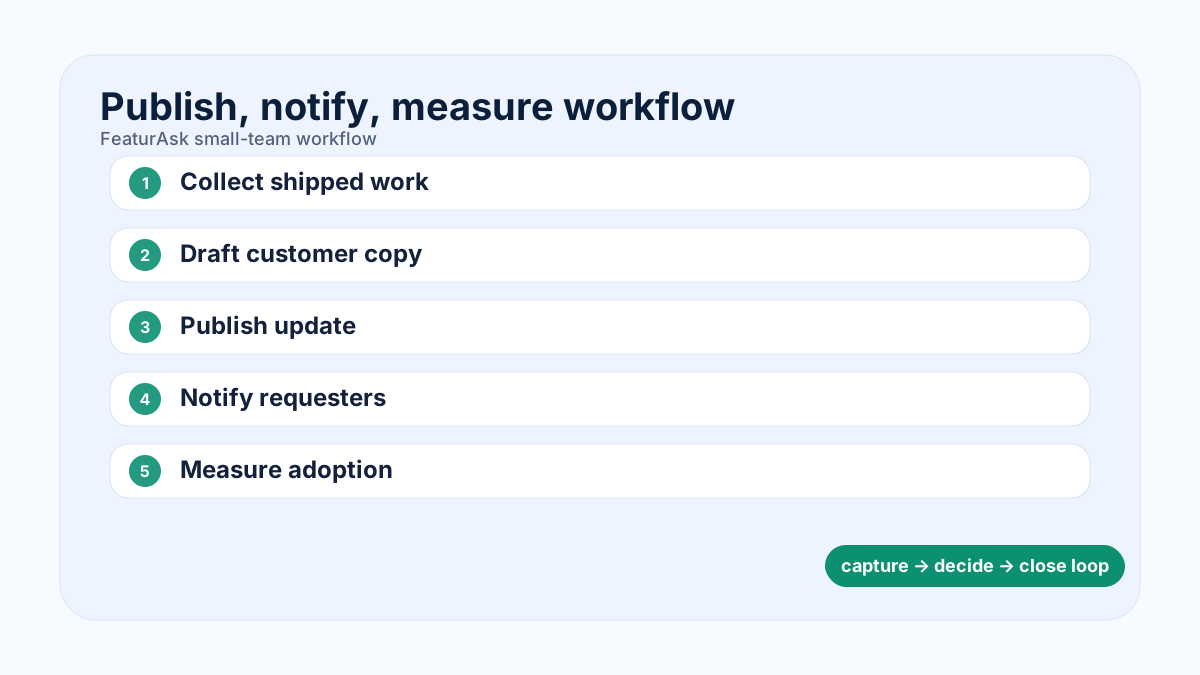
The minimum workflow is simple: collect shipped changes, translate them into customer language, mark the audience, publish, and connect related feedback requests. When a changelog is tied to a feedback portal, customers see the complete arc from request to shipped improvement.
Free plans are useful for early teams, but read limits carefully. Some tools cap monthly views, teammates, posts, widgets, or integrations. A free changelog that becomes expensive after basic usage may not be the cheapest choice over a year.
If you want this loop without a heavy rollout, FeaturAsk gives you a clean feedback widget, organized request dashboard, and public updates in one place. Start with one month free, no credit card required, then keep it for just $29.95/year when it fits your workflow.
How to choose the right free changelog tool
Start with your audience. Developer products often need version numbers, API notes, and links to technical docs. Consumer SaaS may need visual cards, images, and plain-language benefits. B2B platforms may need segmentation so administrators, end users, and integration partners see different updates.
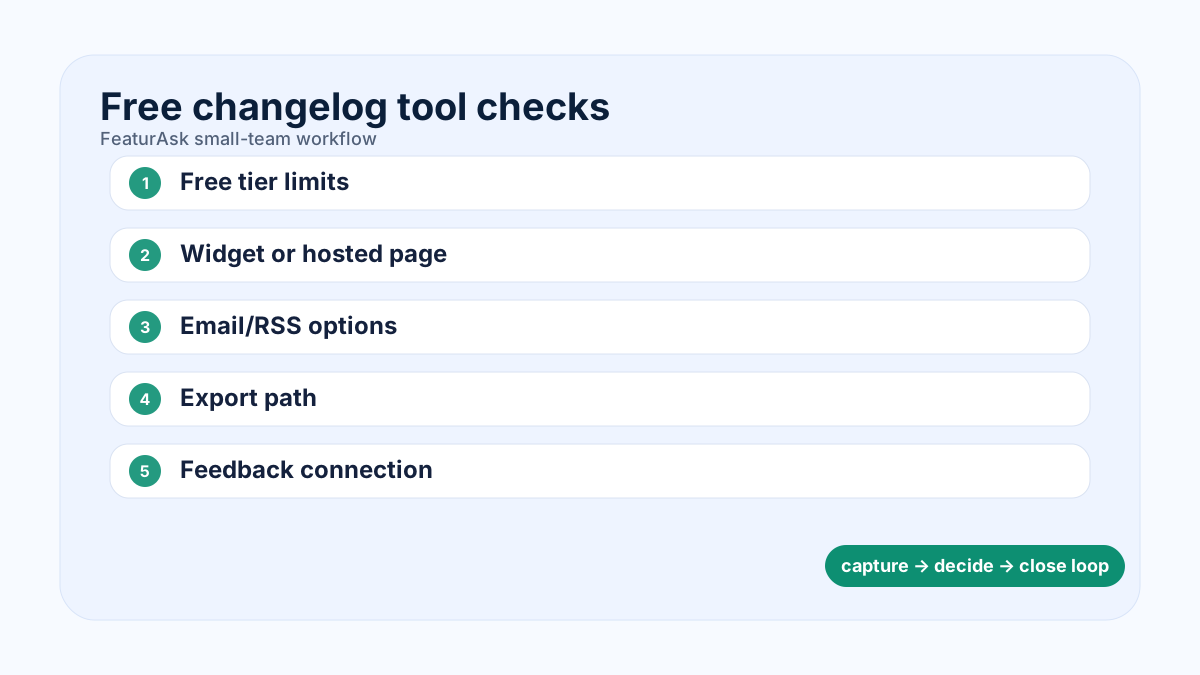
Then look at distribution. Can you host a public changelog page? Can you embed an in-app widget? Can users subscribe by email or RSS? Can you connect updates to roadmap items? If the tool only creates posts but does not notify anyone, it is a publishing archive rather than a communication system.
Also check whether the tool encourages good formatting. The <a href="https://keepachangelog.com/en/1.1.0/" rel="nofollow">Keep a Changelog format</a> and <a href="https://semver.org/" rel="nofollow">Semantic Versioning guidelines</a> are helpful references, even when your updates are less technical.
Top 11 free and affordable changelog tools
FeaturAsk is ideal for teams that want changelog updates connected to feedback collection and roadmap communication at a simple price. GitHub Releases is free and excellent for open-source or developer-facing products. Beamer focuses on announcements and in-app notifications. Headway is lightweight and familiar. Composer, Changelogfy, ReleaseNotes, AnnounceKit, featureOS, Canny, and Frill offer different balances of changelog, feedback, and roadmap capabilities.
When comparing, ask five questions. How fast can you publish the first update? Can non-technical teammates contribute safely? Are images and labels supported? Does the free tier include enough traffic for your site? Can you export your content if you move later?
Validate free-plan claims against official pages before committing. GitHub Releases is available inside GitHub repositories, while announcement products such as Beamer, Headway, AnnounceKit, Canny, and Frill change packaging over time. Keep a short source log with links to <a href="https://docs.github.com/en/repositories/releasing-projects-on-github/about-releases" rel="nofollow">GitHub Releases documentation</a>, <a href="https://www.getbeamer.com/pricing" rel="nofollow">Beamer pricing</a>, <a href="https://announcekit.app/pricing" rel="nofollow">AnnounceKit pricing</a>, and <a href="https://canny.io/pricing" rel="nofollow">Canny pricing</a>. If a free tier limits subscribers, monthly views, seats, or widgets, say so in your internal comparison even if the public article keeps the wording brief.
If feedback matters as much as release notes, do not evaluate changelog tools in isolation. Our posts on release notes best practices, customer feedback tools, and feature request tracking explain how updates fit into the larger loop.
Small teams do not need enterprise software to listen well. FeaturAsk helps you collect ideas, prioritize requests, and close the loop with users. Try the first month free, no credit card required; ongoing access is only $29.95/year.
Examples of useful changelog entries
A useful changelog entry is specific, brief, and customer-centered. Instead of writing 'Dashboard improvements,' write 'Dashboard filters now remember your last selected workspace, so weekly reporting takes fewer clicks.' Instead of 'Bug fixes,' write 'Fixed an issue where exported CSV files could omit archived projects.'
For API products, include version numbers, breaking-change warnings, migration deadlines, and links to docs. For UI products, include screenshots or short GIFs when the change is visual. For mobile apps, group updates by iOS and Android if behavior differs.
Avoid turning the changelog into a press release feed. Not every internal refactor deserves a customer announcement. Publish what changes the customer experience, reduces risk, or explains upcoming action.
Operating a changelog as a small team
A weekly release note meeting can be fifteen minutes. Ask engineering what shipped, ask support what customers asked about, ask product which roadmap items moved, and ask marketing whether any change needs broader messaging. Draft updates in batches, then publish when releases go live.
Create labels such as New, Improved, Fixed, Deprecated, Security, and Integration. Use plain words before internal project names. Customers care less about your sprint title than about what they can do now.
Measure whether changelog posts reduce support questions, increase feature adoption, or reactivate dormant users. If nobody reads the updates, improve placement before increasing frequency.
FAQ
What is the best free changelog tool? For code-first projects, GitHub Releases may be enough. For SaaS teams that also need feedback and roadmap updates, a combined tool is often more useful.
How often should a changelog be updated? Publish whenever customer-visible changes ship. Many small teams do well with weekly or biweekly batches.
Should every bug fix be included? No. Include fixes that customers noticed, asked about, or need to understand.
Implementation checklist for a changelog habit
Decide who owns release communication before choosing software. Engineering knows what changed, but customers need a translation of why it matters. Product can connect each change to the user problem. Support can add wording that prevents common questions. Marketing can help when an update deserves a launch campaign. For most small teams, one person can edit the final changelog while collecting inputs from everyone else.
Create a simple entry template. Use a short title, a category, a two-sentence explanation, and an optional link to docs or a feedback request. The first sentence should say what changed. The second should say why customers should care. For example, a strong entry says that workspace exports now include archived projects, which helps administrators prepare complete quarterly reports. That is more useful than a vague note about export improvements.
Choose categories that match user expectations. New, Improved, Fixed, Deprecated, Security, Integration, and API are enough for most products. Keep internal labels out of the public feed unless customers already know them. If a release affects only one plan or persona, say so clearly. If an update is behind a feature flag, avoid announcing it broadly until the intended audience can access it.
Build the changelog into the shipping workflow. Add a release note field to the product ticket, pull request checklist, or sprint demo. Draft entries while context is fresh, then publish when the feature is available. If you wait until the end of the month, details disappear and every update becomes harder to explain.
Connect changelog entries to feedback. When a shipped item originated from customer requests, mention the problem and notify the people who asked. This reinforces that the product listens. It also trains users to send better feedback because they see that specific, contextual requests can influence the roadmap.
Common changelog mistakes
The biggest mistake is writing for the team instead of the customer. Internal project names, ticket numbers, and refactor notes rarely help users. Another mistake is making every entry sound like a major announcement. A changelog should be clear and useful, not inflated. Customers trust updates more when the language is specific and proportionate.
Do not hide breaking changes inside a normal update. Deprecations, API changes, permission changes, and billing impacts need prominent warnings and migration guidance. Do not publish only wins either. Fixes and reliability improvements matter because they show care. Finally, avoid inconsistent cadence. A quiet changelog makes users wonder whether the product is still improving, even if the team is shipping constantly.
A changelog-specific 90-day publishing plan
Days 1 to 30 should establish the release-note habit. Pick categories such as New, Improved, Fixed, Deprecated, Security, API, and Integration. Draft one entry for every customer-visible change and skip internal refactors that do not affect the user experience. Each update should include a benefit-focused title, the customer impact, affected audience, release date, and links to docs or related feedback.
Days 31 to 60 should connect the changelog to shipping. Add a release-note field to product tickets or pull request templates, review entries during sprint demo, and publish in small batches when changes are live. If an update came from a feedback request, mention the customer problem and notify the people who asked.
Days 61 to 90 should measure usefulness. Track whether announcements reduce repeat support questions, drive adoption of newly shipped features, or re-engage users who requested the change. Improve placement if nobody sees the feed: add an in-app widget, link from the help center, or include the most relevant update in lifecycle emails.
End with an editorial cleanup. Remove vague titles, combine tiny fixes into digest posts, identify missing screenshots, and decide which updates need migration warnings. The goal is not more posts; it is a reliable record customers can scan quickly.
Selection matrix for small teams
Use a two-column decision matrix before choosing a changelog product. The first column is communication need: public release archive, in-app notification, email subscription, RSS feed, API version history, or customer-specific announcement. The second column is operating constraint: how many people will write updates, whether engineers can publish safely, whether marketing needs approval, and whether the company must keep an exportable record. A solo founder may choose a simple hosted page; a developer platform may need GitHub Releases plus a customer-facing digest; a SaaS team with active feature requests may prefer one tool that connects feedback, roadmap status, and shipped updates.
Score each candidate from one to three on five practical tests. First, can the team publish a clear update in less than ten minutes? Second, can customers subscribe or discover the update without hunting through docs? Third, can the update point back to a request, issue, or roadmap item? Fourth, does the free or entry plan cover expected traffic and collaborators for the next six months? Fifth, can the content be exported if the team changes tools? A tool that wins on all five is usually safer than a feature-rich platform whose free tier blocks the second teammate or the first useful integration.
A sample entry template keeps quality consistent: title the customer outcome, label the change, state who is affected, explain what changed in one sentence, add the benefit in one sentence, include any required action, and link to docs or the related request. For example, 'Workspace exports now include archived projects' is better than 'Export improvements' because it names the outcome and audience. When the change is a deprecation, put the deadline and migration path near the top. When the change is a fix, mention the symptom customers noticed. When the change is experimental, say which users can access it and how feedback should be sent.
When you are ready to replace scattered notes with a simple customer feedback system, FeaturAsk is built for that job. You get one month free with no credit card required, and the paid plan is a predictable $29.95/year.