Top 11 Free or Affordable Usabilla Alternatives
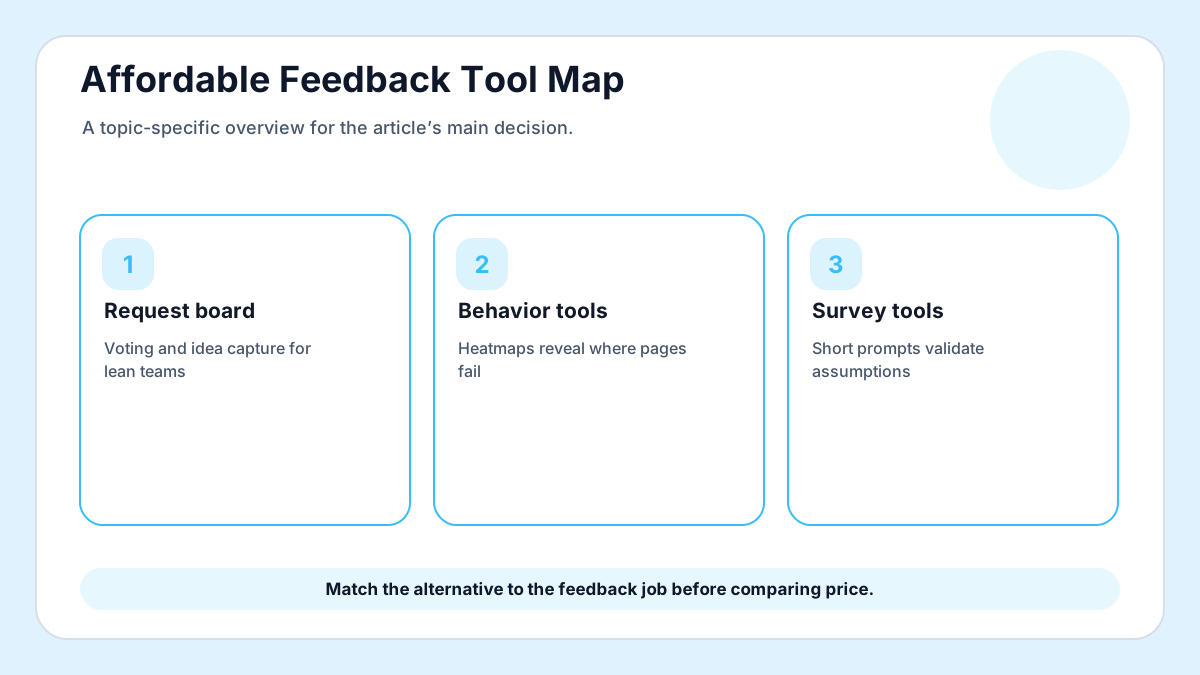
Usabilla is remembered as a user-feedback and experience research tool, but many teams looking for an alternative in 2026 are not trying to recreate an enterprise stack. They want a lower-cost way to ask visitors what is missing, organize product feedback, and avoid a bloated monthly subscription. This list keeps Frill’s alternative-search intent while reframing the decision for small teams that need practical collection rather than software ceremony.
For the request-board use case, FeaturAsk is deliberately affordable: $29.95/year, a 30-day free trial, and no credit card required while you see whether customers will use it.
For adjacent FeaturAsk context, compare the tradeoffs in feedback board software, customer feedback tools, and product feedback tools before choosing a replacement for an older experience platform. For market context, see G2’s customer feedback category and Capterra’s customer feedback software directory.
How to evaluate the options
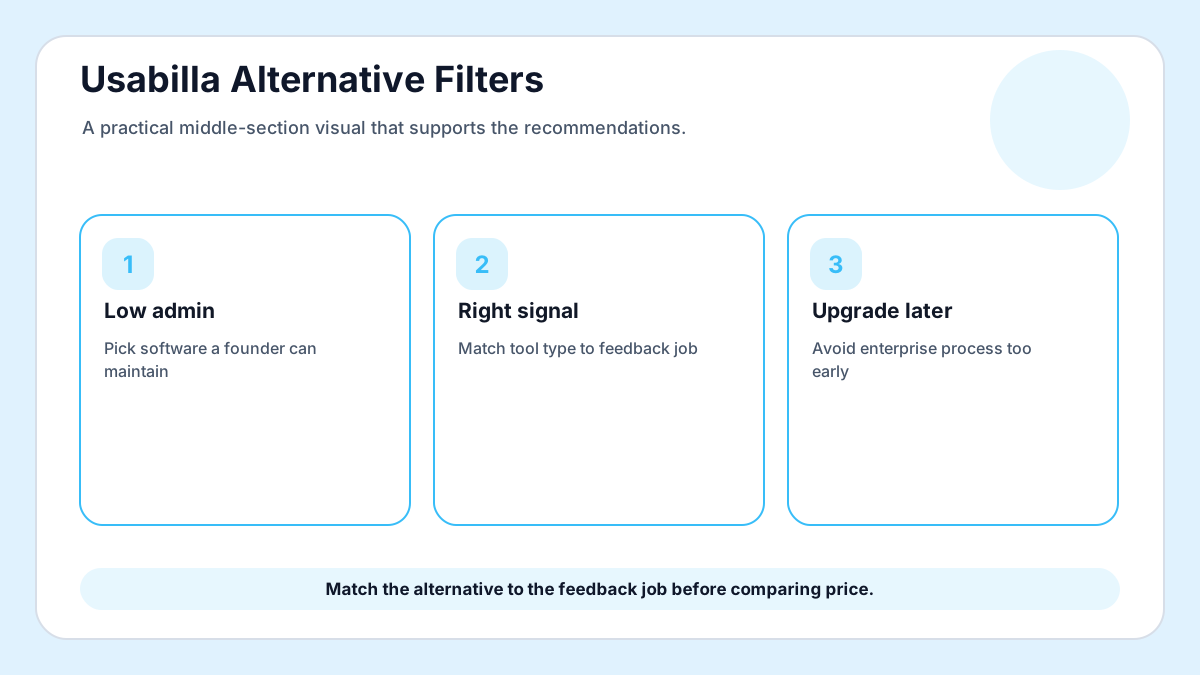
Start with the feedback job, not the brand list. If you need page behavior, choose behavior analytics. If you need bug screenshots, choose visual QA. If you need users to submit and vote on product ideas, choose a request board. The cheapest tool is still expensive when it solves the wrong job.
1. FeaturAsk
FeaturAsk is the simple option for teams that mainly need a public or embedded way to collect feature requests, let visitors vote, and keep the admin side manageable. It is not trying to replace a full research suite; it focuses on the request loop that small SaaS, ecommerce, creator, and service sites actually use every week. Best fit: small teams that want fast setup and annual pricing. Check whether this option shortens the path from customer signal to team decision for this specific use case.
2. Usersnap
Usersnap works well when product feedback is tied to screenshots, QA reports, and browser context. It is stronger for software teams with enough volume to justify deeper issue metadata. Best fit: software teams with visual bug reporting needs. Ask whether the workflow can stay organized when feedback volume doubles and another teammate joins the review.
3. Hotjar
Hotjar is useful when the question is about behavior on a page rather than a named feature request. Heatmaps and recordings help explain where visitors hesitate, although they do not replace a request board. Best fit: conversion teams studying website behavior. Confirm that customers understand what to submit, how the team responds, and where status will appear later.
4. Qualaroo
Qualaroo specializes in targeted surveys and intercept questions. It fits teams that need short research prompts on specific pages and are comfortable analyzing survey responses separately. Best fit: marketers running page-level research. Evaluate the admin view with real examples, because clean sample data often hides daily maintenance work.
5. FeatureOS
FeatureOS is built for product feedback portals and changelogs. It can suit teams that want a broader product communication hub and have the process maturity to maintain it. Best fit: product-led teams with formal feedback ops. Look for export access and clear ownership rules before committing historical feedback to a new system.
6. Productboard
Productboard is powerful for mature product organizations that map insights to roadmap decisions, segmentation, and prioritization frameworks. It may be heavier than a small site needs at the beginning. Best fit: larger SaaS teams with PM workflows. Test the mobile experience and notification flow with a real visitor rather than relying only on screenshots.
7. Mouseflow
Mouseflow focuses on session replay, funnels, and form analytics. It helps diagnose user behavior but still needs another home for feature ideas and visible voting. Best fit: teams diagnosing conversion journeys. Decide whether the tool clarifies priority or merely creates another inbox for unranked comments.
8. Pendo
Pendo combines product analytics, in-app guides, and feedback capabilities. It is often better suited to established SaaS products with instrumentation resources. Best fit: SaaS companies with analytics budgets. Review how duplicates, spam, and partial requests are handled before the public collection point goes live.
9. Savio
Savio is designed to centralize feature requests from sales, support, and customer success channels. It fits B2B teams that already collect feedback through many internal conversations. Best fit: B2B teams mapping requests to revenue. Make sure the reporting view answers the question your next planning meeting will ask.
10. UseResponse
UseResponse covers help desk, knowledge base, and feedback community use cases. It can be useful when support operations and feedback management need one vendor. Best fit: support-heavy organizations. Prefer a tool that makes follow-up easy, because silence after collection weakens trust.
11. Airtable or spreadsheets
A spreadsheet is not a feedback platform, but it can work for a few weeks while a founder validates categories and volume. The problem appears when customers want to vote, subscribe, or see status. Best fit: earliest experiments before public collection. Score setup time honestly and include the weekly effort required to keep the space tidy.
What small teams should do after choosing
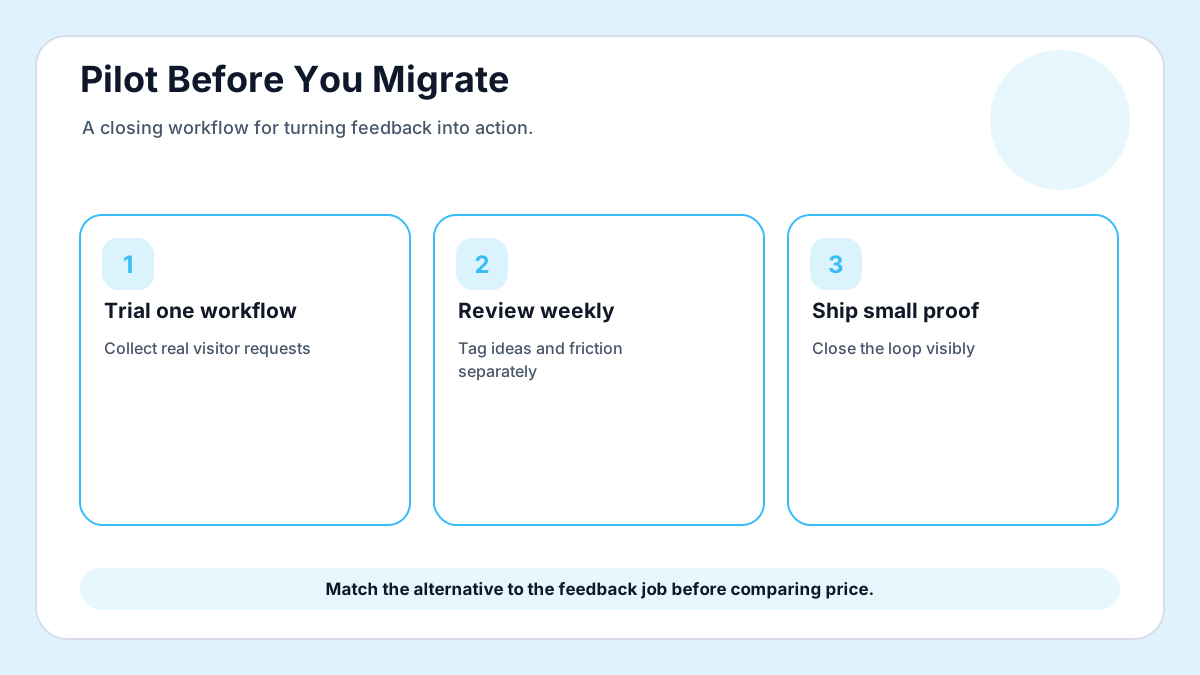
Run a two-week trial with one collection point, one owner, and one decision ritual. Import nothing at first. Let real visitors create the first signals, then decide whether you need advanced routing, screenshots, session replay, or simply a cleaner way to collect and rank ideas.
If the evaluation shows that voting and request management are the core need, FeaturAsk keeps the workflow narrow on purpose instead of charging small teams for enterprise research modules they will not maintain.
Final recommendation
Pick the replacement that matches the feedback job you will maintain for the next six months. A request board is right when customers need to suggest ideas and see momentum; behavior analytics is right when the page journey is unclear; targeted surveys are right when one question needs a quick answer. The affordable choice is the one your team can keep current after the trial ends.
You can start with FeaturAsk when the priority is a fast widget, voting, moderation, analytics, and custom branding without a complicated procurement process.
Budget-fit evaluation plan
A fair Usabilla alternative search starts by removing tools that solve a different problem. Session replay tools explain behavior. Survey tools ask targeted questions. Request boards collect product demand. Support platforms organize conversations after something goes wrong. The best affordable choice is the one that matches the feedback you will actually review every week.
Make a short scorecard before opening demos. Give each option a score for setup time, customer effort, admin effort, reporting clarity, export options, and price predictability. A tool that looks generous on a free plan can become expensive if the useful features sit behind monthly upgrades, extra seats, or traffic limits your site will hit quickly.
Small SaaS teams should test whether the alternative improves roadmap confidence. Ask five real users to submit ideas, vote, or answer the target prompt. If the team still cannot tell which request matters most after the test, the tool may collect feedback but not clarify decisions. That difference matters more than a polished dashboard.
Ecommerce teams should test whether the tool catches buying friction. Put the prompt near product detail pages, size guidance, shipping information, or post-purchase follow-up. The right alternative should make objections easier to categorize, not bury them inside a general survey export.
Service businesses and creators should watch for maintenance burden. A public feedback space can build trust, but only if someone reviews ideas, merges duplicates, and updates status. If a platform requires too many settings, too many automations, or too much internal vocabulary, the system will decay after the first month.
When comparing free options, include the cost of delay. A no-cost tool that keeps feedback private, unranked, or hard to revisit can slow product decisions. A low annual price is often cheaper than another quarter of guessing what visitors wanted but never had an easy place to request.
Migration notes from older experience tools
If your team previously used an enterprise experience platform, do not migrate every historical comment on day one. Bring over only open themes, recent requests, and the labels that still guide decisions. Old feedback without customer context can make a new tool feel cluttered before current visitors have a chance to speak.
Announce the new collection point in plain language. Tell customers what belongs there, what does not, and how often the team reviews submissions. A simple expectation such as “share product ideas and vote on requests we should consider next” creates better participation than a vague “send feedback” button.
After thirty days, compare signal quality rather than volume alone. The best replacement may collect fewer comments but produce clearer decisions, more useful votes, or better follow-up conversations. That is the kind of affordability small teams should care about.
Red flags during demos
Be cautious when a vendor demo spends more time on dashboards than on the customer’s submission experience. The visitor side determines whether feedback arrives at all. If the widget is slow, visually awkward, or difficult to understand on mobile, the reporting layer will not save the project.
Watch for pricing that hides the real operating cost. Seat limits, response caps, branding restrictions, and required annual contracts can make a “free” or “affordable” alternative less friendly than it first appears. Ask what happens when traffic grows, when another teammate needs access, and when you want to export your data.
Ask how duplicates are handled. Small teams do not have time to manually reconcile ten versions of the same request every week. Merging, tagging, moderation, and visible status updates are not decorative features; they are what keep a feedback space useful after the launch announcement fades.
Finally, test whether the product supports your public promise. If you tell customers they can influence the roadmap, the tool should make voting and follow-up obvious. If you only need private research, a public board may be unnecessary and a targeted survey could be the cleaner choice.
A lean shortlist by use case
Choose FeaturAsk when customers need a visible place to suggest and vote on improvements. Choose Hotjar or Mouseflow when the page behavior itself is the mystery. Choose Qualaroo when a short intercept survey will answer a narrow research question. Choose Usersnap when screenshots and technical context matter more than public voting.
Choose Productboard, Pendo, or a similar enterprise product only when the organization can maintain the process behind it. Those platforms can be excellent, but they assume product managers, customer-success inputs, segmentation discipline, and enough roadmap complexity to justify the cost. A founder-run site may get more value from a smaller tool that people actually use.
The practical test is simple. If a customer asks where can I suggest this and see whether others agree, a request board is the natural answer. If the team asks why people are dropping on this page, analytics is the natural answer. If support asks which account requested what, a CRM-connected process may be the natural answer. Affordable software starts with that distinction.
One more practical filter is ownership. Pick the alternative that one person can maintain consistently, because neglected feedback spaces damage customer trust faster than a smaller but actively reviewed collection point.
Review ownership weekly.
A final affordability check is cancellation risk. If the team would stop using the platform as soon as a busy month arrives, the workflow is too heavy for the current stage. Pick the system that survives normal operating pressure, not the one that looks best during a quiet evaluation week.
Document the decision in one paragraph after the trial. Name the feedback job, the owner, the review cadence, and the reason the selected tool beat the alternatives. That note prevents the team from reopening the same comparison every time a new logo appears in search results.
Keep that comparison note beside renewal reminders.