Push Notifications vs In-App Messaging: Which Is Better for Customer Engagement
Compare push notifications and in-app messaging for customer engagement, timing, permission, feedback, and product updates.
The short answer: use push for return moments and in-app for context
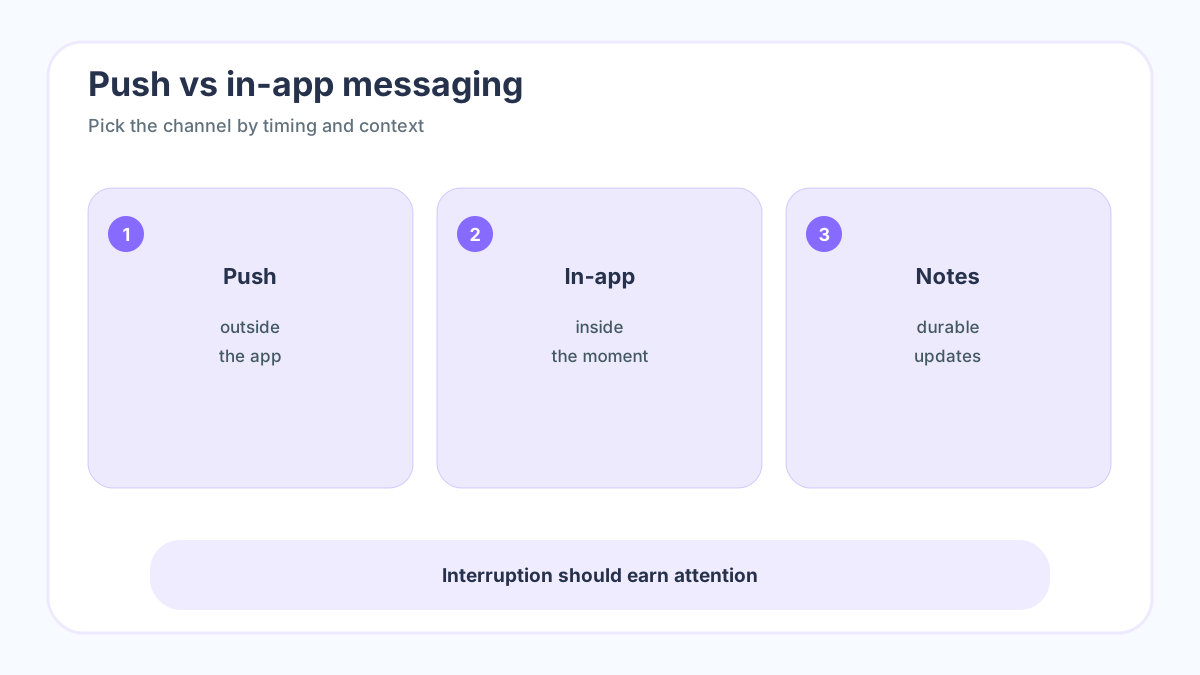
Push notifications reach people outside your product. In-app messages reach people while they are already using it. That single timing difference drives most of the decision. Browser and mobile push depend on permission and platform behavior, as shown in MDN Push API documentation and Firebase Cloud Messaging documentation. In-app messages do not need the same external permission, but they only work when the user is present.
The best engagement systems use both. Push brings a customer back for urgent or personally relevant moments. In-app messaging explains what changed, guides onboarding, asks for feedback, and confirms success while the user has context. If you use one channel for every job, customers either miss important news or feel interrupted.
If you want a lightweight way to collect requests before you publish the next roadmap or update, try FeaturAsk for one month free with no credit card required. It is $29.95/year, so a small team can validate demand without buying an enterprise feedback suite.
When push notifications work best
Use push when delay changes the value of the message: abandoned carts, expiring offers, outages, security alerts, delivery status, event reminders, or a feature that directly matches a user’s saved preference. The message should be short, specific, and worth the interruption.
Push fails when teams treat it as free attention. Generic announcements, repeated sales nudges, and vague “come back” messages increase opt-outs. A better rule is to ask whether the user would thank you for interrupting them. If the answer is no, use email, an in-app announcement, or a release note instead.
When in-app messaging is stronger
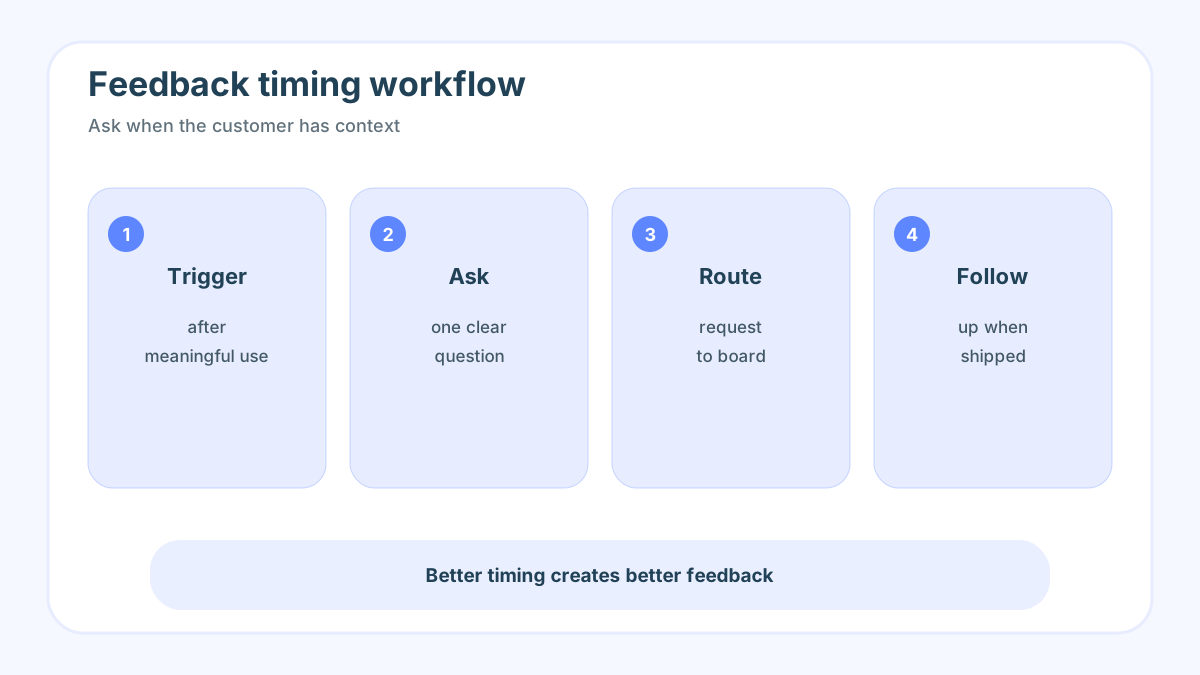
In-app messages are strongest for onboarding, feature education, upgrade prompts tied to actual behavior, contextual tips, and quick feedback requests. The user is already inside the product, so the message can point to a button, workflow, or request board without asking them to switch context.
This is also where product feedback belongs. After someone uses a new feature, a short prompt can ask whether it solved the job. After a user votes on a request, an in-app confirmation can explain what happens next. For deeper systems, connect messages to product feedback tools, feedback portal guide, and feedback board software.
A decision framework for customer engagement
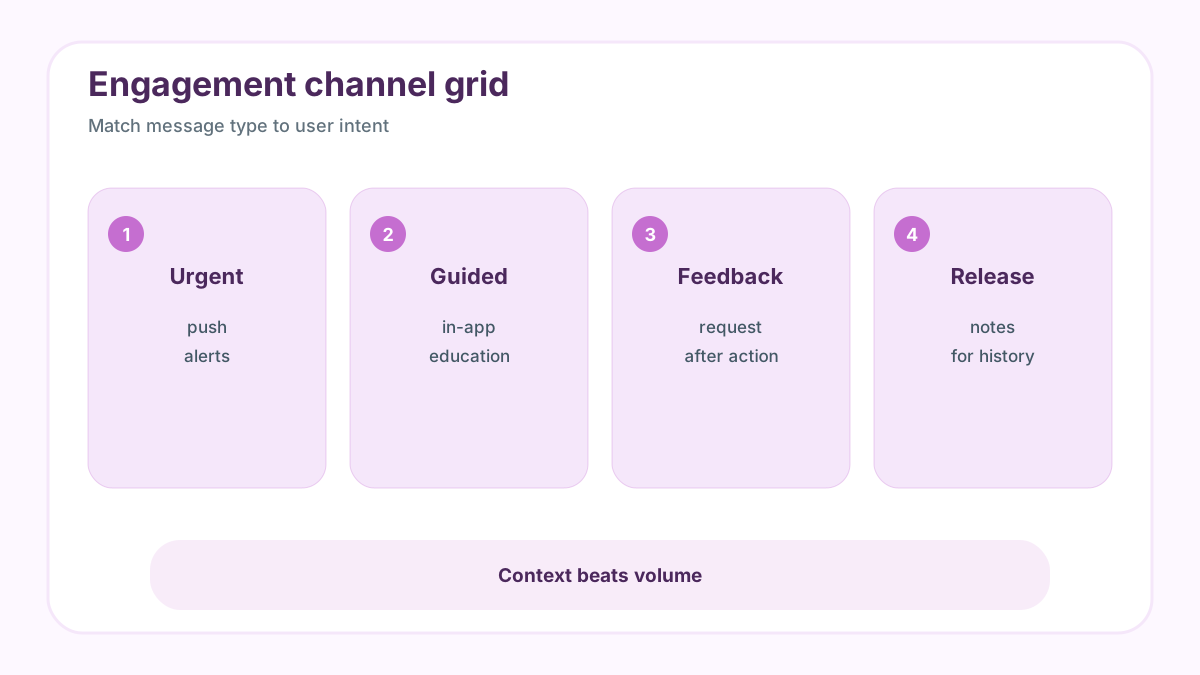
Choose push if the message is urgent, time-sensitive, personal, and useful outside the product. Choose in-app if the message depends on screen context, education, or feedback. Choose release notes if the update matters but does not require immediate action. Choose a public request board when the goal is two-way prioritization rather than one-way messaging.
Measure different success metrics. Push should be evaluated by opt-in rate, delivery, open rate, conversion, and opt-out. In-app messaging should be evaluated by completion, feature adoption, dismiss rate, and feedback quality. A channel can create clicks while harming trust, so review negative signals too.
For teams that only need a clean widget, voting, moderation, and a practical dashboard, FeaturAsk keeps the feedback loop simple with one month free, no credit card required, and pricing at $29.95/year.
Examples and best practices
For push: “Your export is ready” beats “Check out what’s new.” “Seats are almost full for tomorrow’s webinar” beats “Limited offer.” For in-app: a small banner beside the new dashboard is better than a modal that blocks work. A feedback prompt after a meaningful action is better than asking on the first page load.
Keep frequency caps, segment messages, and give users control. If your product also collects requests, route qualitative responses into a central place instead of leaving them in a messaging tool. FeaturAsk is useful here because the same request can gather votes and comments over time instead of disappearing after one campaign.
When you are ready to turn scattered comments into prioritized requests, start with FeaturAsk: one month free, no credit card required, then $29.95/year for a focused request board.
Permission, attention, and trust
Push notifications have a permission cost. On mobile and in browsers, customers have to opt in, and they can revoke that access quickly when messages feel noisy. That makes push a high-trust channel. Every weak push notification spends some of the trust required for the next useful one. If the channel becomes a broadcast tool for generic marketing, opt-outs rise and urgent messages lose reach.
In-app messaging has a different cost: it can interrupt active work. A modal that appears while a customer is trying to complete a task may technically get attention, but it can damage the experience. The best in-app messages are placed near the moment they help. A tooltip beside a new control, a small banner in a dashboard, or a prompt after a completed workflow feels more respectful than a full-screen interruption.
The practical rule is to protect both channels. Push should be rare, timely, and personal. In-app should be contextual, dismissible, and connected to the user’s current goal. If a message does not meet either bar, it probably belongs in release notes, email, a help center article, or a feedback board update.
Segmentation makes both channels better
Segmentation is not just a growth tactic. It is a courtesy. New users need onboarding tips. Power users need advanced workflow news. Admins need billing, security, and team-management updates. Trial users may need activation guidance. Customers who voted for a specific request need a shipped update. Sending the same message to everyone wastes attention.
A small team can start with simple segments: role, lifecycle stage, recent behavior, plan, and expressed interest. Expressed interest is especially valuable because it comes from customers themselves. If someone voted for a feature request, commented on a roadmap item, or submitted a related idea, they are a stronger candidate for an update than a user who never touched that area of the product.
Measuring engagement without fooling yourself
Open rate is not enough for push, and click rate is not enough for in-app. Measure whether the message helped the customer complete a useful action. For push, review opt-in rate, delivery, opens, conversions, and opt-outs. For in-app, review view rate, dismissal, completion, adoption, and follow-up questions. If a message drives clicks but increases support complaints, it is not successful.
Also measure feedback quality. Did the announcement generate useful replies, new requests, or clearer objections? Did customers who received the message actually use the feature? Did the message reduce confusion? These questions turn engagement from a vanity metric into product learning.
A channel playbook for product updates
For small product teams, a reliable update flow looks like this. Use push only when the message is urgent or personally time-sensitive. Use in-app messaging when the customer is in the product and can act immediately. Use release notes for durable history. Use a feedback board when you want customers to vote, comment, and help decide what comes next.
The channels should reinforce each other. A release note can link to the request that inspired the change. An in-app message can ask whether the new workflow solved the original problem. A push notification can alert only the customers who explicitly asked for the update. That is how communication becomes a loop instead of a series of interruptions.
Channel-specific implementation checklist
-
Audit the job of every message. Label each message as urgent, contextual, educational, transactional, promotional, or feedback-seeking. Push should mainly handle urgent or time-sensitive jobs. In-app should handle contextual education, feature discovery, and feedback while the user is already working.
-
Set opt-in and dismissal rules. Ask for push permission after the user has experienced value, not on the first visit. Make in-app messages easy to dismiss and avoid showing the same prompt repeatedly after a user says no.
-
Segment by behavior and interest. A customer who voted for a request should receive a different update than a new user who has not activated. Admins, end users, trial accounts, and power users each need different message timing.
-
Write short examples before configuring tools. A push example might be “Your requested export is ready.” An in-app example might be “Saved filters are now available on this dashboard.” If the team cannot write a specific sentence, the message is probably not ready.
-
Route replies and requests into a system. Feedback from a campaign should not disappear inside the messaging tool. Move requests into a board where users can vote, comment, and see progress.
Where FeaturAsk fits
FeaturAsk is not a push or in-app messaging platform. It is the request and prioritization layer that helps those messages stay relevant. When users submit and vote on requests, the team learns who cares about what. That signal can inform which users receive an announcement, which release note needs more detail, and which new request should enter discovery next. For small teams, that context is often more valuable than another broadcast channel.
Messaging-specific FAQ
Should a new feature be announced by push or in-app?
Use in-app if the user can try the feature immediately. Use push only when the feature solves a time-sensitive need or the user explicitly asked to hear when it shipped. For most product updates, release notes plus targeted in-app messaging are safer than a broad push.
How often is too often?
If users see more messages than meaningful product value, it is too often. Start with strict frequency caps, review opt-outs and dismissals, and reduce volume before trust erodes. A smaller number of relevant messages will outperform a large number of generic announcements.
What should happen after someone responds?
Send the response to a visible feedback process. If the response is a feature request, merge it with similar requests and let other users vote. If it is confusion, improve onboarding or docs. If it is praise, note what value the customer recognized so future messaging can use clearer language.
Sample copy patterns
Good push copy is short and specific: “Your invoice export is ready,” “The beta you joined opens today,” or “A requested outage update is available.” It names the trigger and the value. Weak push copy says “We have updates” or “Come back now” without a reason.
Good in-app copy uses context: “You can now save this filtered view,” “Three customers requested this workflow; vote if it matters to you,” or “This release changes how admins invite teammates.” It should sit near the feature or decision point. If the message needs a long explanation, turn it into a release note or help article and link from the in-app prompt.
When neither channel is the right choice
Sometimes the best message is not a notification. A large product change may need a release note, email, documentation, and in-app guidance. A speculative feature idea may need a feedback board, not an announcement. A pricing or policy change may need direct account communication. Choosing not to send a push or modal can be the most customer-friendly decision.
Final channel rule
Use the channel that matches the customer’s moment. Outside the product, interrupt only for information that is personal, timely, and useful. Inside the product, guide the customer only when the message helps the task at hand. For everything else, use release notes, documentation, or a feedback board so customers can engage on their own schedule.
A useful rule for reviews: every message should have one audience, one trigger, one promise, and one next step. If any part is vague, rewrite or choose a quieter channel.
For messaging work, the durable habit is restraint. Protect push for urgent value, keep in-app prompts close to the user’s task, and move feature requests into a board where interest can accumulate without interrupting every customer.